From your book to a clear summary
1. Upload your bookAdd a readable book file or excerpt.
2. Choose your outputSelect book or chapter summaries, short or long.
3. Read or downloadCopy your result or save it as TXT, PDF or DOCX.
Summarize the book you supply
Upload a readable EPUB, MOBI, PDF, DOCX, RTF or TXT file. The summary covers the supplied text, so a chapter excerpt produces an excerpt summary rather than an account of a book the system has not read. Scanned pages and DRM-protected files are not supported.
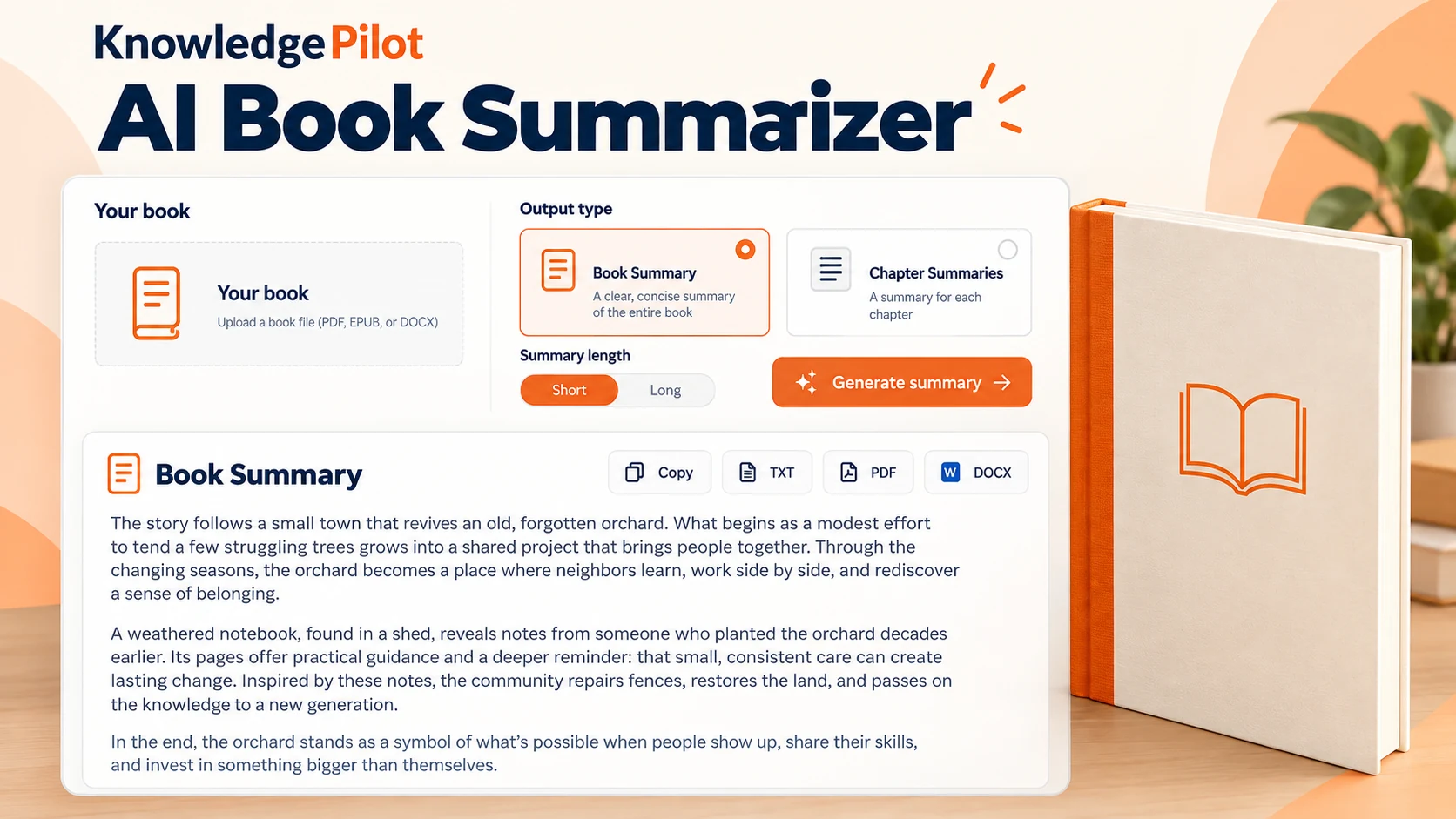
Choose a book summary or chapter summaries
Book Summary connects the main plot or argument across the supplied text. Chapter Summaries uses the contents and body to identify chapters or major titled divisions, then summarizes them in source order. Choose Short Summary + Chapters for a short opening summary followed by the chapter summaries. If the source structure is unclear, review the result against the original headings.
Choose a short or long summary
Short focuses on the central ideas, plot or argument. Long develops those ideas with more context and detail. Both follow the text you supply, and chapter summaries keep its detected chapter order.
Read, copy or download your result
Read a clean summary on this page, copy it, or download TXT, PDF or DOCX. Your completed result is also saved to your KnowledgePilot account so you can return to it later.
An AI book summary generator for your own files
Use this book summary generator to work through a readable book you upload. The book summarizer AI follows the supplied text, whether you need a short overview of its main ideas or a longer explanation of the plot, argument and supporting detail. Book summarizing AI can leave out context, so review the result before relying on it.
Book chapter summarizer and chapter-by-chapter summaries
Choose Chapter Summaries when you want book chapter summaries in the order they appear in your file. The book chapter summarizer uses detected chapter headings rather than treating arbitrary processing chunks as chapters. If it cannot identify the headings reliably, it explains that limitation.
Summarize books online without a separate app
If you are looking for an app that summarizes books, this book summary website works in your browser. Upload your file, choose the output and read the result here. There is no separate mobile app to install. Your account keeps your saved summaries available through My book summaries.
Can AI summarize a book from its title?
This tool needs the readable book file or excerpt, not just a title. To summarize this book, upload the text you want covered. An ebook summary follows the material in that file; it does not retrieve a published book from an online catalogue or supply missing chapters.
How to summarize a book
Start by identifying the book’s central argument or main storyline, then explain how its most important ideas or events lead to the conclusion. Keep the author’s meaning, write in your own words and leave out minor examples that do not help explain the whole book. For fiction, include the main characters, conflict and outcome supported by the text; for nonfiction, connect the main claim with its strongest supporting ideas.
How do you summarize a book with KnowledgePilot? Upload the readable file, choose Book Summary and select Short or Long. Prepare the book, review the credit estimate and confirm generation after the security check. Read the result alongside the source to check names, events and conclusions, then copy it or download TXT, PDF or DOCX. If you upload an excerpt, the summary covers that excerpt.
How to write a chapter summary
To understand how to summarize a chapter, first identify what changes or develops within it. Note the main idea, the details needed to explain it and the chapter’s conclusion, then connect those points in your own words. When deciding how to make a summary of a chapter, keep the details that explain its purpose and remove repeated examples or background already established elsewhere.
Learning how to summarize a book chapter also means keeping its scope clear. A chapter summary should describe that chapter’s argument or events without borrowing conclusions from later chapters. For example, if a chapter introduces a problem and compares two approaches, explain the problem, the difference between the approaches and any conclusion the author reaches there.
If you want to see how to write a summary of a book chapter using this tool, upload the book or chapter excerpt and choose Chapter Summaries. Select Short for concise chapter summaries or Long for more detail, then prepare the file and review the estimate before generating. Check each heading and summary against the source. Choose Short Summary + Chapters when you also want a short overview of the whole supplied text; its Short or Long setting controls the chapter detail while the opening summary stays short.
A book summary app or a library of book summaries?
Some book summary sites publish ready-made accounts of particular titles. KnowledgePilot creates summaries from the books you provide. If you are comparing websites that summarize books, check whether you need an existing title catalogue or a tool to summarize your own uploaded text. This page provides the latter.
Does book summarization use credits?
Personal generation requires sign-in. Prepare your source and review the current credit estimate before confirming the selected output. Downloading a completed result does not request another summary.