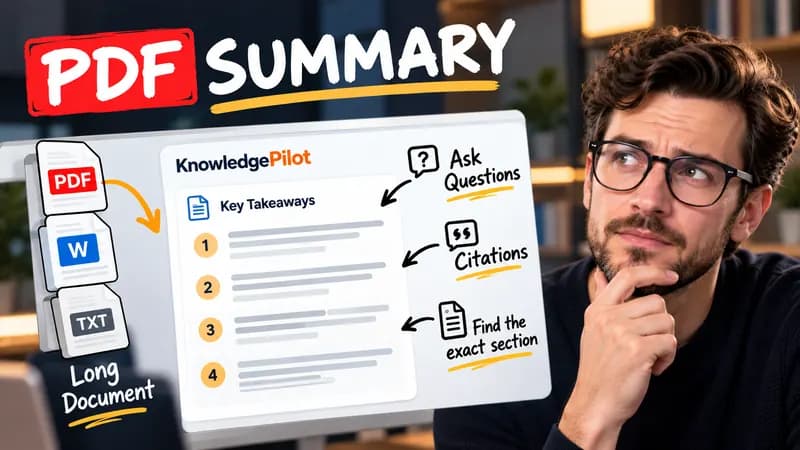
Summary
Summarize Long PDFs
Turn long reports, papers and technical documents into clear key takeaways without reading every page.
Summarize a PDFKnowledgePilot free tools
Use KnowledgePilot’s free online tools to check webpage SEO metadata, compare two texts, find differences between PDF files and search multiple keywords in a PDF. Our text diff checker highlights additions and deletions, while the PDF keyword finder helps you jump to matching passages. Check Twitter/X post length against a 280-character planning limit and YouTube titles against the 100-character limit.
6 tools available

Check a webpage’s metadata, search preview and social sharing tags.
Open tool
Compare two texts and review additions, deletions and wording changes.
Open tool
Count draft characters against X’s 280-character planning limit.
Open tool
Check your YouTube title length before you publish.
Open tool
Search several PDF keywords and jump to matching passages.
Open tool
Find changed wording between two PDFs, page by page.
Open toolLocate relevant passages with PDF keyword search, review changes between document versions with the PDF difference checker, or turn a document into structured notes with the AI PDF summarizer. Read the AI document summarization and PDF search guide to choose a workflow.
Use the AI book summarizer for a short book summary, chapter summaries or both. If you need a video’s spoken words, the YouTube transcript extractor provides readable text and available subtitle downloads. These tools use KnowledgePilot credits; review the estimate before confirming.
Turn a readable PDF, class notes or a chapter excerpt into explanations and review questions with the AI study guide maker. Choose Study Guide, Study Notes, Q&A or Flashcards, then review the combined credit estimate before generating.
KnowledgePilot
Finding information is only the first step. KnowledgePilot helps you understand documents, ask questions, and verify every answer against the original source.
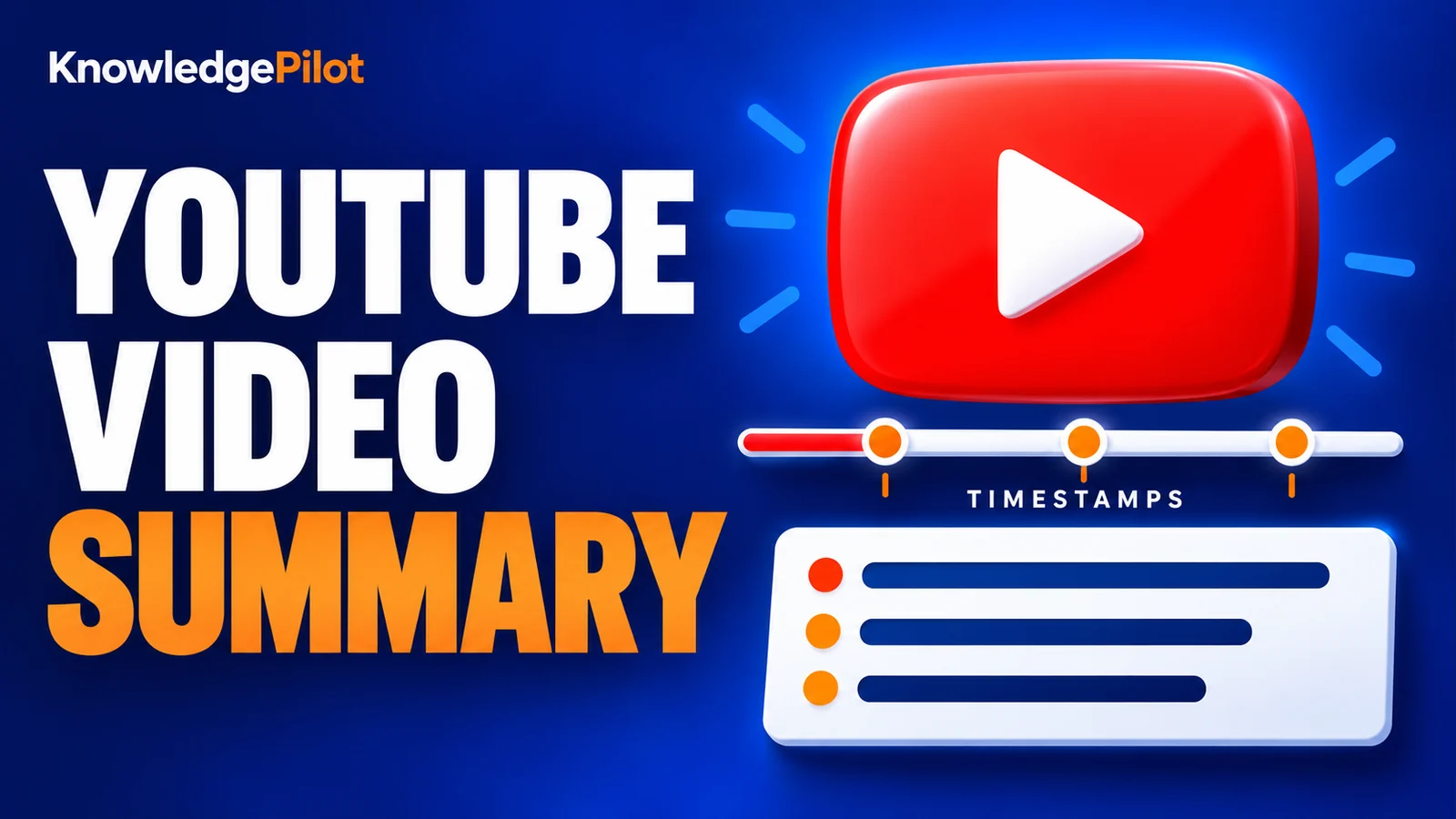
Try an AI video summarizer that gives you a YouTube summary with clickable YouTube timestamps, so you can check every point against the original video.
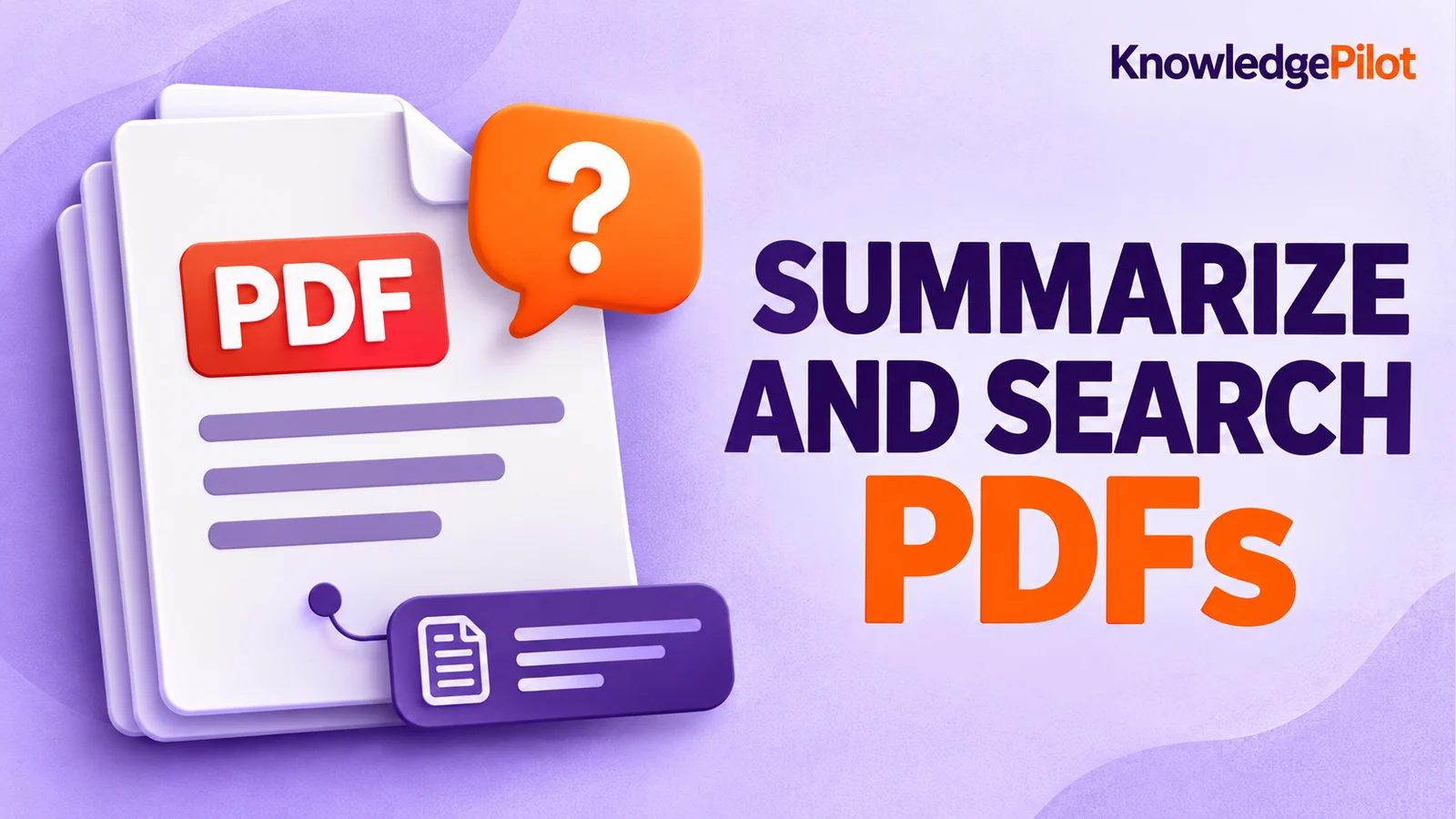
Use an AI document summarizer to summarize PDFs, search documents, ask questions and find key information without reading every page.
Turn long reports, papers and technical documents into clear key takeaways without reading every page.
Summarize a PDF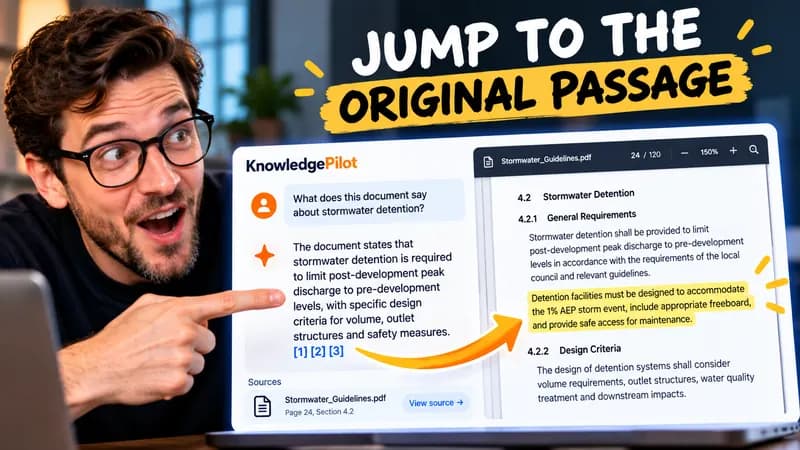
Follow citations back to the relevant section and see the supporting text in context.
Explore document analysis40 free credits · No credit card required