KnowledgePilot summarises YouTube videos and documents, answers questions about them and lets you check supported answers against the source. Start with an overview, then open a reference when you need to hear the explanation or read the passage yourself. You save an hour-long interview for one explanation, then never get around to watching it. Or you open a PDF looking for a figure and spend the next few minutes scrolling.
A summary gives you somewhere to start. When you find a claim you want to use, you still need to know where it came from. In KnowledgePilot, you can follow that question back to the video or document through the references available in supported outputs.
What can you do with KnowledgePilot?
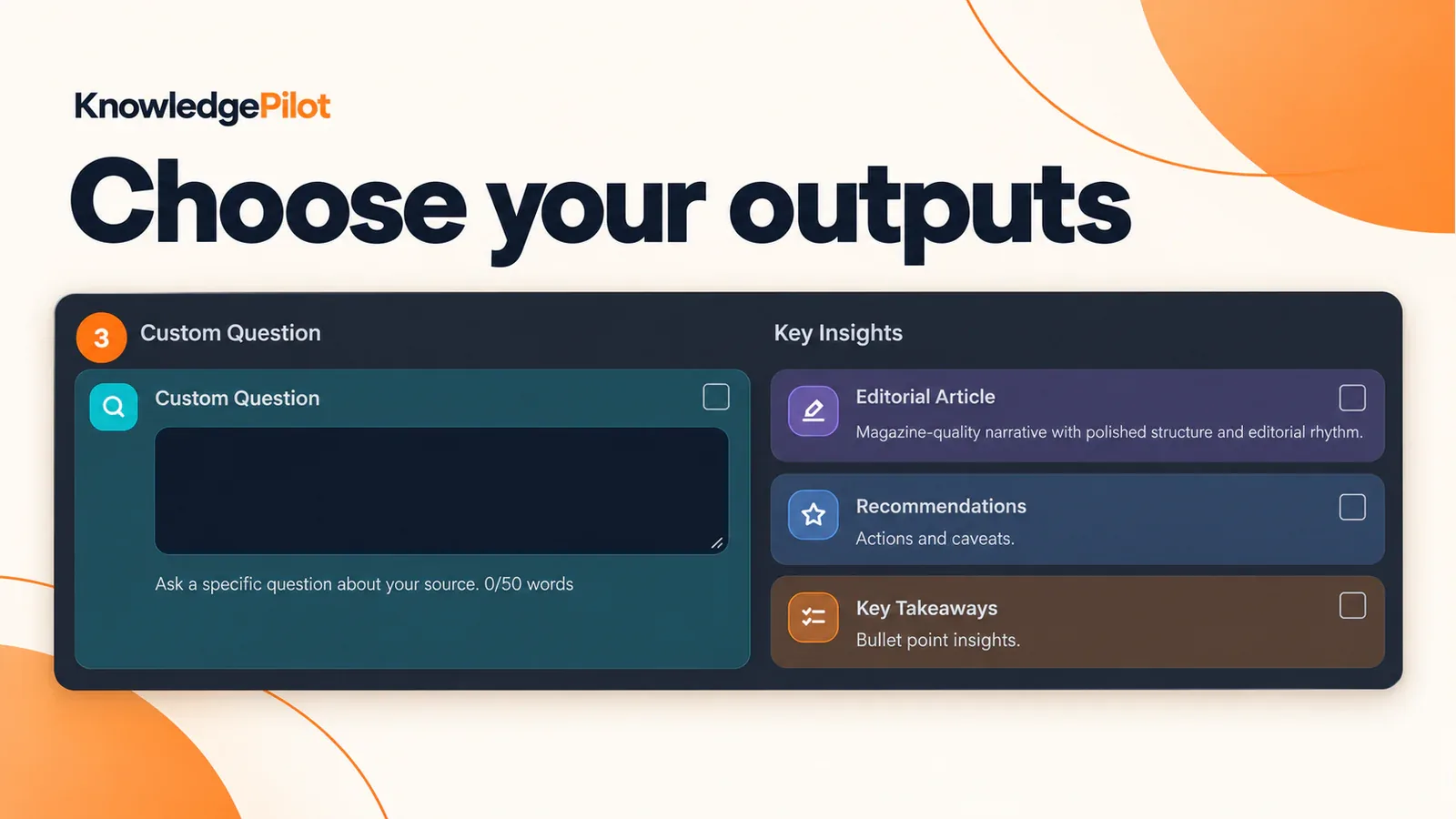
Paste a YouTube link or upload a supported document. Choose your outputs and start generation. The completed analysis stays in your Library, where you can return to it later. Use Short Summary for a quick overview or Key Takeaways for the main ideas. Enter a particular question in Customized Question. For revision, you can select Study Notes or Flashcards. An overview may be enough to decide whether to watch.
If you plan to use a claim in your writing, choose an output with citations and open the supporting reference.
A YouTube summary tool that keeps the video within reach
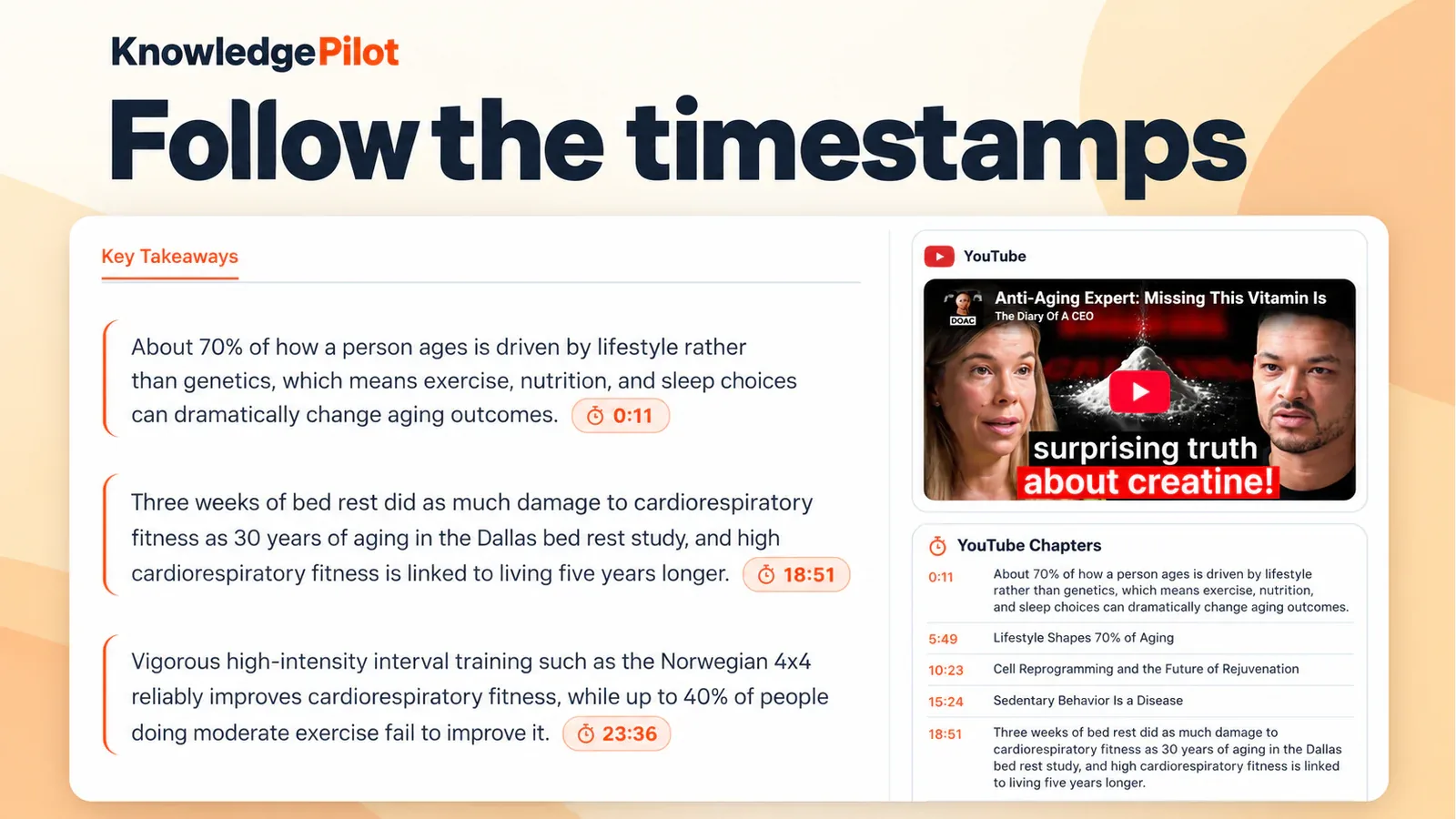
KnowledgePilot's YouTube summarizer helps you work through lectures, interviews, podcasts and other supported YouTube material. Read the overview to find the parts you need, then use timestamp references in supported outputs to return to those moments. For an interview about a new technology, you might ask what limitations the speaker mentions. Generate Key Takeaways or a focused answer, then follow the available timestamps to hear the explanation in context. Listen beyond the quoted sentence.
The speaker may add a condition or exception in the next breath. For a worked walkthrough, see our guide to getting a YouTube summary with KnowledgePilot.
A document summarizer for questions that need context
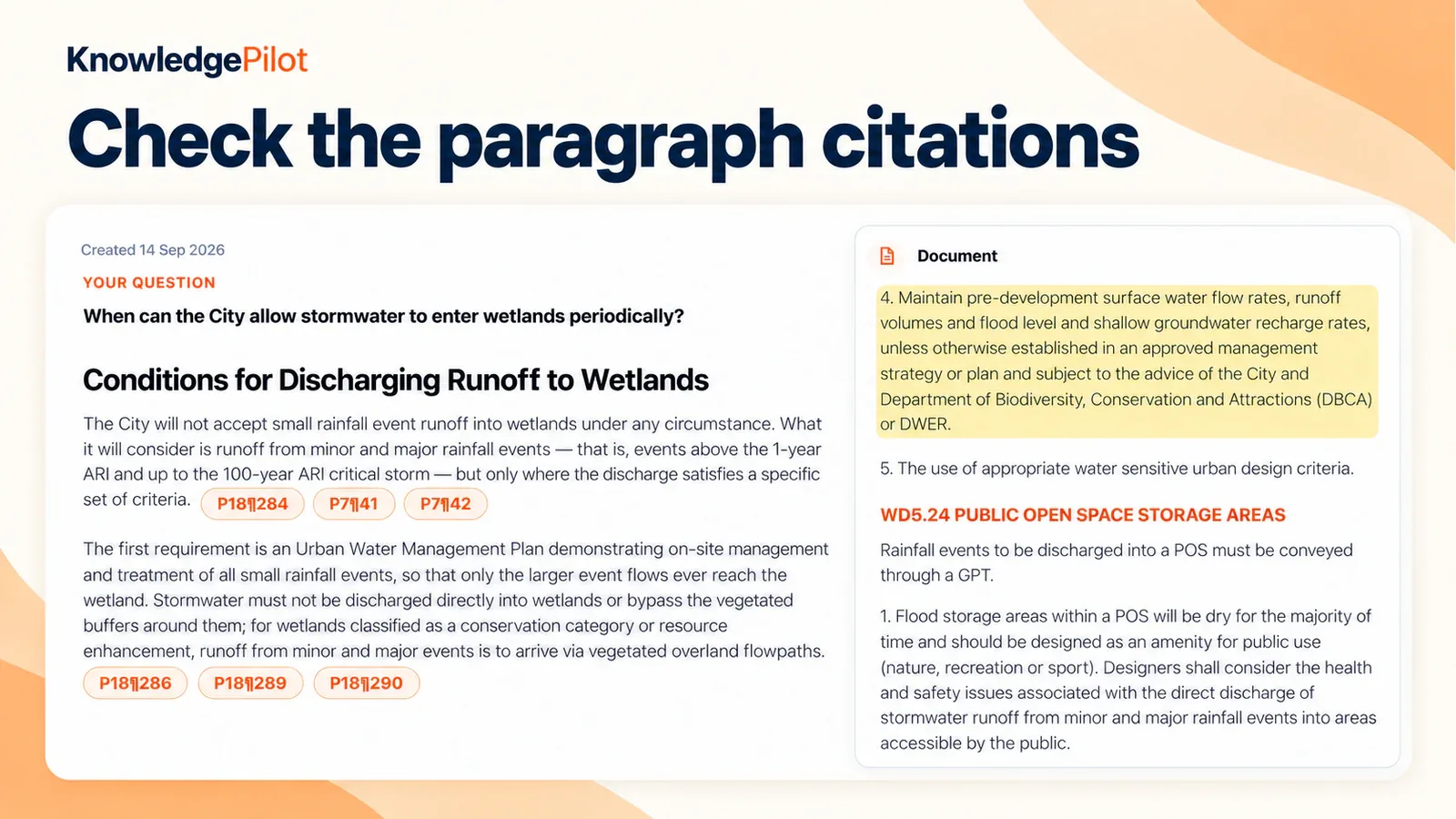
The KnowledgePilot document summarizer supports documents such as PDFs and DOCX files. Use it for an overview or ask about a particular part of the text, then check the supporting passage. For a report, your question might be: “What explanation does this document give for the change in these figures?” For a research paper, you might ask: “Which limitations do the authors identify?” Document references lead to retained paragraphs or passages.
Read those passages before reusing a number or conclusion, especially when it depends on a definition, date or condition elsewhere in the document. PDFs need extractable text for this workflow.
Bring a question of your own
A report may cover ten subjects when you only need one explanation. Use Customized Question to name the argument, figure or passage you want to understand. A useful starting prompt is: What does this source say about [topic]? Explain the reasoning, include its important caveats and identify the supporting references where available. Say when the source does not answer the question. Try this prompt with your own topic.
After generation, open the references and check for missing qualifications.
Does every KnowledgePilot summary include citations?
No. Short Summary is citation-free. When you need source checks, select a citation-bearing output, such as Key Takeaways or a supported focused answer. Read the supporting material yourself before relying on the answer.
How do you get started?
1. Add a YouTube link or upload a supported document. 2. Select the outputs you want or enter a Customized Question. 3. Review the displayed estimate and start generation. 4. Read the completed analysis and open relevant references. 5. Return to the saved analysis in your Library when you need it again. Start with KnowledgePilot and a source you already want to understand.
Choose an output, generate the analysis and open a reference behind a point you want to use.