Consider KnowledgePilot as a Decopy AI alternative if you want to save video analyses and return with more questions. You can select outputs for each source, then group completed video and document analyses in a Knowledge Hub. A recap may be enough today. But if you expect to come back to the video while writing a report or studying a topic, check how you will find the saved work and continue from it.
KnowledgePilot is our product. We reviewed the documented features on 17 October 2026. We have not tested the tools head to head or measured which produces more accurate answers.
What does Decopy AI's YouTube summarizer offer?
Decopy AI's YouTube video summarizer advertises transcripts, bullet points, mind maps, FAQs and timestamped summaries. The page also describes custom prompts, copy or download options and a free, no-login starting workflow. Decopy already advertises timestamps and custom prompts. Its site also lists document tools. Include those options when checking what you need; these capabilities are not exclusive to KnowledgePilot.
Why consider KnowledgePilot for a longer research task?
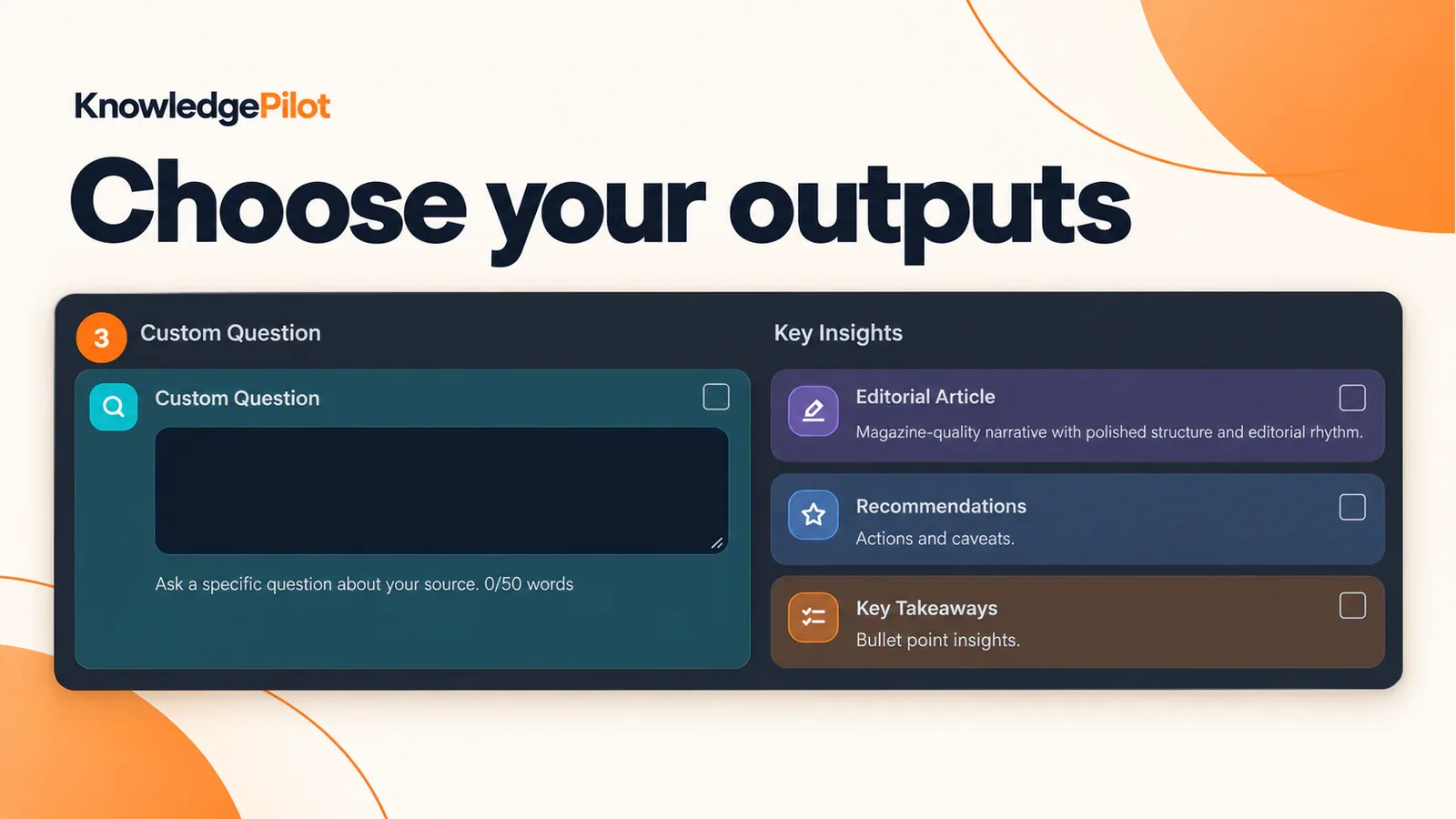
KnowledgePilot saves completed analyses in your Library. Choose the outputs you need before generation, then return to the work when you need it again. Use Key Takeaways for the main ideas or Customized Question for a particular argument or figure. For revision, select Study Notes or Flashcards. For a question involving several sources, group the completed analyses in a Knowledge Hub.
Ask how an interview relates to a report, then check which source supports each part of the answer.
KnowledgePilot vs Decopy AI: match the tool to your task
What you need next, What to check A quick overview, Whether the summary captures the subject and significant caveats An explanation of one claim, Whether a focused question produces a relevant, supported answer Evidence for a numerical statement, Whether references preserve the figure, units and conditions Continued research, Whether you can return to the sources and ask another question Video-and-document comparison, Whether the answer attributes claims to the correct source
Try the checks that matter to your work. If you only need a recap and your current tool handles it well, you may not need another app.
Try a focused video question
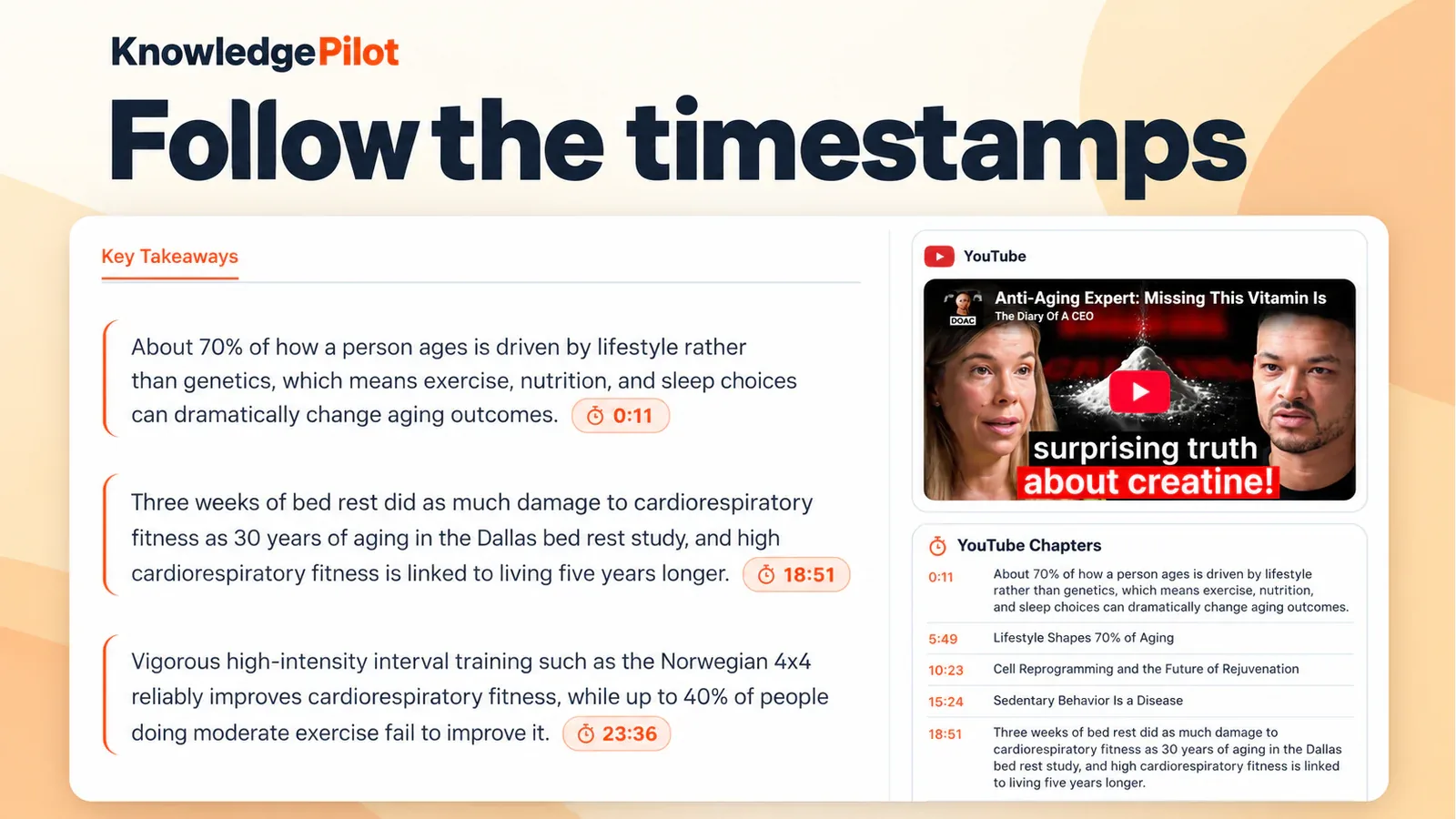
In KnowledgePilot, paste a supported YouTube link, select Customized Question and enter a request such as: Explain the speaker's reasoning about [claim]. Identify the supporting examples, retain important conditions and distinguish the speaker's interpretation from evidence described in the video. Include references where available. This is a suggested prompt. Review the estimate, start generation and inspect the completed answer. Follow important timestamps and listen to the surrounding explanation. Short Summary is citation-free.
For a task that requires source checks, use a citation-bearing output. Open the reference and check that the source supports the answer.
Add a document when the question requires one
A video may discuss a report without explaining its definitions or methods in detail. If you have that report in a supported format, analyse it separately and group the completed sources in a Knowledge Hub. Ask which video claims the document supports. Check dates and conditions before drawing a conclusion. If the report does not address a claim, you will need another source to assess it.
The KnowledgePilot document summarizer supports files such as PDF and DOCX. PDFs need extractable text. This workflow does not accept arbitrary webpage URLs or standalone audio and video uploads.
Frequently asked questions
Is KnowledgePilot a free, no-login Decopy AI replacement? KnowledgePilot generation requires an account and available credits. Review its current offer and generation estimate before starting. Check those terms separately from Decopy's free, no-login offer. Does KnowledgePilot include video timestamps? Yes. Supported citation-bearing video outputs include timestamp references. The separate Short Summary does not carry citations, and transcript availability can affect processing. How should I compare the two summarizers?
Use the same familiar video and, where supported, the same focused request. Check the argument, one important detail and one qualification against the recording. Note any tasks the tool cannot do, and check the wording against the source rather than judging by how fluent it sounds.
Start with one video worth investigating
Try the KnowledgePilot YouTube summarizer on a supported source you already want to understand. For a review checklist, read our guide to checking AI YouTube summary accuracy. Generate an output for the question you have, then open the source behind a point you want to use.