KnowledgePilot is a NotebookLM alternative to consider if you want to turn YouTube videos and documents into selected analysis outputs, then ask further questions across related sources. You can generate focused answers, study material or structured briefs and inspect available references to the supporting video moments or document passages. The useful question is whether that workflow fits your research.
A different product name does not solve an unclear task, and switching tools is worthwhile only when it improves something you need to do.
What should you retain from your current notebook workflow?
Google's source documentation describes a broader input range, including Google Workspace files, web URLs, audio, documents and public captioned YouTube videos. For YouTube, the imported source is the text transcript. Google's current documentation uses the name Gemini Notebook; this guide retains NotebookLM for readers searching for the familiar name. If those additional inputs are essential, include them in your requirements.
KnowledgePilot accepts YouTube links and supported uploaded documents; it does not offer direct Google Workspace sync, arbitrary webpage intake or standalone recording uploads.
Start with the output your research needs
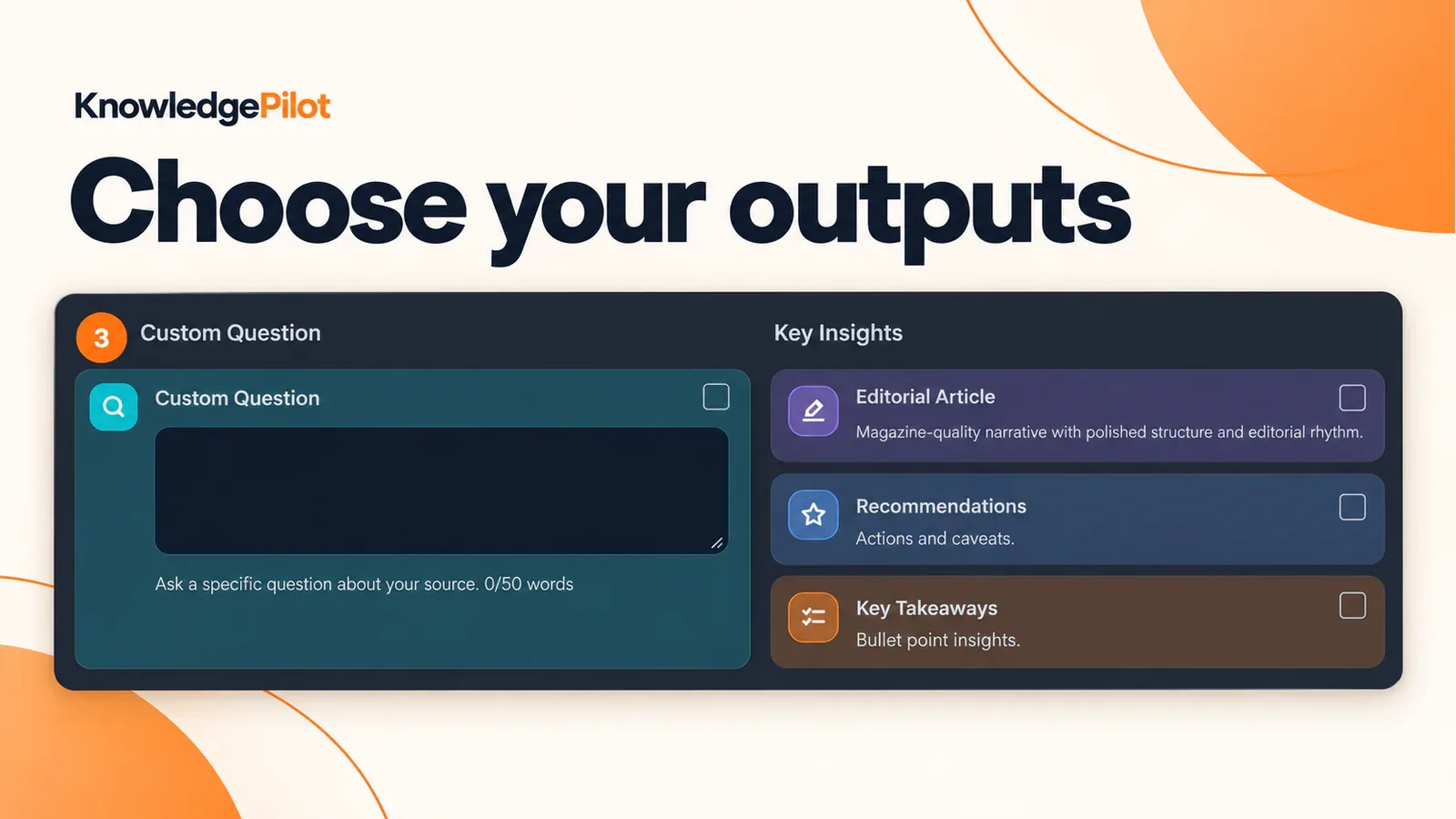
Imagine your task is to prepare a brief from a recorded interview and its accompanying report. You need the main argument, the evidence behind it and the limitations the sources acknowledge. In KnowledgePilot, add the supported YouTube link and upload the document. Choose the outputs you need and start generation after reviewing the estimate. You can begin with an overview, then use Customized Question to investigate a claim that matters to the brief.
This lets you define the work before reading a general answer. You might need a risk review, a set of study notes or a focused explanation. Those tasks require different levels of detail, even when they use the same source.
Use Knowledge Hub for questions across sources
Group completed video and document analyses in a Knowledge Hub when your question depends on their relationship. Ask how their explanations align, where they differ and which source supports each part of the answer. A useful starting question is: Compare how the interview and report explain [topic]. Keep their claims attributed separately, preserve differences in dates or definitions and identify what the sources leave unanswered. This is an example instruction.
It does not imply a comparison has already been generated or verified. The Hub works across the supplied material; missing evidence still needs to be identified and acquired separately.
KnowledgePilot vs NotebookLM: what should you compare?
Requirement, A practical acceptance check Your source formats, Import the actual files and links your work requires A useful analysis structure, Generate the type of brief or notes you intend to reuse Focused questions, Ask about one argument rather than the entire topic Source traceability, Open references and inspect the supporting wording Cross-source attribution, Confirm that the answer keeps different sources distinct Reuse, Return to the retained work and continue with another question
Apply the same checks to both products wherever the task is supported. Record unsupported requirements separately from answer quality. A product can be unsuitable for a particular input without being a worse summarizer.
Review citations alongside the answer
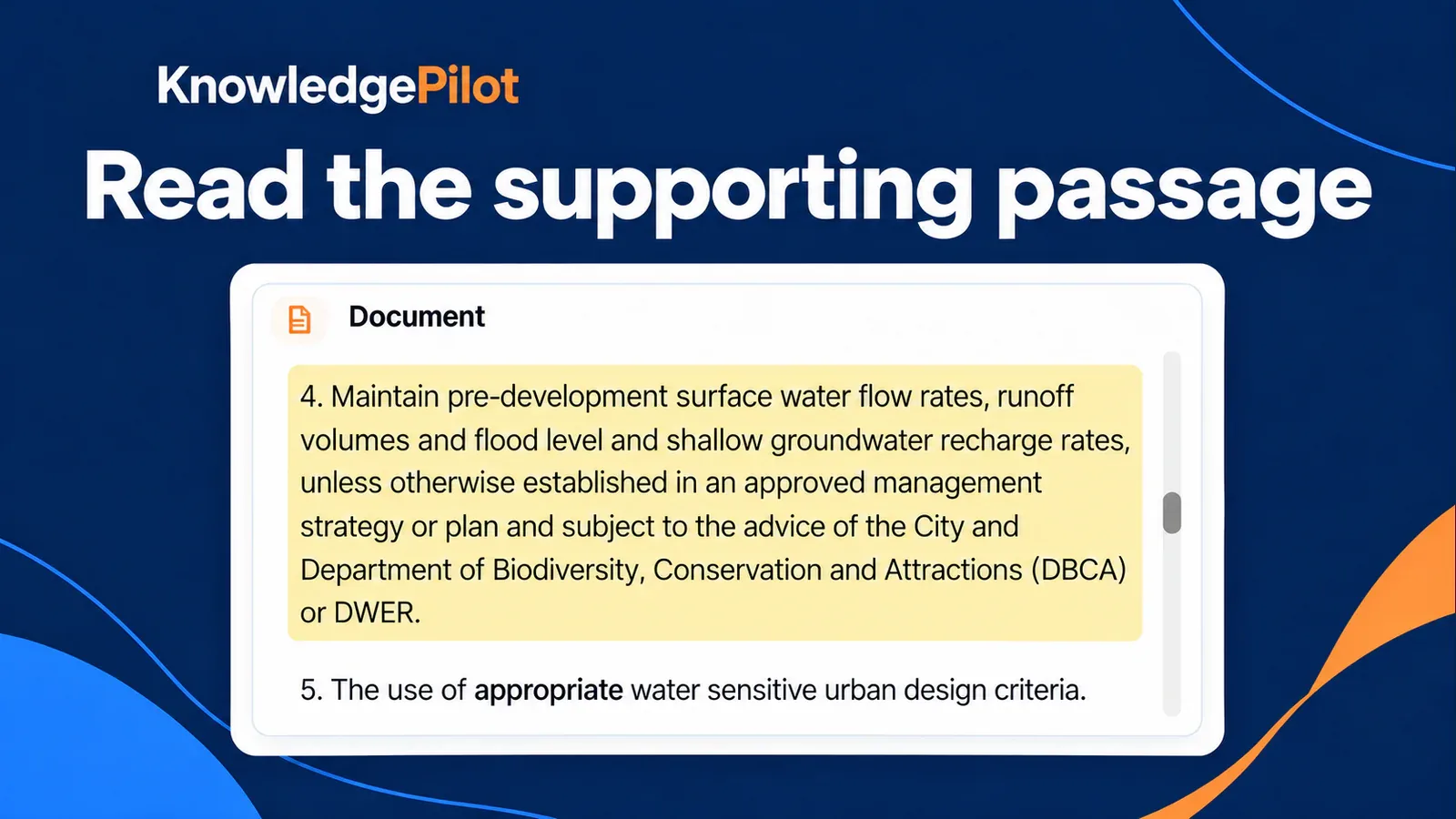
KnowledgePilot's document references open retained paragraphs or passages. Video references take you to relevant YouTube moments. Read or watch the surrounding context before relying on a consequential claim. Short Summary is citation-free, so select a citation-bearing output for this review. References make an answer easier to inspect; they do not establish that every interpretation is correct. A combined answer also needs to preserve disagreements rather than turning several perspectives into a false consensus.
Our guide to YouTube summary accuracy explains checks you can apply to the video portion of the task.
Frequently asked questions
Can KnowledgePilot replace NotebookLM for every task? No. Choose around your required sources and outputs. KnowledgePilot's video-and-document workflow will not replace integrations or input types it does not support. Can I ask questions across PDFs and YouTube videos? Yes. Group completed supported analyses in a Knowledge Hub and ask across those sources. Inspect the returned references and keep source attribution visible when reusing the answer. Should I move my whole research collection immediately?
Start with one relevant document and one supported video. Test a familiar question, check the evidence and return later with a follow-up. Confirm the workflow meets your needs before moving a larger collection.
Begin with a small research task
Try the KnowledgePilot document summarizer or YouTube summarizer with material you already understand. Choose a useful output, verify the important details and test a cross-source question in a Hub. Let that completed task guide your decision.