Study and revision
Use an AI study guide generator to turn a readable PDF or your own notes into topic explanations, key terms, source-based examples and review questions. Check the answers against the material you supplied.
Sign in to upload your document and prepare your study materials.
From your source to a study guide
1. Upload your materialChoose a readable PDF, class notes or a chapter excerpt.
2. Choose your outputsSelect one or more: Study Guide, Study Notes, Q&A or Flashcards.
3. Review your resultsCheck each output against the original source.
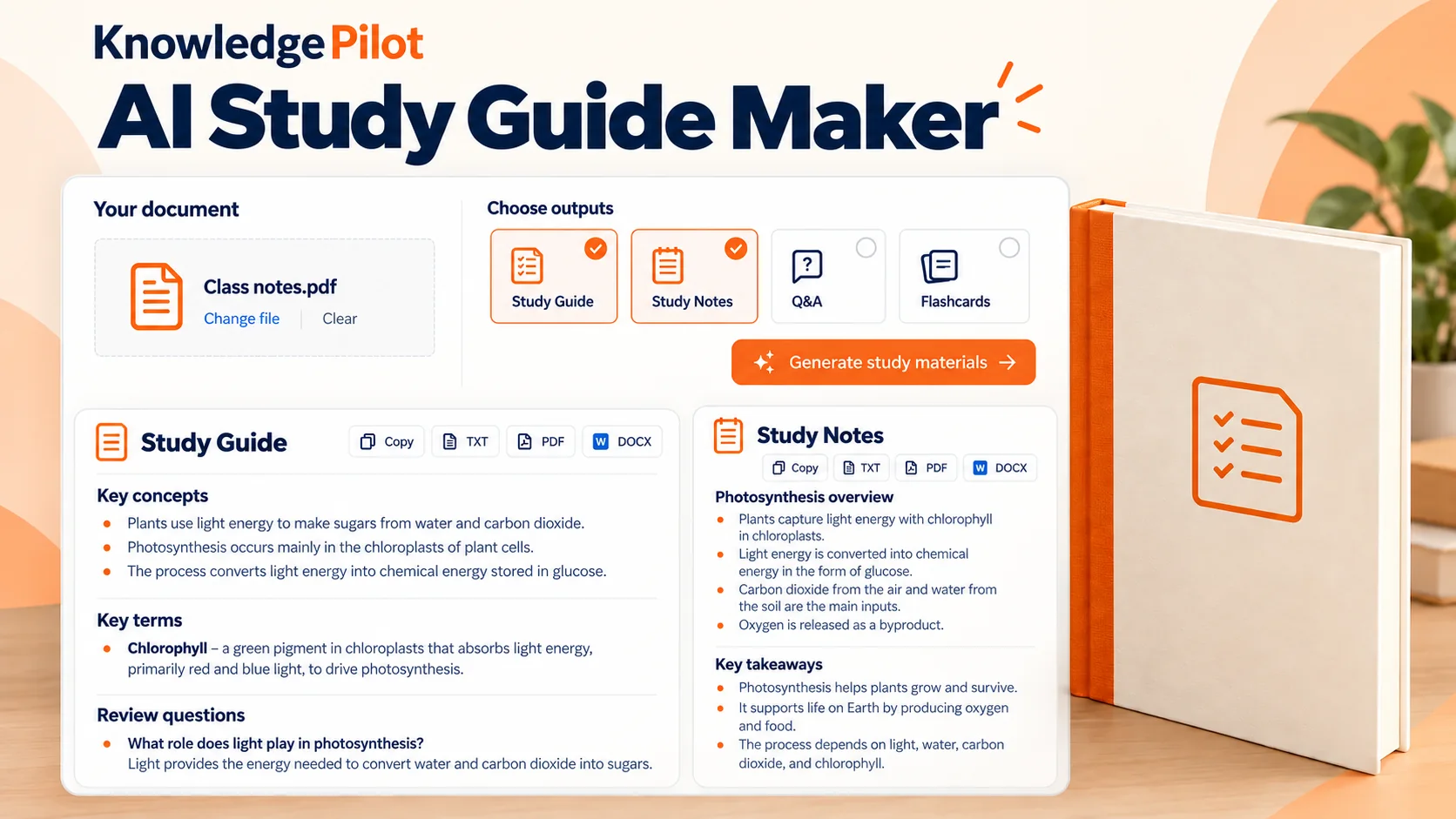
Create a study guide from PDF files or your notes
The online study guide maker works with a readable PDF, class notes or a chapter excerpt. Choose a focused source so you can check what the guide covers; KnowledgePilot cannot fill in topics, lectures or chapters missing from your file.
What an AI study guide creator does with your source
KnowledgePilot is an AI study guide creator that organizes the supplied material into topic explanations, key terms, source-supported examples and connections. It can include review questions with answers tied to the source, but it does not invent an exam syllabus, assessment standard or study schedule.
Choose the format that fits your study session
Select one or more outputs for your session. Study Guide develops topics into explanations and review questions; Study Notes uses a notes format, while Q&A and Flashcards organize the source as questions and answers or recall cards. Each selected output gets its own result, and the estimate covers the full selection.
Check the guide against the source
Review definitions, examples and answers alongside the original document, especially when a PDF contains formulas, tables or diagrams. Text extraction may not preserve every visual detail, so use the source itself to check material that is difficult to read or interpret.
Review the estimate before generating
Sign in, prepare your document and request an estimate for the selected outputs. When you generate a study guide, the workspace shows the combined credit cost before you confirm a single request. Completed results are saved privately and can be copied or downloaded.
Can I create a study guide from a PDF?
Yes. KnowledgePilot's AI study guide maker from PDF files accepts readable documents. Select Study Guide, then add Study Notes, Q&A or Flashcards if you want those formats too. Review the estimate for the full selection before confirming. If the PDF is scanned or its diagrams and tables do not extract clearly, check those parts directly in the original document.
Can I use my own notes?
Yes. Upload your notes in a supported readable document format to use KnowledgePilot as a study guide maker from notes. Keep the source focused on the subject or chapter you want to review, then check the guide against those notes.
Is the AI study guide maker free?
Personal generation uses your KnowledgePilot account and credits. The workspace shows the estimate for all selected outputs before you confirm, so you can check the cost and available balance first.
Explore other source-based tools
For a shorter explanation of a textbook or document, try the PDF Summarizer or the Book Summarizer for your own readable book file.