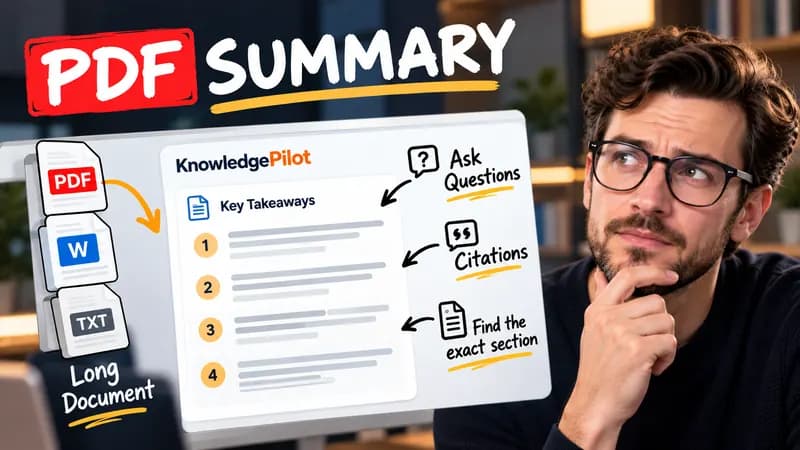
Summary
Summarize Long PDFs
Turn long reports, papers and technical documents into clear key takeaways without reading every page.
Summarize a PDFFree SEO tool
Use this URL metadata checker to inspect a public page’s title, meta description, H1 and canonical URL. Check Open Graph tags, social images and image alt text. The search and social previews help you spot missing tags and review how the page may appear when shared.
Paste a URL to inspect titles, headings, social images, structured data and image alt text.
Quick answer
Enter a public URL to inspect the actual HTML metadata, headings, canonical, robots directives, social images and image alt attributes. Each check explains what was found and what to inspect.

Good to know
Yes. Basic use is free, with no login and no AI calls. Rate limits protect the service from excessive crawling.
No. These are configurable display recommendations. Google can rewrite titles and snippets, and the preview is illustrative.
An empty alt attribute may be appropriate for a decorative image. A missing alt attribute is a different issue. Check each image’s role and wording.
The checker reads public HTML. Private URLs, oversized responses and unsafe redirects are blocked. Some sites block automated requests, and metadata inserted by JavaScript may not appear.
KnowledgePilot
Finding information is only the first step. KnowledgePilot helps you understand documents, ask questions, and verify every answer against the original source.
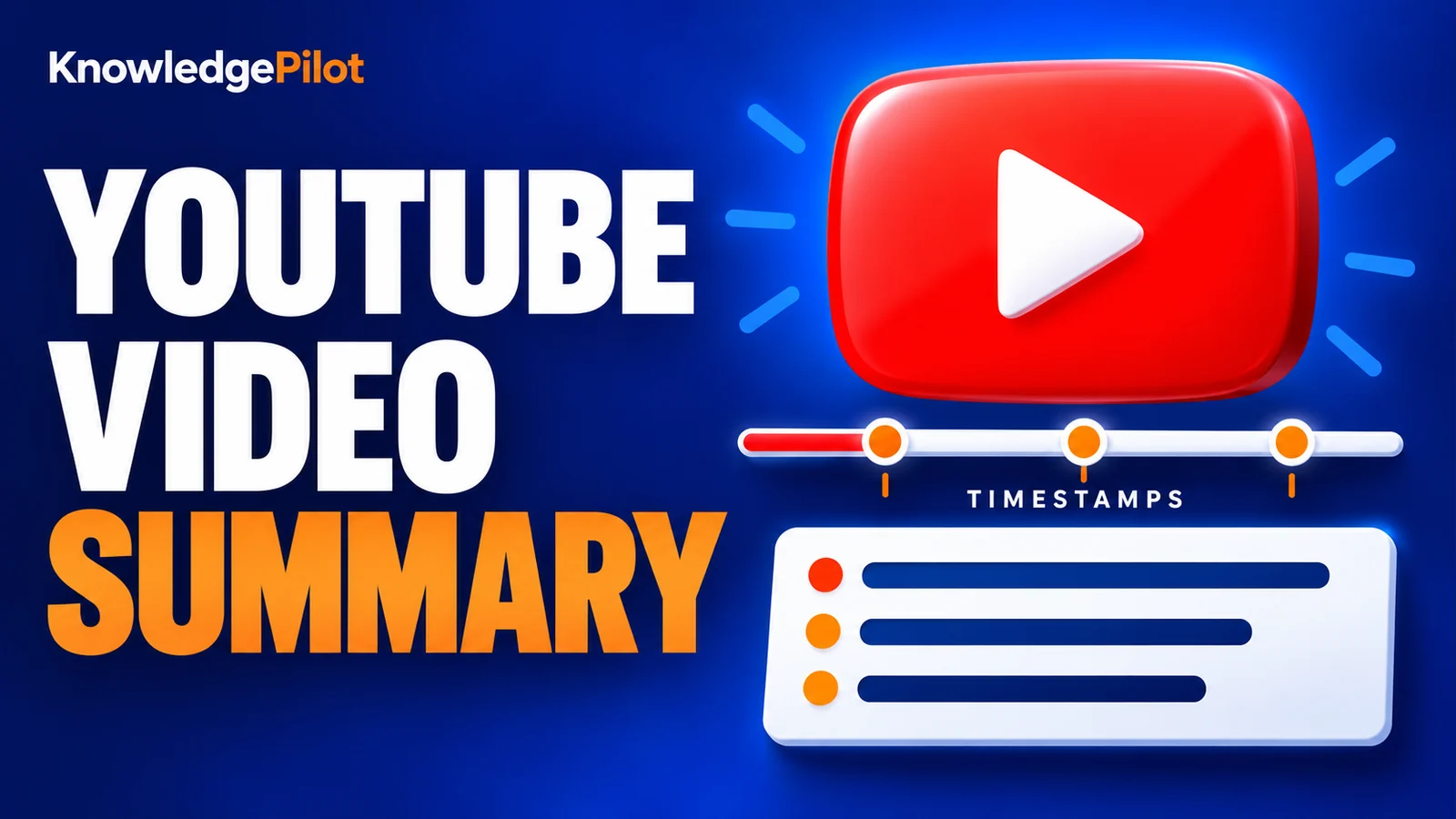
Try an AI video summarizer that gives you a YouTube summary with clickable YouTube timestamps, so you can check every point against the original video.
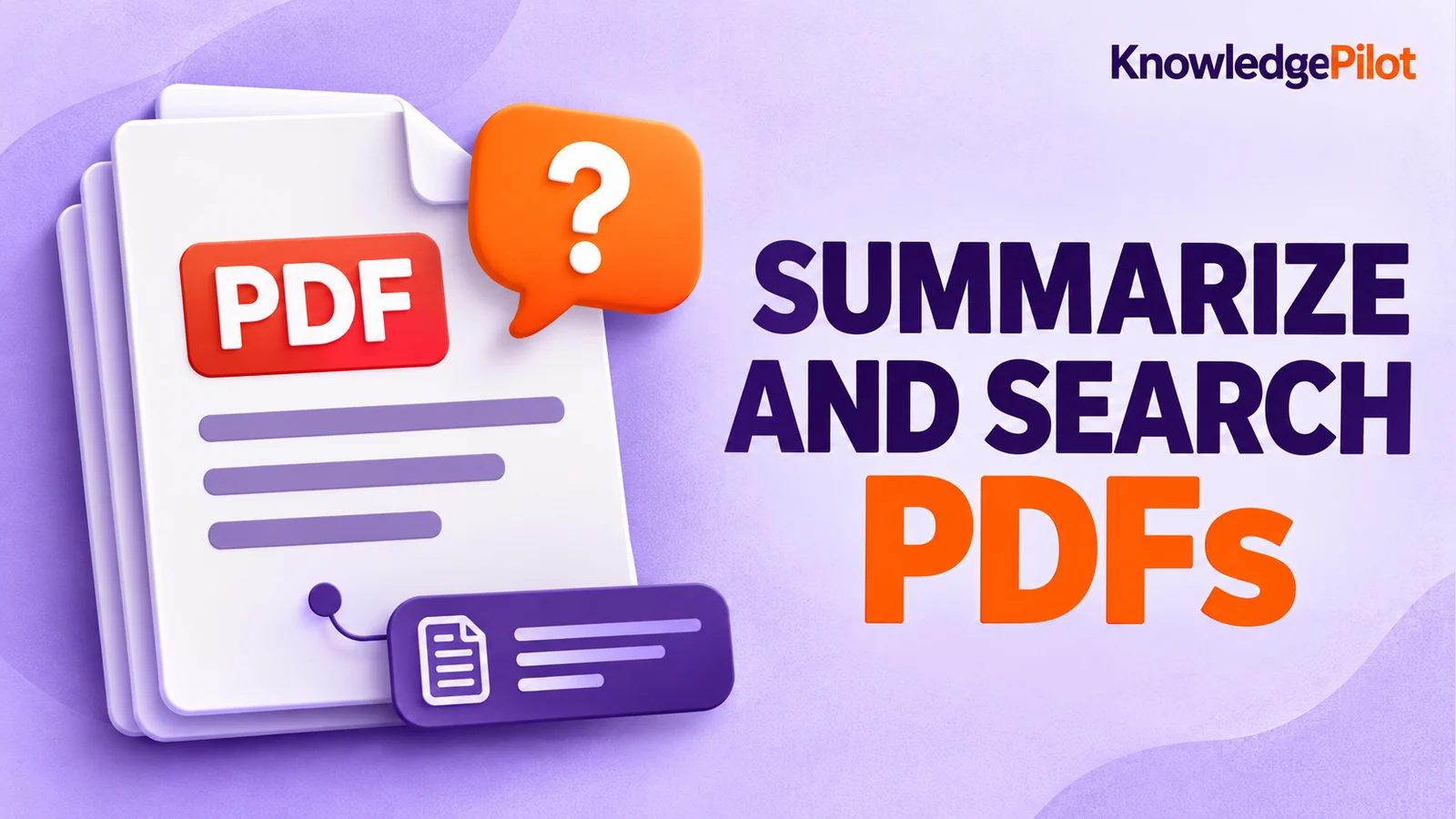
Use an AI document summarizer to summarize PDFs, search documents, ask questions and find key information without reading every page.
Turn long reports, papers and technical documents into clear key takeaways without reading every page.
Summarize a PDF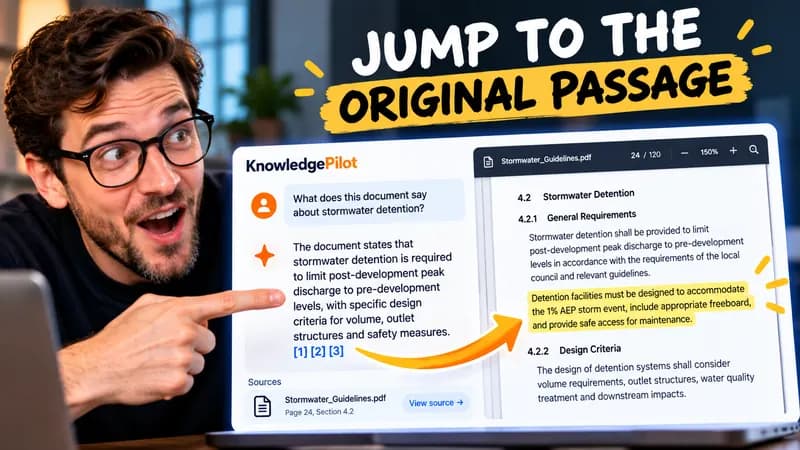
Follow citations back to the relevant section and see the supporting text in context.
Explore document analysis40 free credits · No credit card required