What is an AI document summarizer?
An AI document summarizer reads a document and condenses it into a structured overview, key takeaways and the main points of each section. For reports, research papers, contracts and technical documents, it replaces 'do I have to read all of this?' with 'what's in here, and which parts matter to me?'
The best tools go further. They let you search documents, ask questions and trace answers back to their source.
First step, document selection
To see this in practice, we uploaded the NIST Artificial Intelligence Risk Management Framework, published in January 2023.
We chose a public, 48-page document that is too long to read conveniently from start to finish, and you can open it and check the references yourself. Interactive source links use PDF paragraph identifiers such as P7¶35.
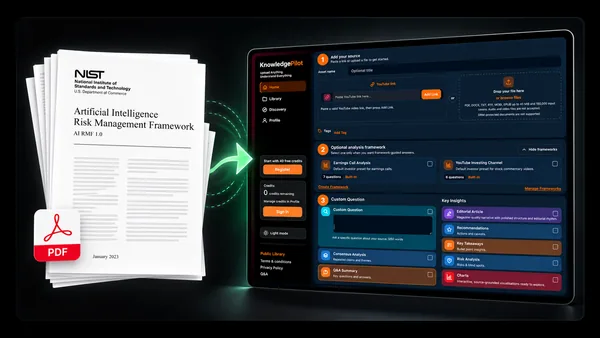
Step 1: Summarize a long PDF
Here is an example summary: The NIST AI RMF is a voluntary framework for organizations that design, develop, deploy or use AI systems. It approaches AI risk as a continuous process across the AI lifecycle and identifies seven characteristics of trustworthy AI, including validity and reliability, safety, security and resilience, accountability and transparency, explainability and interpretability, privacy, and fairness. Its practical Core organizes risk management around four functions: GOVERN, MAP, MEASURE and MANAGE.
In a few sentences, you know what the document is, who it is for and how its main framework is organized.
Step 2: Find the key takeaways
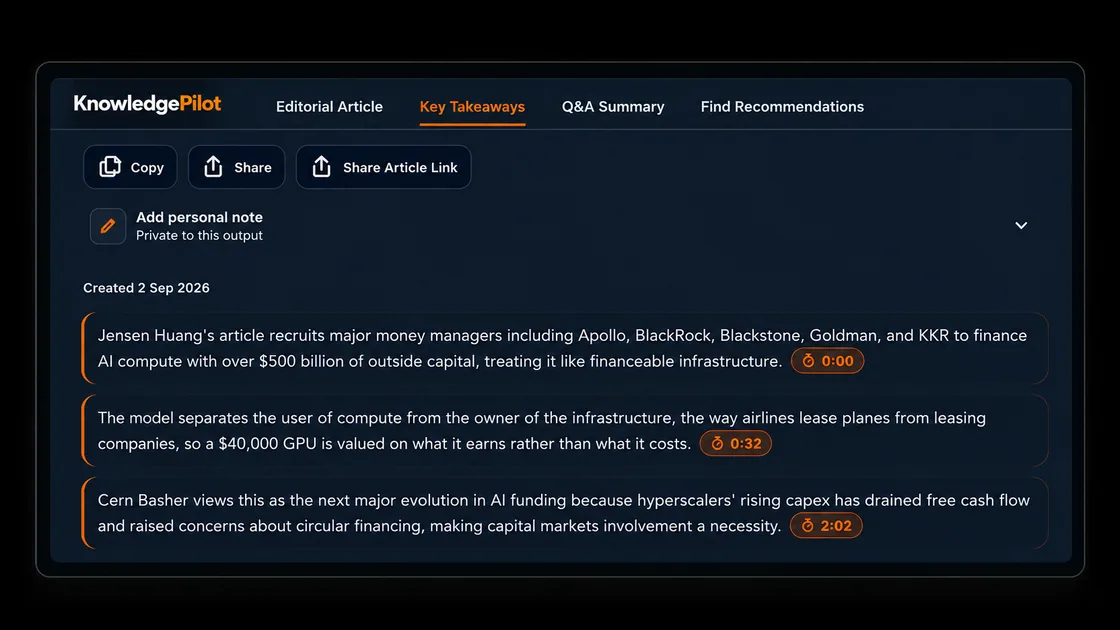
Key takeaways surface the most important points from a document, giving you a quick way to understand what matters without reading every page.
- The AI RMF is voluntary, rights-preserving, non-sector-specific and designed to work across organizations of different sizes and sectors.
- Trustworthy AI is not defined by a single characteristic. NIST identifies seven interconnected characteristics, from valid and reliable to fair with harmful bias managed.
- The Core consists of four functions: GOVERN, MAP, MEASURE and MANAGE. GOVERN operates across the other functions rather than acting as a one-time first step.
- Organizations should prioritize AI risks by assessed level and potential impact. Where a system presents unacceptable negative risk, development and deployment should cease safely until the risks can be sufficiently managed.
Step 3: Search inside a document
Ctrl+F works when you know the word or phrase you are looking for. AI document search can be more useful when you know the information you want but do not know exactly how the document describes it.
For example, you might search: What does NIST say about stopping the deployment of an AI system?
The framework says the highest risks should receive the most urgent and thorough risk-management attention. If an AI system presents an unacceptable level of negative risk, including imminent significant impacts, severe harms already occurring or catastrophic risks, its development and deployment should cease safely until the risks can be sufficiently managed. You did not need to know that the relevant section is called Risk Prioritization. You only needed to know what you wanted to find.
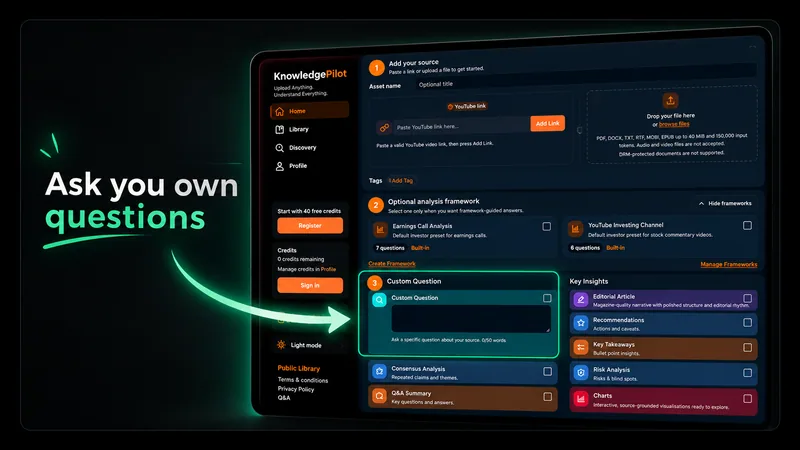
Step 4: Ask questions about a PDF
Sometimes you do not need a complete summary or search results. You just want an answer.
Instead of reading the framework to understand how NIST defines trustworthy AI, you can ask the document directly: What characteristics does NIST say a trustworthy AI system should have?
The framework identifies seven characteristics: valid and reliable; safe; secure and resilient; accountable and transparent; explainable and interpretable; privacy-enhanced; and fair with harmful bias managed. NIST stresses that these characteristics have to be balanced according to context and that weakness in an important characteristic can undermine the trustworthiness of the system overall.
This turns a long PDF from something you have to read linearly into a source you can interrogate.
Step 5: Analyse documents instead of just summarizing them
A summary asks what a document says. Analysis can ask harder questions: What matters here? What evidence supports a conclusion? What risks are identified? What actions are recommended? How do different parts of the document fit together?
Does NIST treat GOVERN, MAP, MEASURE and MANAGE as four steps that should be completed in order? No. The AI RMF describes them as functions rather than a sequential checklist. GOVERN is cross-cutting and informs the other three, while risk management should be continuous throughout the AI lifecycle. The framework explicitly says its actions are not necessarily an ordered set of steps.
That distinction is easy to miss when skimming but important for understanding how NIST expects the framework to be used.
Step 6: Extract recommendations
A summary tells you what a document says. Recommendations help surface what to do with that information.
- Prioritize AI risks according to their likely impact and likelihood rather than treating every possible failure equally.
- Determine whether an AI system achieves its intended purpose and whether its development or deployment should proceed.
- For high-priority risks, document a response. NIST lists options including mitigating, transferring, avoiding or accepting the risk.
- Document residual risks that remain after treatment, including risks affecting downstream acquirers and end users.
- Maintain post-deployment monitoring and procedures for responding to previously unknown risks as they emerge.
Step 7: Go back to the original document
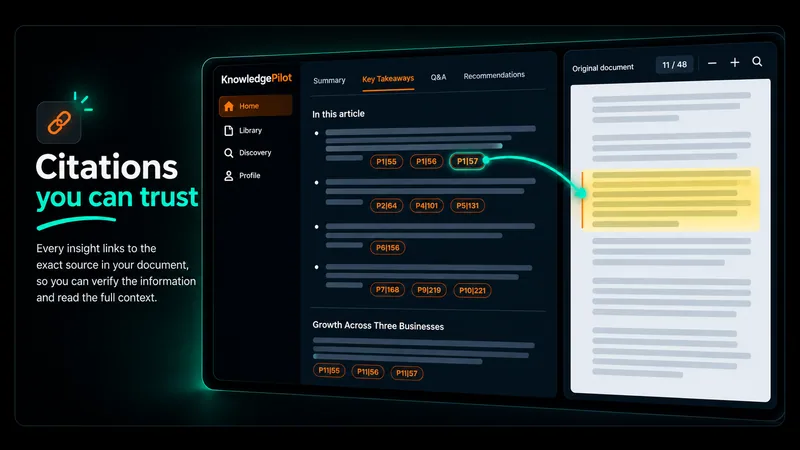
The important part of using AI with documents is being able to move in both directions: Document → AI answer → original source.
For example, an AI-generated answer might surface this point: If an AI system presents an unacceptable level of negative risk, its development and deployment should cease safely until those risks can be sufficiently managed. The paragraph reference lets you return to the relevant section of the original document and read the surrounding discussion for yourself.
A document summary removes information by design. If a statement affects your research or work, you should be able to return to the original and read it in context. The AI helps you find the information. The source lets you verify it.
Why an AI document summarizer is more useful with sources
References do not make an AI summary correct. They make it easier to verify. A short answer may leave out qualifications, definitions or surrounding context that matters to your interpretation. This becomes especially important when working with research findings, financial figures, policy language, contracts and technical specifications.
Instead of treating the AI output as the end of the process, source references give you a way back to the document: Summary → source; Question → source; Takeaway → source; Analysis → source; Recommendation → source.
Use AI to find the information. Use the source to verify it.
How to summarize a PDF with AI
- Upload a PDF or document.
- Generate a summary.
- Review the key takeaways.
- Search for specific information.
- Ask custom questions.
- Analyse important sections or ideas.
- Follow source references back to the document.
- Save useful findings to your Knowledge Hub.
Turn long documents into searchable knowledge
The biggest advantage of an AI document summarizer is not simply making a long PDF shorter. It is making the information inside the document easier to work with.
Instead of reading dozens of pages to determine whether something is relevant, you can start with a summary. Instead of scanning the document for one fact, you can search for what you need. Instead of interpreting everything manually, you can ask specific questions and analyse individual issues.
And when something matters, you can return to the source and check it yourself. That changes the question from 'Do I have time to read this entire document?' to 'What do I need to know, and where in the document can I verify it?'
Try it on your own document
Upload a PDF to KnowledgePilot and see what is inside without reading every page. Generate a summary, find the key takeaways, search for specific information, ask questions and follow important answers back to their source.