Summary
Summarize Long PDFs
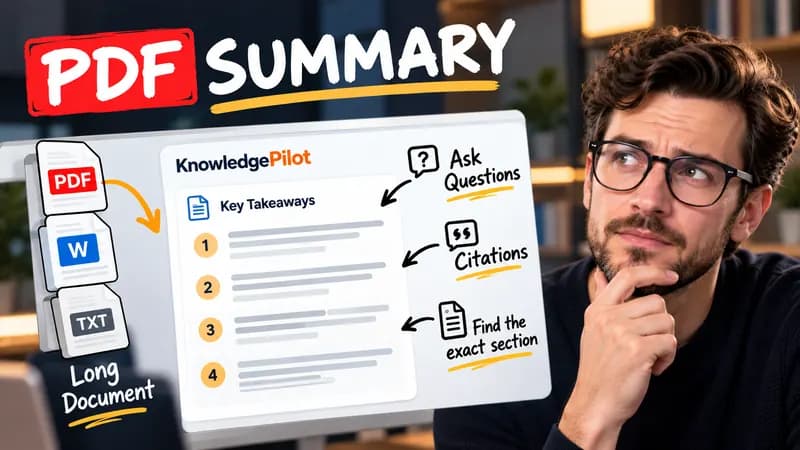
Turn long reports, papers and technical documents into clear key takeaways without reading every page.
Summarize a PDFFree text tool
YouTube video titles can be up to 100 characters long. Paste your title below to check its length before you publish, and put the main topic early because the visible title can be truncated across search results and devices.
Private by default. Your text is analysed locally in your browser and is not uploaded.
YouTube title length
0 / 100100 characters remaining
Sentences and times are estimates. Token counts vary by model and tokenizer; this is a quick estimate.
Quick answer
Use the live character count to check your draft against YouTube’s maximum title length. A concise title makes the main topic easier to grasp when the full title is not visible.

Put the most informative words early and remove filler before trimming meaningful details. Display space varies by device and context, so preview the title in YouTube before publishing.
YouTube permits video titles of up to 100 characters. This is the upload limit; the visible title can be shorter in search results and on different devices.
Spaces and punctuation are included in this counter. Complex emoji and Unicode characters can be handled differently by publishers, so confirm the final title in YouTube Studio.
Not necessarily. Display length depends on the device and placement. Put the topic and useful information early, then preview the result in YouTube.
Yes. Count a draft in your browser without creating an account. The counter does not access your channel or publish a title.
KnowledgePilot
Finding information is only the first step. KnowledgePilot helps you understand documents, ask questions, and verify every answer against the original source.
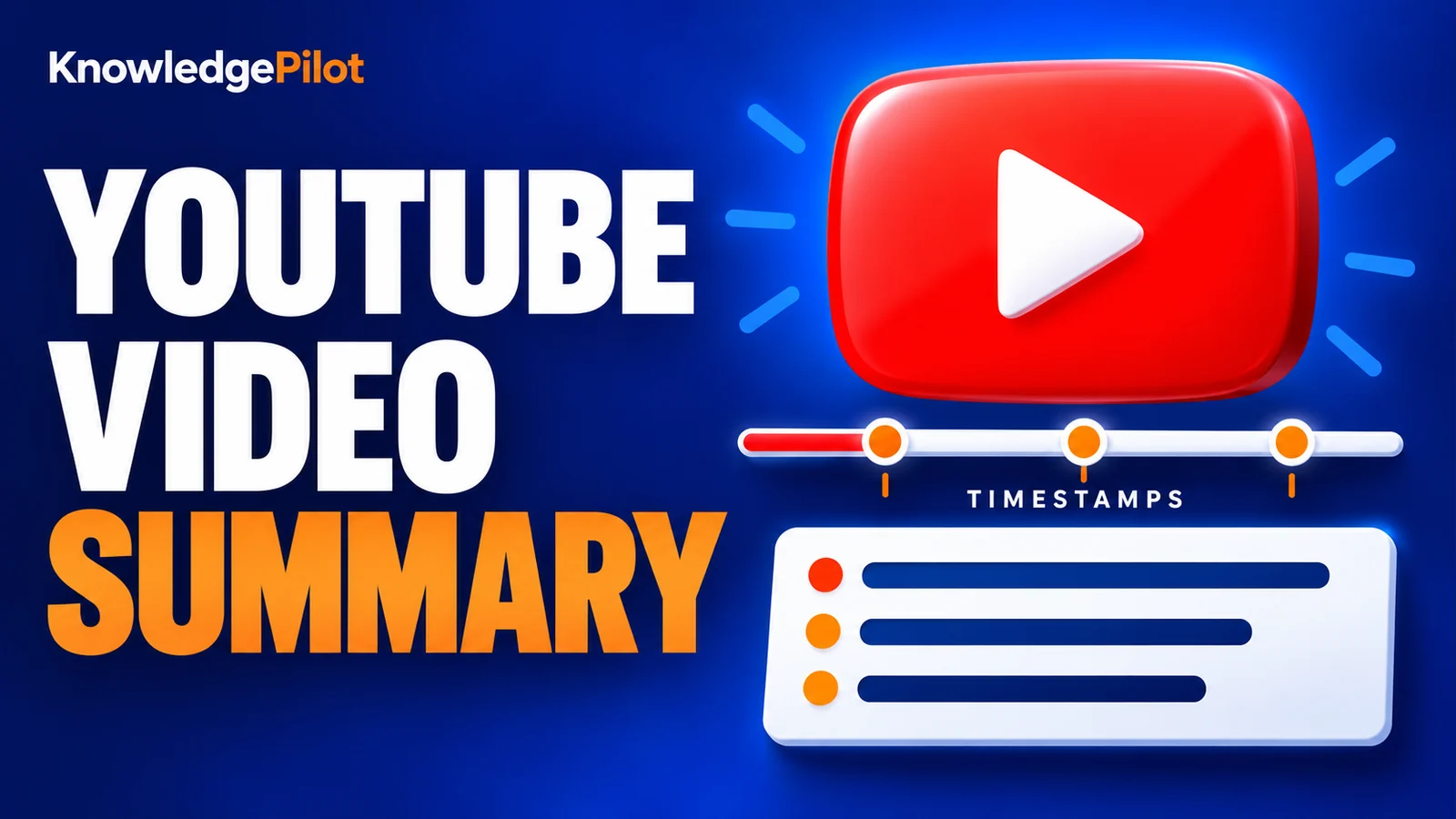
Try an AI video summarizer that gives you a YouTube summary with clickable YouTube timestamps, so you can check every point against the original video.
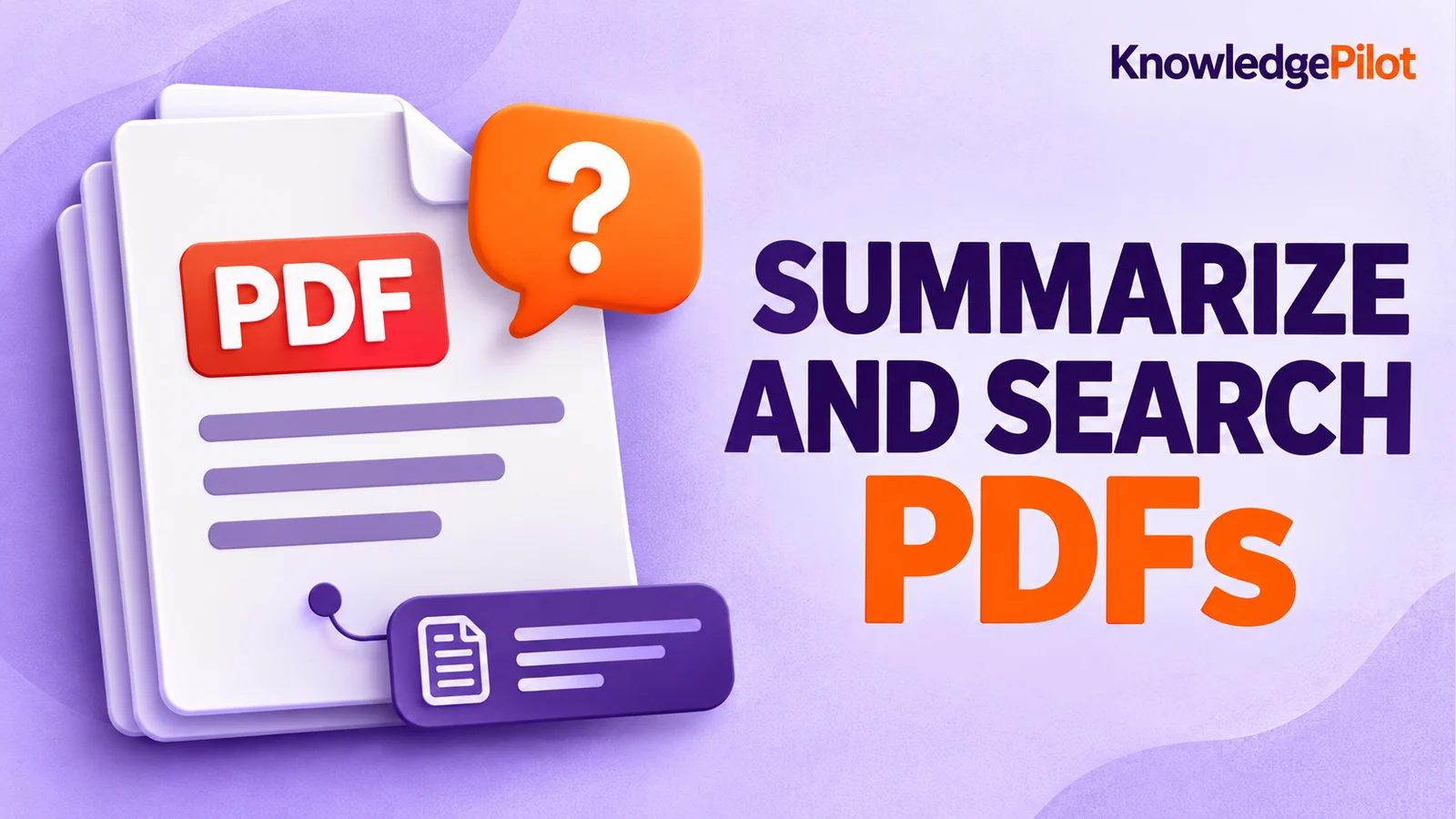
Use an AI document summarizer to summarize PDFs, search documents, ask questions and find key information without reading every page.
Turn long reports, papers and technical documents into clear key takeaways without reading every page.
Summarize a PDF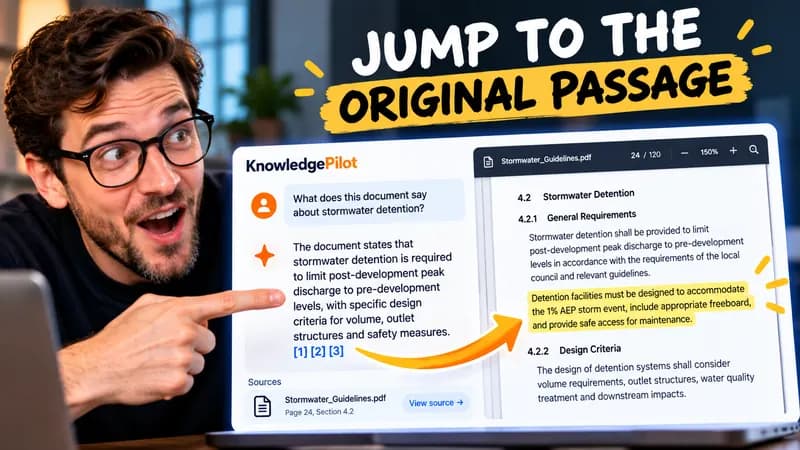
Follow citations back to the relevant section and see the supporting text in context.
Explore document analysis40 free credits · No credit card required