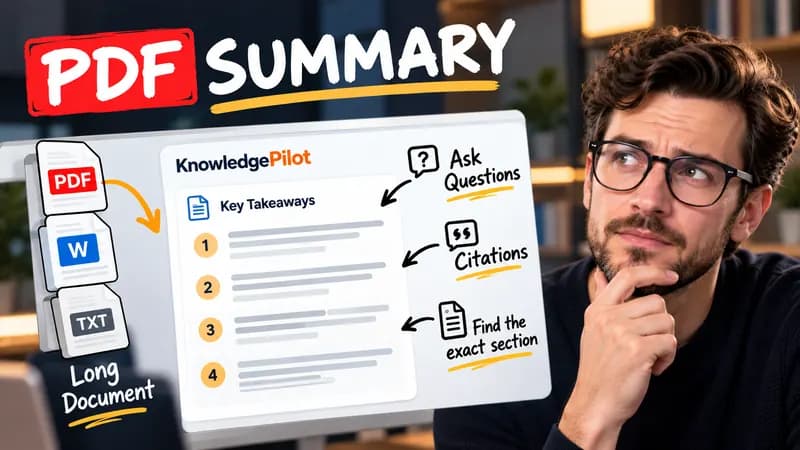
Summary
Summarize Long PDFs
Turn long reports, papers and technical documents into clear key takeaways without reading every page.
Summarize a PDFFree text tool
Paste two versions of a text to see exactly what changed. Additions, deletions and reworded passages are highlighted side by side, so you can review drafts, contracts and other revisions quickly.
Quick answer
An online text comparator finds wording differences between two pasted versions. KnowledgePilot highlights added, removed, and changed text in complete side-by-side readers. You can click each yellow highlight to review the matching change; the comparison runs in your browser.

At a glance
OriginalThe contractor must submit the report within 14 days.
ChangedThe consultant must submit the report within 14 days.
A text diff shows where two versions disagree. Paste your original and revised wording to compare texts without reading each version from start to finish. The side-by-side view keeps matching passages nearby while you inspect additions, deletions and replacements.
Use code comparison to review changes in plain-text snippets, configuration or markup. A code diff can reveal a changed value, missing line or punctuation edit. This is a text comparison, not a parser or debugger: it does not run code, validate syntax or tell you whether a change is correct.
For a file diff, copy the plain text from each version into the two fields. This page compares pasted content rather than uploading arbitrary files. If you need PDF compare, follow the PDF Difference Checker link to compare selectable wording in the source pages. Images, fonts and page layout need a separate visual review.
Paste an original version on the left and an edited version on the right. The comparison keeps both complete texts visible, so you can read the changes in context instead of scanning isolated snippets.
Yellow marks show wording that was added, removed, or replaced. Select any mark to find its counterpart in the other document, or move through the differences one at a time.
Copy the two versions into the fields above and select Compare Text. Use the arrows or the difference index to review every edit. Swap reverses the versions; Clear starts a new comparison.
The tool checks words, punctuation, capitalization, and whitespace in the pasted text. It does not inspect fonts, colors, images, or page layout.
The diff tool identifies unique, unchanged paragraphs that moved instead of counting them as added and deleted. It also overlooks insignificant spacing and line wrapping differences while keeping both original texts visible.
Good to know
A text diff identifies specific edits between versions. It does not provide a plagiarism score, judge whether two arguments mean the same thing or find matching content elsewhere on the web. Use the unchanged passages and highlighted edits to assess the wording yourself.
Yes. Open the page, paste both versions and run the comparison in your browser. You do not need a desktop diff application or an account.
Yes. Paste two pieces of text to compare words, punctuation or a rewritten sentence. Review the highlighted differences alongside the surrounding wording so a small edit does not lose its context.
Yes. Paste the original and revised paragraphs into the two readers. The diff checker highlights wording changes and can identify unique, unchanged paragraphs that moved.
Copy plain text from each file into the fields and click the comparison button. This tool reviews text, not file formatting or code behavior. For PDF documents, use the separate PDF Difference Checker.
No. Comparison runs in your browser and your text is not uploaded or stored.
Yes. Paste the full text from both versions to see each document side by side.
Yes. Unique, unchanged paragraphs can be marked as moved. Ambiguous repeats and very short headings use the ordinary text difference instead.
KnowledgePilot
Finding information is only the first step. KnowledgePilot helps you understand documents, ask questions, and verify every answer against the original source.
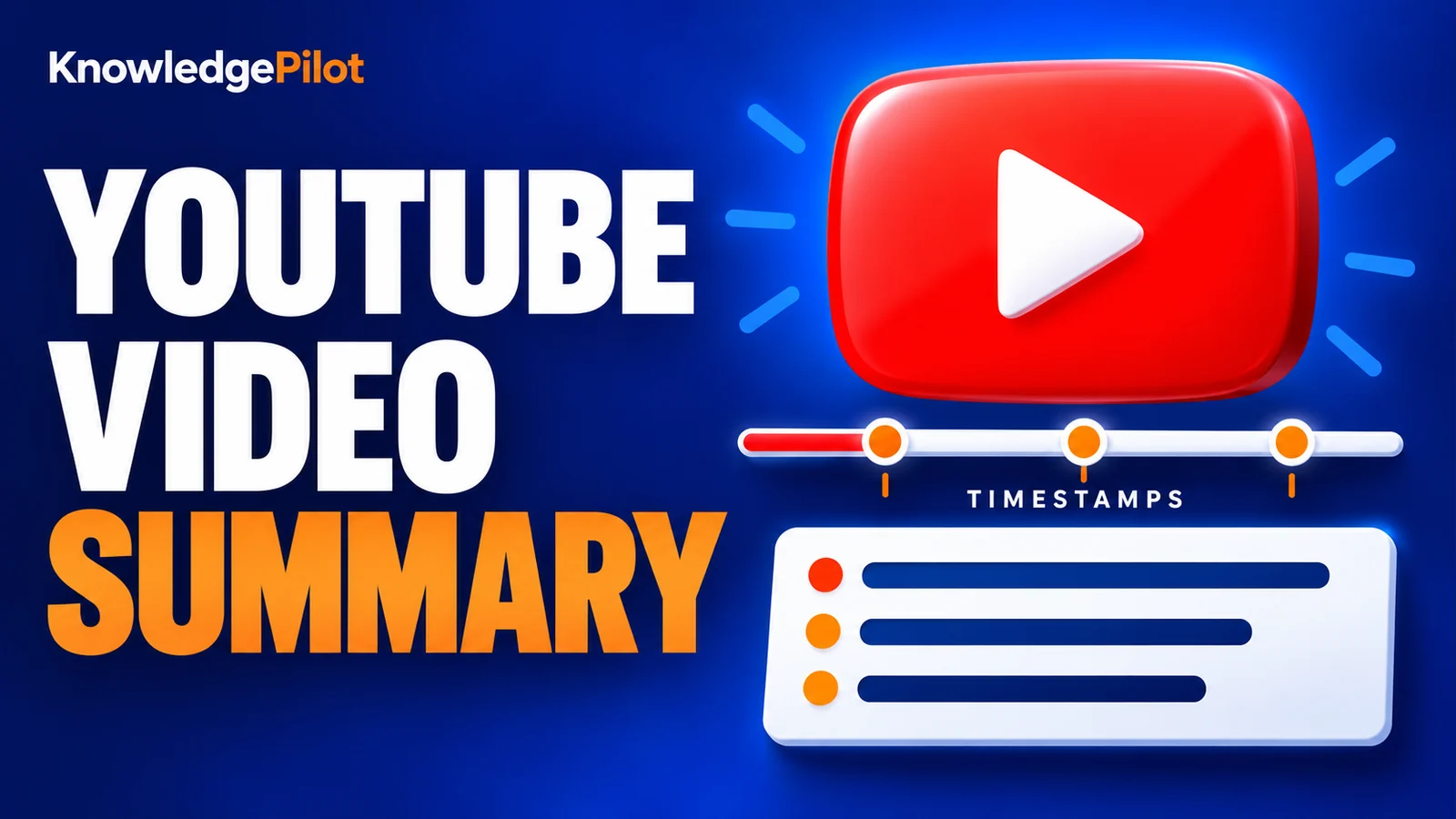
Try an AI video summarizer that gives you a YouTube summary with clickable YouTube timestamps, so you can check every point against the original video.
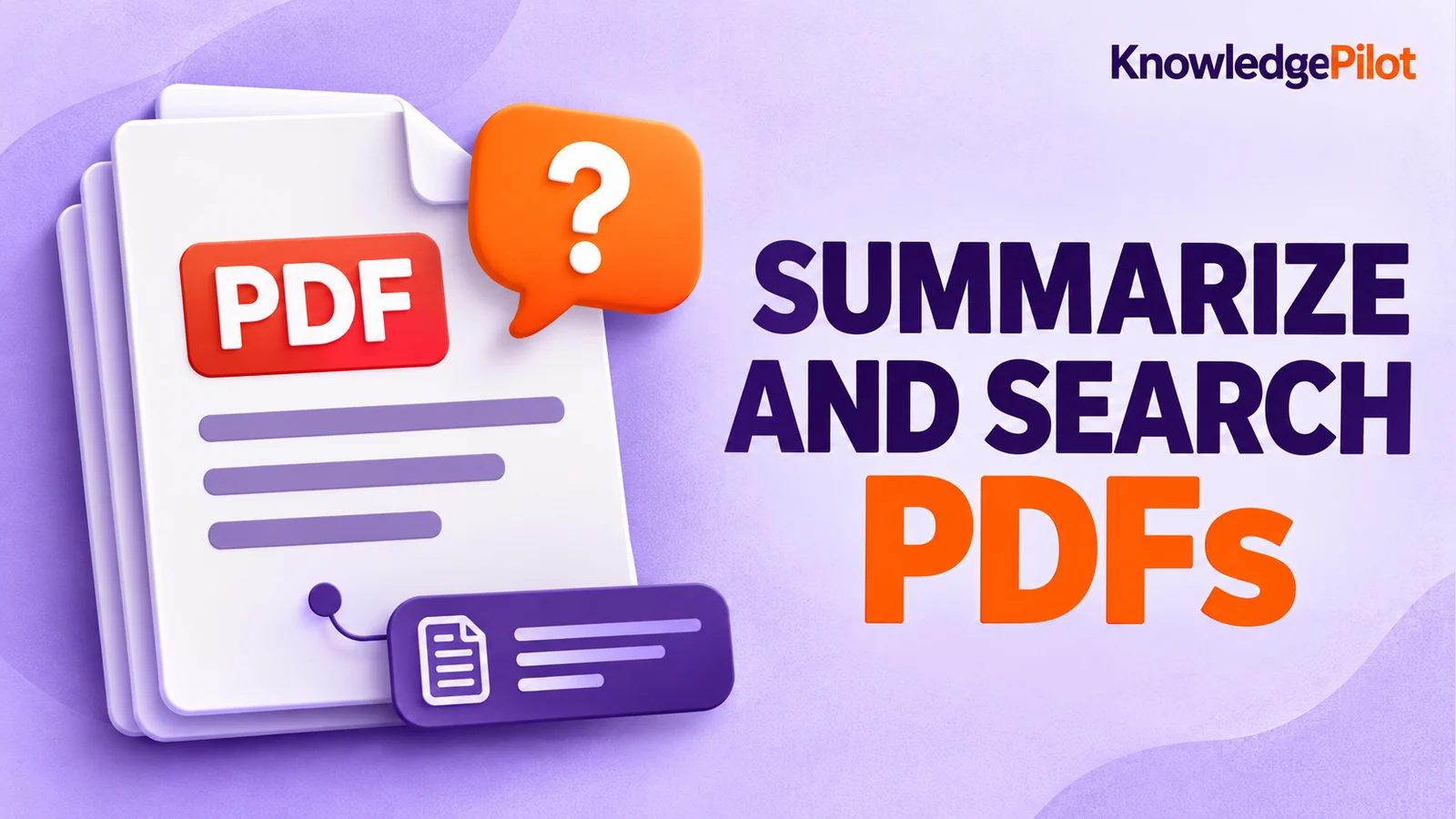
Use an AI document summarizer to summarize PDFs, search documents, ask questions and find key information without reading every page.
Turn long reports, papers and technical documents into clear key takeaways without reading every page.
Summarize a PDF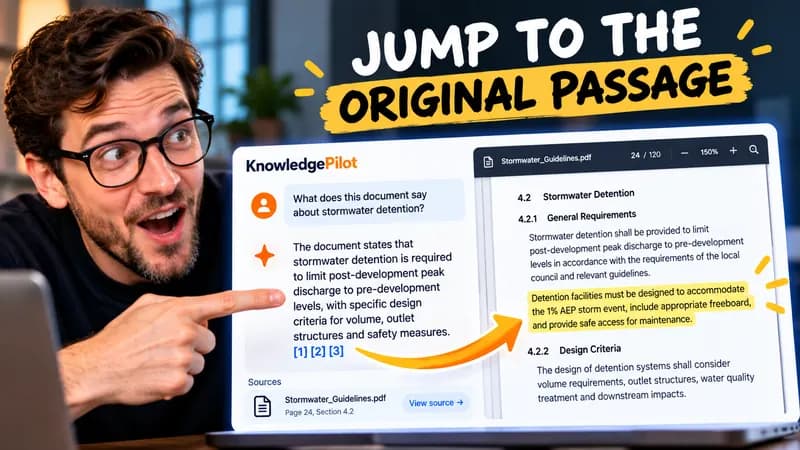
Follow citations back to the relevant section and see the supporting text in context.
Explore document analysis40 free credits · No credit card required