A KnowledgePilot Knowledge Hub groups completed YouTube video and document analyses so you can ask questions across them. Use it to compare two explanations, investigate a disagreement or see which source supports a claim. An interview mentions a report, so you download it. Another speaker disputes the findings. Now you have several tabs open and a question: are they disagreeing about the evidence, or talking about different conditions?
Generate the individual analyses first, then group the relevant sources in a Hub and ask that question.
When your question needs more than one source
KnowledgePilot works as an AI summarizer for individual sources. You can use the YouTube summary tool to explore a long video or the document summarizer to work through a PDF. A Hub extends that workflow when your question involves several sources. A video summary can explain what one speaker said.
In a Hub, you can ask how that explanation compares with a report or another interview, while checking which source supports each part of the answer. A Hub uses the material you supply. It does not search the web for missing evidence, so you still need to choose the sources and decide what your collection leaves out.
What can you ask across videos and documents?
Name the comparison you need. “Summarize everything” gives less direction than asking why two speakers reach different conclusions. Try a question such as: How do these sources explain [topic]? Identify their points of agreement, important differences and unanswered questions. Keep each claim attributed to its source and include supporting references where available. Or focus on the relationship between two sources: Which claims in this interview does the uploaded report support?
Identify claims the report does not establish and preserve relevant dates, definitions and caveats. Try these prompts with your own sources. Check the returned references before using the comparison in your work.
An example: an interview and its supporting report
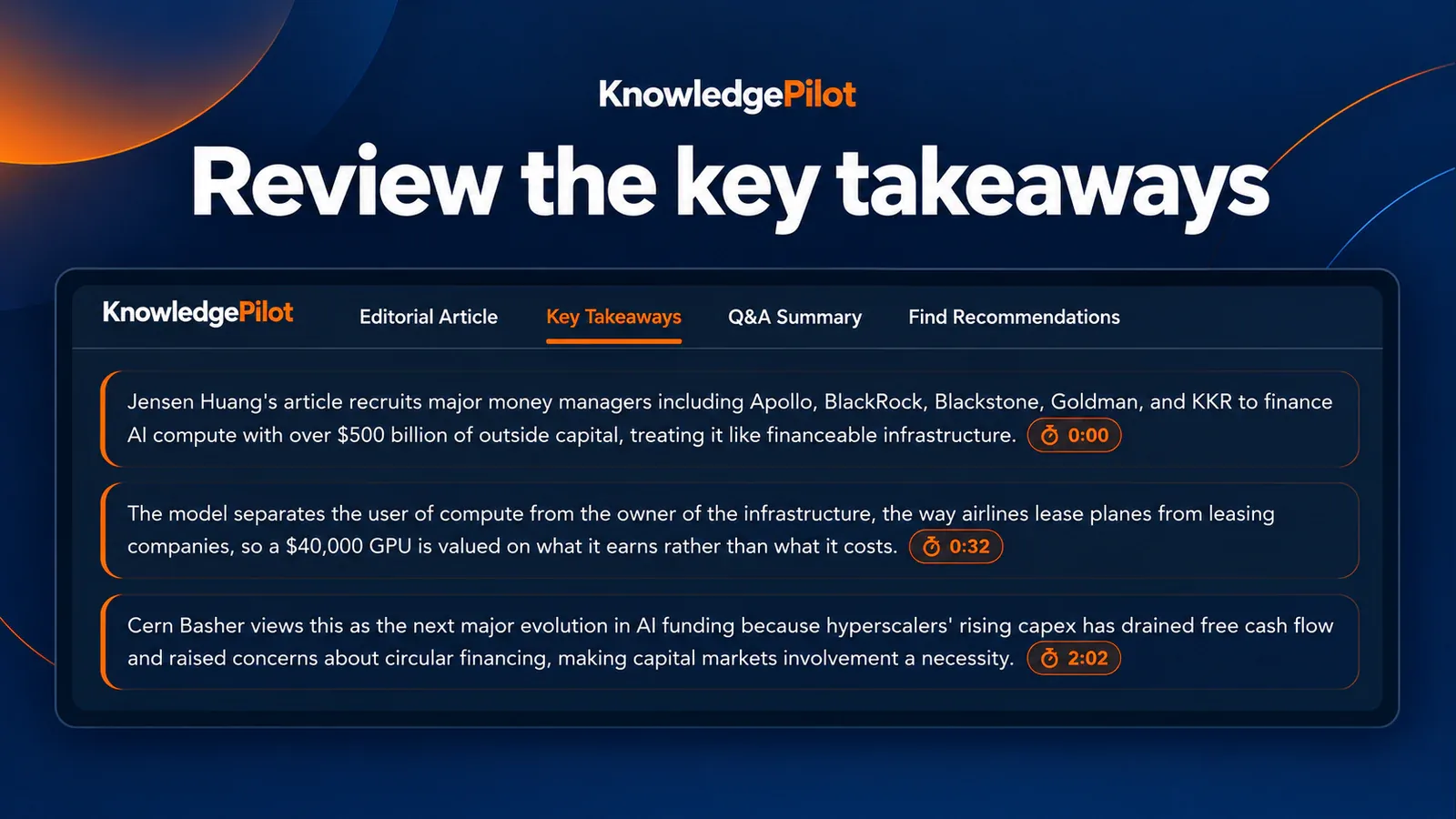
Imagine you have a YouTube interview about a technology's performance and a PDF report discussing the same subject. The interview is conversational; the document describes a narrower set of conditions. Begin by generating the individual analyses. Use a citation-bearing video output to locate the speaker's claims, and document references to inspect relevant passages in the report. Then group the completed sources in a Knowledge Hub and ask how the explanations relate.
Check the conditions and dates first. Then ask whether the interview draws a conclusion the report supports. If the report only studied a narrow set of conditions, keep that limit in your notes. A combined answer should preserve it.
Keep source attribution visible
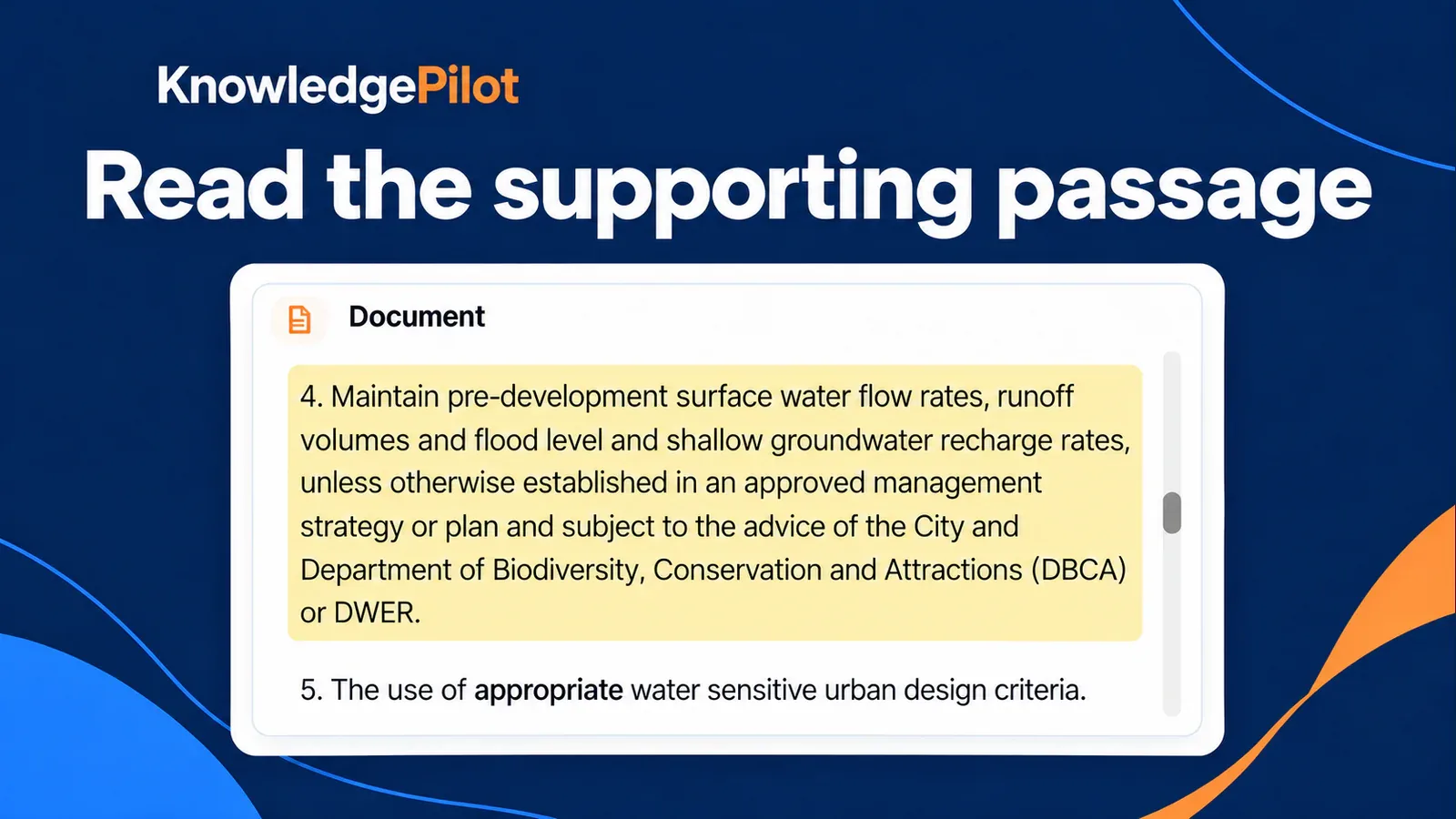
Two videos may quote the same study. That gives you two accounts of one finding, so check where the claim originated before treating the videos as independent support. For YouTube material, available timestamp references help you revisit the relevant moment. For documents, paragraph references lead to supporting passages. Short Summary remains citation-free, so use citation-bearing outputs when you need this review step. When sources disagree, check their dates, definitions and methods.
Ask the Hub to keep those differences visible, then read the original passages.
Who is Knowledge Hub useful for?
Students can group a lecture with related reading and ask how their explanations connect. Researchers can organize material around a specific question and investigate gaps in the collection. Writers can compare an interview with a background document before drafting a source-based explanation. Add a source when it brings evidence or a perspective your question needs. You do not need to fill a Hub with everything you have saved.
Frequently asked questions
Can I ask questions across documents and YouTube videos? Yes. Group completed supported video and document analyses in a Knowledge Hub, then ask a question across the supplied sources. Check which source supports each claim and inspect the available references. Does a Knowledge Hub automatically research the web? No. It works with the sources you supply. It does not automatically find missing evidence or guarantee that your collection covers every perspective on a topic.
How do you start a KnowledgePilot Knowledge Hub?
Start with KnowledgePilot, add the videos or documents you need and generate their analyses. Group the completed sources in a Knowledge Hub, then ask a question that names the comparison or connection you want to explore. If you are beginning with one source, try the YouTube summarizer or document summarizer first. For a closer look at source checks, read our guide to AI YouTube summary accuracy.
Start with two sources you want to compare and one question you need answered.