To summarize a long YouTube video with AI, add the video link, choose a topic outline or focused question, generate the result, and check the supporting timestamps. A useful summary explains the main ideas and helps you return to the moments behind them, whether you are reviewing a lecture, podcast or two-hour interview.
Explore the KnowledgePilot YouTube summarizer with timestamps
The most useful approach is to create a topic map, ask a focused question, and verify the supporting timestamps. Here is how to turn a long video into notes you can actually use.
A prompt you can use for a long video
Use Customized Question in KnowledgePilot with this request: “Create a research note covering the beginning, middle and end of this video. List the main claims, the examples supporting them and important qualifications. Include timestamps where available. Separate the host's questions from the speaker's claims, and say when the source does not answer.”
For a shorter task, replace “Create a research note” with the one question you need answered. Check three cited moments before reusing the result. Compare your requirements with the guide to YouTube summary tools with timestamps if you are still choosing a tool.
Choose the job before choosing the summary
A five-bullet recap is enough to decide whether to watch a video. It is usually too thin to support a research brief. Match the output to what you plan to do next.
| Your next task | Ask for | Keep with the result |
|---|---|---|
| Decide whether to watch | Topic outline and main argument | Chapter starting points |
| Prepare for a meeting | Claims, examples, caveats and open questions | Speaker and supporting timestamp |
| Learn a method | Steps, prerequisites and worked examples | Moments to watch directly |
| Compare interviews | Answers to the same focused questions | Separate citations for each speaker |
This choice also keeps you from generating six outputs when you only need one answer.
Before you begin, write the question that made you save the video. “Is this worth watching?” and “What did the guest say about infrastructure costs?” require different notes. Keeping that question visible is the simplest way to avoid a polished but irrelevant recap.
Step 1: Check what the tool can read
Paste the public YouTube link into your chosen tool and confirm it accepts the source. Check the title and runtime before generating anything. If the tool relies on captions, missing or poor captions can affect the result.
Pay special attention to visual tutorials. A transcript can capture “connect this wire here” without identifying either the wire or the connection. Use text-based summaries to locate demonstrations, then watch the relevant frames yourself.
In KnowledgePilot, start a new analysis with the YouTube URL. Confirm you have the intended video before selecting outputs; a clipped version or a similarly titled upload can lead to a convincing answer about the wrong source. A YouTube URL is different from a standalone video file, which KnowledgePilot does not accept.
Step 2: Make a map of the whole conversation
Use this request: “Map the main topics in order. Include the speaker, supporting timestamps where available, and any important change of subject. Cover the introduction, middle, and final discussion.”
Compare the outline with the video chapters or transcript. A two-hour conversation should not produce a map that stops after the opening monologue. If a section is missing, investigate before trusting the shorter summary.
In KnowledgePilot, you can begin with a YouTube source and select the output that fits the task. For a narrow research question, use the custom-question option rather than expecting general takeaways to anticipate your interest.
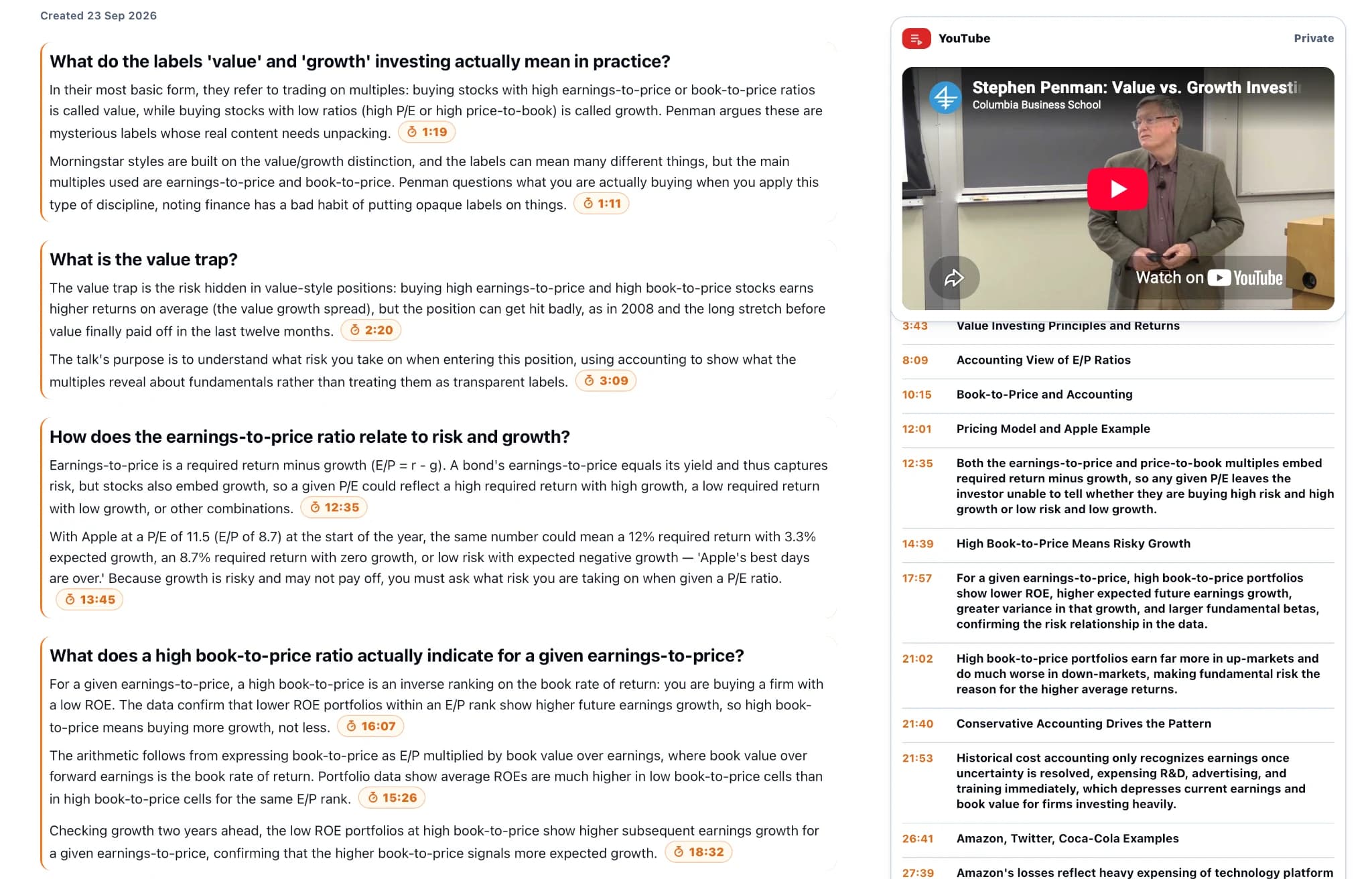
Treat the chapter list as navigation, not as proof of completeness. Compare the first, middle and last chapter against the video's runtime. If the closing discussion is missing, ask specifically for the final section before sharing the map.
Step 3: Ask for the detail you came for
Suppose the interview discusses the cost of AI infrastructure. “Summarise this interview” invites a broad recap. A more useful question is: “What reasons does the speaker give for expecting infrastructure costs to fall? Separate present observations from forecasts, retain the stated conditions, and cite the relevant moments.”
An illustrative weak note would say “Costs will fall.” A better note would say “The speaker expects costs to fall if utilisation improves; this is a forecast, and the implementation timetable remains uncertain.” The second note tells you what to check and what you still do not know.
Ask a follow-up that tests the boundary of the claim: “What does the speaker say could prevent this outcome? If the source does not answer, say so.” A good research note preserves both the argument and its limits. Put forecasts, reported observations and the host's questions on separate lines.
Step 4: Review three moments before reusing the notes
Open one timestamp near the beginning, one in the middle, and one near the end. Choose a number, a strong claim, and a qualification if the material includes them. Listen around the reference, not just to its first sentence.
Check attribution too. “Could demand collapse?” from an interviewer is not evidence that the guest expects a collapse. Keep a question and the answer to it separate.
For a claim you plan to quote, make a tiny evidence record: speaker, claim in your own words, timestamp, and the exact qualification you heard. If the timestamp opens near rather than at the statement, scrub through the surrounding minute. When visuals carry the meaning, check the actual frame as well as the spoken words.
Step 5: Keep the next question close to the source
Save the result with the video title and your own short note about why it matters. Related videos and documents can be grouped in a KnowledgePilot Hub, so a later question can use the retained source material rather than only the first summary. Check retention terms if this is a long-term research collection.
For example, keep an interview beside the PDF the speaker refers to, then ask: “Which claims in the interview are supported by the document, and which remain the speaker's interpretation?” Keep the two sources attributed separately. A Hub makes a second question easier; it does not make every statement from either source correct.
Continue with How to Summarize a PDF with AI Using KnowledgePilot, compare the approach with YouTube Lecture Summarizer: From Video to Study Notes That Actually Work, or explore How to Summarize an Annual Report With AI: An Evidence-First Guide.
How we help
How KnowledgePilot helps
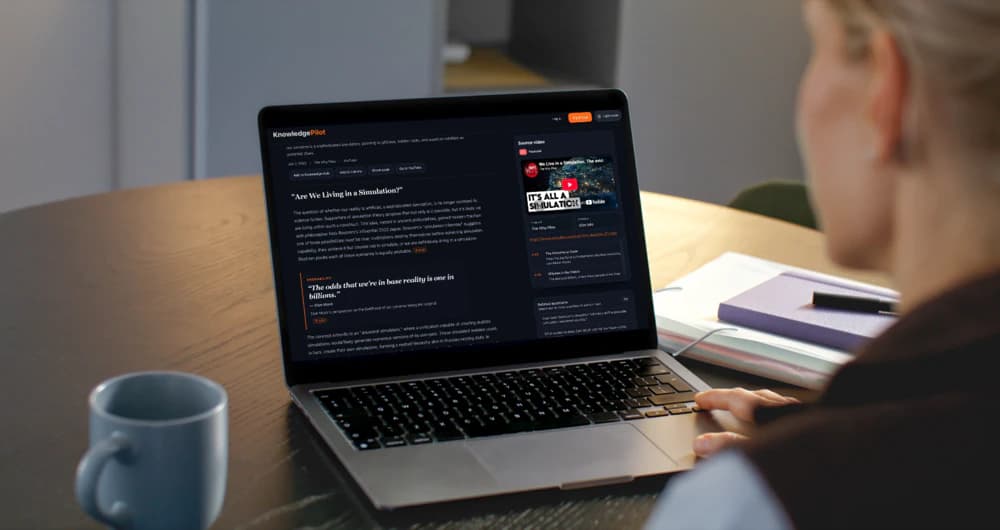
KnowledgePilot turns a YouTube link into selected analysis outputs and focused answers with available timestamp references. Use a topic map to navigate, verify important moments in the original video, and keep related sources in a Hub for later questions.
Frequently asked questions
Can AI summarize a two-hour YouTube video?
Some tools support long videos, but acceptance depends on their current source and plan limits. Check coverage across the runtime and inspect the parts that matter instead of assuming a successful import means a complete summary.
Can I summarize a video without watching all of it?
Yes, for orientation and finding relevant sections. Watch the supporting moments before quoting a speaker, reusing a consequential claim, or following a visual demonstration.
What should I do when a timestamp does not support the answer?
Read or watch the surrounding context and correct the note. If no support is present, treat the answer as unverified and ask a narrower question rather than inventing a reference.
Put your Watch Later list to work
Start with one video and one real question. Create a map if you need orientation, inspect the cited moments, and save only the notes you expect to reuse. KnowledgePilot fits this workflow when you want the summary and the evidence in the same place.