To learn from an educational video after watching, identify the idea you need, return to its explanation, and write a short note that preserves the source and its limitations. Then close the notes, answer a recall question and check your response. Keep the useful material together so you can revisit and apply it later. You may remember that a lecturer explained an exception without remembering exactly what it was.
Reopening the video gives you access to the lesson; a useful set of notes and source references helps you find and work with the explanation you need.
Start with this five-step video review workflow
1. Choose what you need to explain or do. 2. Locate the supporting explanation and inspect its context. 3. Write a concise note with the relevant source location. 4. Answer a question without looking, then check and correct it. 5. Keep the source and useful outputs available for later review. Action: Find; Useful question: Where does the speaker explain the point I need?; What to retain: A distinctive heading, term or source location.
Action: Inspect; Useful question: What does the explanation actually say, and what conditions limit it?; What to retain: The claim, its qualification and a route to context. Action: Explain; Useful question: Can I reconstruct the relationship without looking?; What to retain: A corrected explanation in your own words. Action: Practise; Useful question: Can I answer a question or use the idea in a suitable case?; What to retain: A few relevant questions, examples or problems.
Action: Return; Useful question: What should I revisit when this topic matters again?; What to retain: Retained source material, useful outputs and open questions. Use the steps that fit your purpose. A quick introduction may need only a useful note; a technique you intend to use may need worked practice. The sections below explain how to make those choices and what the learning research supports.
Why watching and understanding are different tasks
The argument for working with videos after playback starts with recognising what video already does well. An instructor can demonstrate a process, coordinate narration with a diagram, compare examples and show how an experienced person approaches a problem. The learner can pause, rewind and revisit an explanation that would otherwise have passed once in a live session. A systematic review by Michael Noetel and colleagues examined 105 randomised studies involving 7,776 higher-education students.
Across those studies, replacing existing teaching with video produced a small positive average effect on learning, while adding video to existing teaching produced a larger positive effect. The authors also identified variation between studies and risks of experimental and publication bias. The findings support video as a useful teaching medium; they do not make every recording equally effective. Video Improves Learning in Higher Education.
The practical implication is that a strong video is worth preserving as a learning resource. Its explanation may be the clearest one you have found. Its demonstration may make a difficult relationship visible. Its examples may provide the starting point for later questions. Tools used after viewing should help you retain access to those strengths. The purpose also changes from one viewing situation to another. Sometimes you watch to discover whether a subject interests you.
Sometimes you need enough background to follow a discussion. At other times, you need to solve problems independently, prepare for an assessment or make a defensible recommendation. These purposes justify different amounts of follow-up work. For a quick introduction, a few useful takeaways may be enough. For a technique you expect to use, you may need a worked example and a chance to practise.
For an argument you intend to cite, you need to inspect the supporting evidence and preserve its qualifications. The right question is what the video needs to help you do next.
Following an explanation and producing one are different tasks
During a clear explanation, much of the structure is supplied for you. The speaker selects the relevant concepts, connects them and resolves uncertainty in a planned order. You can follow those connections while they are visible without necessarily being able to recreate them later. Research on learning judgments helps explain why this distinction deserves attention.
In a randomised study of introductory physics teaching, Louis Deslauriers and colleagues found that students in active classes learned more while reporting a lower feeling of learning than students receiving polished lectures. The study concerned live classrooms, so it does not directly measure YouTube viewing. It does show why a smooth experience alone is an unreliable basis for judging what you can subsequently do. Measuring actual learning versus feeling of learning.
For a learner, the implication is straightforward: choose an observable task that matches your purpose. Can you explain the central relationship? Can you identify the condition under which a recommendation changes? Can you carry out the procedure with a different example? These questions reveal more than whether the presentation felt clear. Consider a tutorial on evaluating a research claim. While watching, you understand the speaker's criticism of a particular experiment.
Afterwards, you encounter another study with different measurements and a different population. If you can explain which parts of the criticism apply and which do not, you have something more useful than a remembered conclusion. You have a way to reason about the next case. A productive after-playback workflow begins by naming that next case or task.
It gives your notes a purpose, tells you which source passages matter and helps you decide whether another viewing is necessary.
Find the relevant video explanation again
Once your purpose changes, navigation becomes important. A video unfolds through time. Your later question may concern a single relationship spread across several moments: a definition near the beginning, a demonstration halfway through and an exception near the end. Searching for those moments is different from learning the relationship itself. A useful set of notes should help you locate the explanation without forcing you to reconstruct the entire viewing experience first.
Headings, distinctive terms, questions and source locations can all serve that purpose. The best label is often the one you are likely to look for later. A heading such as “When this method fails” may be more useful than “Section three”. A note that records the speaker's distinction between two similar concepts may be more useful than a general sentence saying the discussion was important. Organisation should reflect the questions that bring you back.
This is also why a transcript can be useful even when you prefer learning through video. It offers a text route into spoken material. You can search a term, inspect wording or identify the passage worth replaying. The transcript and recording serve related purposes, and moving between them can be more useful than choosing only one representation.
Searchable text improves access; its learning value depends on use
A study by Eleanor Dommett and colleagues examined captions, transcripts and reminders in a university lecture-capture setting. Students valued captions and transcripts, and interviewees described uses such as finding sections and clarifying terminology. However, the study detected no overall improvement in multiple-choice test performance from making captions and transcripts available. Effects of captions, transcripts and reminders. That finding helps distinguish two benefits. A transcript may make a source easier to use.
Learning still depends on what a person does with the access it provides. Finding a definition is useful when the immediate goal is to check a term. Preparing to explain that definition independently requires another activity. The same distinction applies to summaries. A summary can help you decide which part of a video deserves attention. It can remind you of the main argument and provide useful search terms. Those are worthwhile functions.
They become more valuable when the summary directs you towards the original explanation whenever detail or uncertainty matters. For example, suppose a speaker recommends a method only when a dataset meets a particular condition. A short summary may retain the recommendation while compressing the condition. When you later need to use the method, the useful action is to find and inspect the passage where the condition is explained. A source reference makes that action practical.
This suggests a simple standard for retained notes: when a statement could affect an important interpretation or action, keep a route back to the relevant source context. You should be able to move from the note to the explanation it represents.
How can you check a video summary?
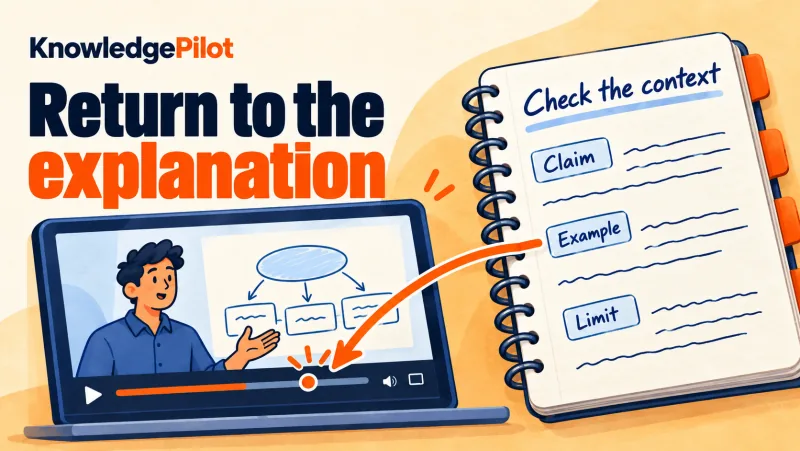
Open the source passage behind an important claim and compare its wording, examples and conditions with the summary. Check the surrounding explanation and any essential visuals before relying on the condensed version. Finding a passage is only the beginning of checking it. You also need enough surrounding material to understand what the speaker meant. A sentence may describe a general principle, a simplified teaching example, a disputed interpretation or a recommendation limited to certain circumstances.
Useful notes preserve those distinctions. Record whether a statement is the speaker's conclusion or an example introduced to explain it. Keep the condition attached to the recommendation. Mark a question as unresolved when the source leaves it unresolved. These details matter because a tidy note can appear more definitive than the discussion from which it was derived. A source reference helps you investigate such questions, but it does not settle them by itself.
Returning to the passage can establish whether your note represents the speaker accurately. Evaluating whether the speaker's claim is justified may require examining cited research, checking another source or applying domain knowledge. Attribution and evidential strength are related checks with different purposes. For routine study, that can be a small habit. Before turning a claim into a flashcard or using it in written work, inspect the passage and ask what limits it contains.
If the claim is conditional, make the condition part of the question. If the explanation compares two approaches, preserve the basis of comparison.
Spoken words may leave out essential visual information
Educational video often communicates through things the speaker shows. A diagram can reveal a relationship that is only loosely described aloud. A software tutorial may demonstrate a sequence while saying “select this option”. A worked calculation may depend on symbols written on screen. The World Wide Web Consortium's accessibility guidance distinguishes a basic transcript, which represents speech and meaningful audio, from a descriptive transcript, which also includes visual information needed to understand the content.
It also describes interactive transcripts that connect selected text with the corresponding video moment. W3C guidance on transcripts. That distinction is useful whenever you work from spoken text. If a summary or answer derives from the transcript, ask whether the relevant evidence was actually expressed in speech. A transcript-based note may correctly reproduce the words while omitting the demonstration that makes them meaningful.
In a coding tutorial, for example, the narrator might explain why a function fails while the screen shows the precise input and error message. A note capturing the spoken explanation can help you locate the lesson, but you may still need to inspect the code shown on screen. In a geometry lesson, a verbal reference to an angle may depend on the diagram. The source video remains important.
Cynthia Brame's review of educational-video design similarly emphasises cognitive load, engagement and active learning, including the effective use of complementary audio and visual material. Its relevance after playback is that different representations carry different parts of the explanation. Effective Educational Videos. A practical rule follows: retain the original video as part of the working resource.
Use generated or written outputs to organise access, and revisit the relevant visual sequence when the idea depends on what is shown. A useful summary should make that return easier.
How do you practise recalling a lecture?
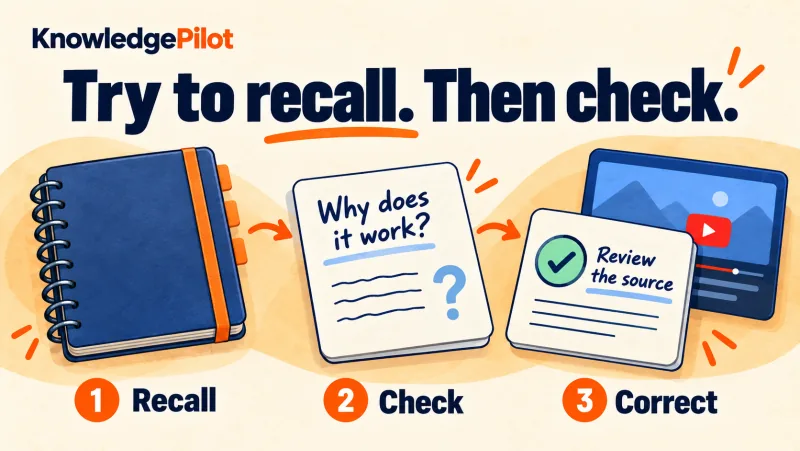
Close the notes and answer a question about the lesson from memory. Reopen the source-backed material, compare your response and correct it. Use questions about relationships and conditions alongside factual questions. After locating and checking the explanation, the next question is whether you can use it without the answer in view. This is where study questions, self-explanation and practice become useful companions to notes. Retrieval practice means attempting to reconstruct learned information from memory.
It can take the form of a short answer, an explanation, a recalled sequence or a response to a flashcard. The defining activity is the attempt to produce the answer before looking at it. In experiments using science texts, Jeffrey Karpicke and Janell Blunt found that retrieval practice produced better delayed learning than elaborative studying with concept mapping.
Their assessments included conceptual and inference questions, and the advantage also appeared when a final task involved making a concept map. The results support retrieval as an activity that can contribute to meaningful learning, beyond checking whether facts were retained. Retrieval Practice Produces More Learning. For an educational video, an application is to close the notes and answer a question that captures an important relationship.
Then reopen the source-backed material, compare your response and correct it. The sequence makes a gap visible while giving you somewhere to investigate it. A question such as “What are the three stages?” may help with a sequence. A question such as “Why must the second stage occur before the third?” asks you to reconstruct the relationship. A question such as “What would change if this condition were absent?” tests whether you understand a boundary.
Different questions serve different objectives.
Video-specific evidence is encouraging, with important variation
Karl Szpunar, Novall Khan and Daniel Schacter tested the use of memory questions between segments of a statistics lecture. Across two experiments, interpolated testing improved lecture learning and encouraged relevant note-taking; their second experiment also measured reduced mind wandering. The intervention occurred during viewing, which matters when applying it to activities undertaken only afterwards. Interpolated memory tests and online lectures. Later findings have been mixed.
A conceptual replication involving 195 undergraduates found a small reduction in task-unrelated thoughts under conventional significance testing, without supporting Bayes-factor evidence, and did not detect a learning benefit from interpolated testing. That result limits claims that inserting questions will reliably improve every video-learning experience. Interpolated testing and content pretesting. A larger online experiment published in 2025 included 703 university and community-college participants.
It found benefits from interpolated quizzes on lecture learning and on a cumulative test approximately a day later. Immediate results depended partly on the onscreen-distraction condition, and the study did not find a reliable reduction in its individual mind-wandering measure. In-lecture quizzes improve online learning. Together, these studies make a reasonable case for including retrieval opportunities while paying attention to their design and use.
They do not establish that generating a question is enough, or that a particular AI-generated question will reproduce the benefits of a research intervention. The learner must attempt an answer, and the question must be relevant and answerable from suitable material.
Use a summary to decide what to study
A summary remains useful within this process. It can provide a manageable overview, identify central ideas and help you select questions. It is especially helpful when the original source is long and you need to decide where to direct attention. John Dunlosky and colleagues' review of ten learning techniques rated practice testing and distributed practice highly for their broad utility. Summarisation received a lower rating because benefits depended more on conditions and implementation.
The review examined learning techniques, including learner summarisation; it should not be treated as a direct evaluation of modern AI-generated summaries. Improving Students' Learning With Effective Learning Techniques. A useful division of work follows. Let the summary help you establish the shape of the material. Use the source to inspect important details. Use questions to discover what you can reconstruct. Each output earns its place by supporting a different task.
For example, a lecture summary might identify three explanations for a phenomenon. Your next step could be to explain each one without looking, then describe what evidence would distinguish them. If you can list the explanations but cannot compare them, that tells you where to return. The summary has done useful orienting work, and the question has revealed the next learning task.
The same approach prevents an expanding set of notes from becoming an end in itself. You do not need every possible output from every source. You need enough structure to identify the important ideas and enough practice to establish what you can do with them.
How do you turn video explanations into useful study notes?
Write the idea in your own words, add a relevant example and preserve any condition that changes the answer. Keep a source location beside the note and turn its main relationship into a question you can answer later. Recall becomes more useful when it connects to meaning. You may remember the name of a method while remaining unsure why it works. You may reproduce a definition without recognising a new example.
A practical learning resource should give you opportunities to explain relationships and examine cases. Logan Fiorella's review of generative learning describes sense-making through explaining, visualising and enacting. It also examines why such activities can fail: learners may lack background knowledge, suitable strategies or motivation, and the task may require more support than they have. The term refers to the learner's cognitive activity, rather than to generative AI. Making Sense of Generative Learning.
That distinction matters for an AI-assisted workflow. Having a system produce an explanation gives you material to inspect. Producing your own explanation is another activity. A useful routine can include both: obtain a source-grounded account when you need support, then attempt to explain the relationship yourself and compare the two. Start with a specific question. “Explain the video” leaves the purpose broad. “Why does the speaker recommend this method only under these conditions?”
focuses attention on the reasoning. “Which example demonstrates the exception?” directs you towards evidence. “What remains uncertain in the speaker's account?” helps preserve qualifications. Once the source is clear, try a new case. Change one feature of the original example and ask whether the conclusion still follows. If you cannot decide, identify what information is missing. You may need to revisit the explanation, consult a related source or seek guidance from someone with relevant expertise.
Match the difficulty to your current understanding
An unanswered question can reveal a gap, but the next action should depend on the kind of gap. If a term is unfamiliar, begin with its definition and an example. If the sequence is unclear, inspect a worked demonstration. If two ideas seem contradictory, write down the conditions attached to each one before trying to reconcile them. This prevents follow-up work from becoming a set of tasks that are demanding without being useful.
A learner who has not understood the basic model may need a simpler explanation before attempting transfer. Someone who already understands it may benefit more from an unusual case than another definition question. Consider a lecture on evaluating evidence. A beginner might first distinguish an observation from an interpretation. A more experienced learner might compare two studies that use different measures.
Both activities can be worthwhile, but they require different support and demonstrate different levels of understanding. Your notes can record this progress concretely. Instead of marking a whole video “understood”, identify what you can explain and what remains unresolved. For example: “I can describe the method and its main assumption; I still need to check how the speaker handles this exception.” That note gives the next session a starting point.
AI-generated study questions can help supply prompts, but review their wording and answers. Check that the question concerns an important idea, that its answer is supported by the source and that a compressed response has preserved necessary conditions. A confident answer to a poorly framed question can hide the very uncertainty you need to investigate.
Keep video notes and questions for later review
After the first study session, the value of your work depends partly on whether you can find and use it again. A video link in one place, a summary in another and a set of questions in a third can make later review an assembly task. Keeping the useful parts together gives a future session a clearer starting point. The retained material should be selective.
A concise account of the main relationship, a source reference, a useful example and a few unresolved questions may be more practical than a long document that reproduces every detail. The test is whether the resource helps you resume the task you care about. Research on distributed practice provides a reason to plan for later engagement.
Nicholas Cepeda and colleagues' quantitative synthesis examined 317 experiments in verbal recall and found that study spacing and the delay to a final test interact. The most useful interval depends partly on how long the material needs to be retained. That evidence supports revisiting material over time without supplying one universal review timetable. Distributed Practice in Verbal Recall Tasks. Keeping a source and its notes available helps with the logistics of returning.
The learning activity occurs when you revisit, reconstruct, check or apply the material. An organised library is useful when it supports those actions. For a learner preparing for an assessment, a later session might begin with a handful of questions answered from memory. For a professional, it might begin with a new situation in which a technique could be useful. For an independent learner, it might begin with a question raised by another video.
Each case benefits from knowing where the earlier explanation and its limitations can be found.
Example: turn a video explanation into study notes
This illustrative example shows a completed note for a lesson about correlation and causation. Use the actual wording, evidence and source location from your own video when making your version. Field: Learning goal; Completed illustrative note: Explain why an association alone does not establish a cause. Field: Rough note; Completed illustrative note: “Two things changing together means one causes the other.”
Field: Corrected note; Completed illustrative note: Two variables can move together because one affects the other, because another factor affects both, or for other reasons. Association alone does not identify which explanation applies. Field: Example; Completed illustrative note: Ice-cream sales and swimming incidents could both rise in warmer weather. Their association alone would not show that buying ice cream causes a swimming incident.
Field: Recall question; Completed illustrative note: What alternative explanation should you check before treating an association as causal? Field: Answer to check; Completed illustrative note: A shared factor could affect both variables. Also inspect how the evidence was collected and which alternative explanations it addresses. Field: Source location; Completed illustrative note: Add the real video title and verified timestamp after checking the explanation. No timestamp is supplied for this illustrative example.
Field: Limitation; Completed illustrative note: This example explains why an association is insufficient by itself; it does not establish the cause of any real-world incident. The change from rough note to corrected note is the useful work. The revised version preserves the distinction you need to explain and supplies a question that can reveal whether you remember it. For your own lesson, check the note against the actual passage before keeping it.
Close the answer column and attempt the recall question. Then compare your response, correct anything missing and try a different example. If the source does not explain how to resolve that new case, record the gap as a question for further investigation.
Choose only the outputs your next task needs
An overview helps with orientation; a focused answer with supporting evidence helps with checking a claim; questions help you practise recall. You may need only a source location for an explanation you consult occasionally. A difficult technique may deserve a worked problem. Keep the routine proportional to the task.
Use KnowledgePilot to keep the video and study material together
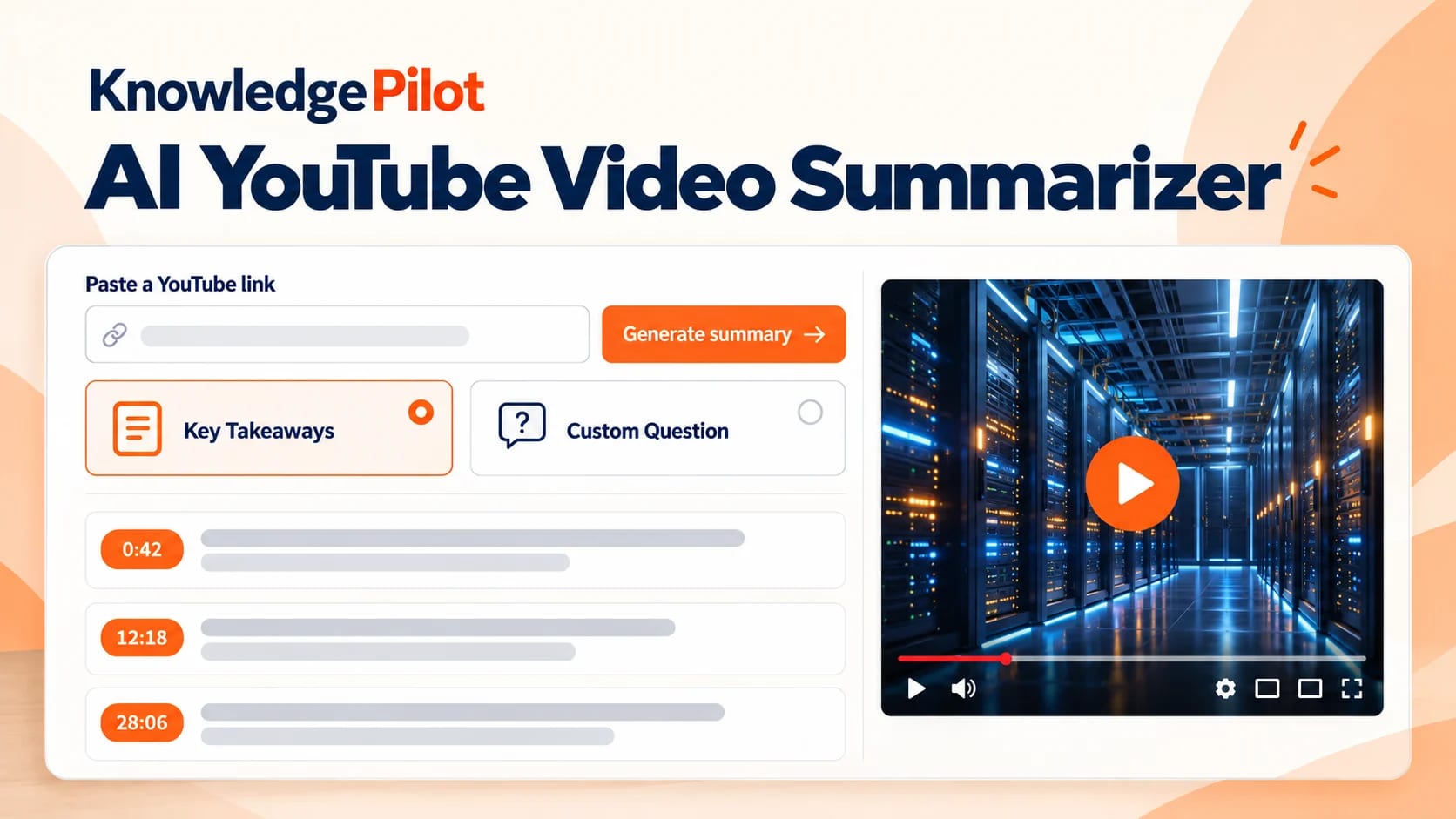
KnowledgePilot lets you paste a YouTube link, choose the analysis or outputs you need, and retain completed work with its source. The YouTube summarizer with source timestamps provides a starting point when you need to work with a long lesson and return to the explanation behind an answer. Your task: Get oriented; KnowledgePilot capability: Short or executive summaries; How to use the result: Identify the ideas worth reviewing. The quick short summary is citation-free.
Your task: Check a specific explanation; KnowledgePilot capability: Focused questions and citation-bearing outputs; How to use the result: Inspect the relevant YouTube moment and its surrounding context. Your task: Prepare a study session; KnowledgePilot capability: Study notes, review questions and flashcards; How to use the result: Attempt an answer before checking it; edit unclear or unsupported questions.
Your task: Return to prior work; KnowledgePilot capability: Retained analysis assets in your Library; How to use the result: Reopen the source and useful outputs when a new task arises. Your task: Compare related material; KnowledgePilot capability: Knowledge Hubs containing videos and documents; How to use the result: Ask about agreements, differences and evidence while keeping claims attributable. For example, begin with a lecture you already need to study.
Ask which conditions limit the method it explains. Inspect the supporting video moment, then select review questions if you need to practise the distinction. Keep the analysis in your Library so a later session starts with the source and the useful work already together. If a related paper adds an important exception, you can analyse the document and bring relevant material into a Knowledge Hub. Check which source supports each part of a combined answer.
A transcript-derived explanation may still require watching a diagram or demonstration in the original video. A notebook and video player may already meet your needs. A connected workspace becomes useful when finding passages, preparing outputs and reconnecting notes with sources repeatedly require manual assembly. Evaluate it by whether you can complete those tasks clearly and return to the supporting evidence.
Make the next use of the video easier
The next time you finish an educational video, choose one idea you expect to use. Find its explanation again, inspect the surrounding context and try to explain it without looking. Then answer a relevant question or apply it to a suitable example. Retain the source reference and the material that would help you continue later. For a first KnowledgePilot analysis, start with a YouTube video you need for study or work.
Ask a focused question, inspect the supporting source context and choose only the additional outputs that serve your next task. Keep the result available for the moment you need the explanation again. The value of an educational video can continue well beyond its running time. A useful workflow gives its ideas a place in the questions, explanations and decisions that follow.
References
- Noetel et al. (2021). Video Improves Learning in Higher Education: A Systematic Review. - Szpunar, Khan and Schacter (2013). Interpolated memory tests reduce mind wandering and improve learning of online lectures. - Dommett et al. (2022). Effects of captions, transcripts and reminders on learning and perceptions of lecture capture. - Karpicke and Blunt (2011). Retrieval Practice Produces More Learning than Elaborative Studying with Concept Mapping. - Dunlosky et al. (2013).
Improving Students' Learning With Effective Learning Techniques. - Merkt et al. (2011). Learning with videos vs. learning with print: The role of interactive features. - Brame (2016). Effective Educational Videos: Principles and Guidelines for Maximizing Student Learning from Video Content. - Deslauriers et al. (2019). Measuring actual learning versus feeling of learning in response to being actively engaged in the classroom. - Cepeda et al. (2006).
Distributed Practice in Verbal Recall Tasks: A Review and Quantitative Synthesis. - Fiorella (2023). Making Sense of Generative Learning. - W3C Web Accessibility Initiative. Transcripts. - Welhaf et al. (2022). Interpolated testing and content pretesting as interventions to reduce task-unrelated thoughts during a video lecture. - In-lecture quizzes improve online learning for university and community college students (2025).