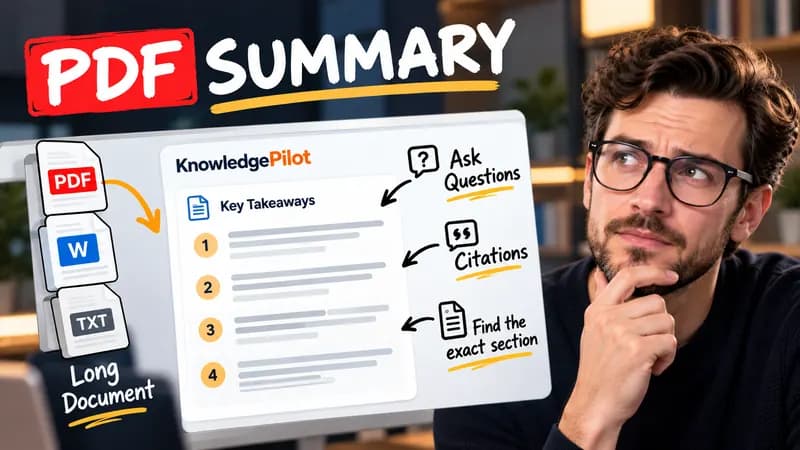
Summary
Summarize Long PDFs
Turn long reports, papers and technical documents into clear key takeaways without reading every page.
Summarize a PDFFree browser tool
Format a YouTube video reference in APA, MLA or Chicago style from the title, channel and upload date you enter. No AI or account needed.
Quick answer
A useful reference identifies the video another reader can retrieve. The uploading channel is the author in the standard APA YouTube example. MLA can name a known creator separately and identify the uploading account as a contributor. This formatter provides plain text so you can paste it into your editor, then apply the required italics. The tool does not infer a creator, upload date or publication history from a URL.

A fictional channel called Example University, a video titled Reading a source critically and an upload date of 2026-01-15 produce: Example University. (2026, January 15). Reading a source critically [Video]. YouTube. [video URL].
Use the video upload date rather than the date you watched it. Enter a personal creator in the order your bibliography requires; this tool does not guess which part of a name is the surname. A reuploaded film, interview or archived livestream can need additional publication details. Follow your institution’s requirements where they differ, and verify punctuation and capitalization before submission.
Good to know
It is free without an account. It uses fixed parsing rules, formatting or arithmetic in your browser, without AI or paid API calls. KnowledgePilot’s AI summarizers are separate products.
Inputs and document files are processed locally. This tool does not upload your text or files to KnowledgePilot. Optional saved drafts stay in your browser, so download a copy before clearing its data.
Review the worked example and limits above. The output follows the information you enter; it does not verify the source or supply missing facts. Check important details against the original material.
KnowledgePilot
Finding information is only the first step. KnowledgePilot helps you understand documents, ask questions, and verify every answer against the original source.
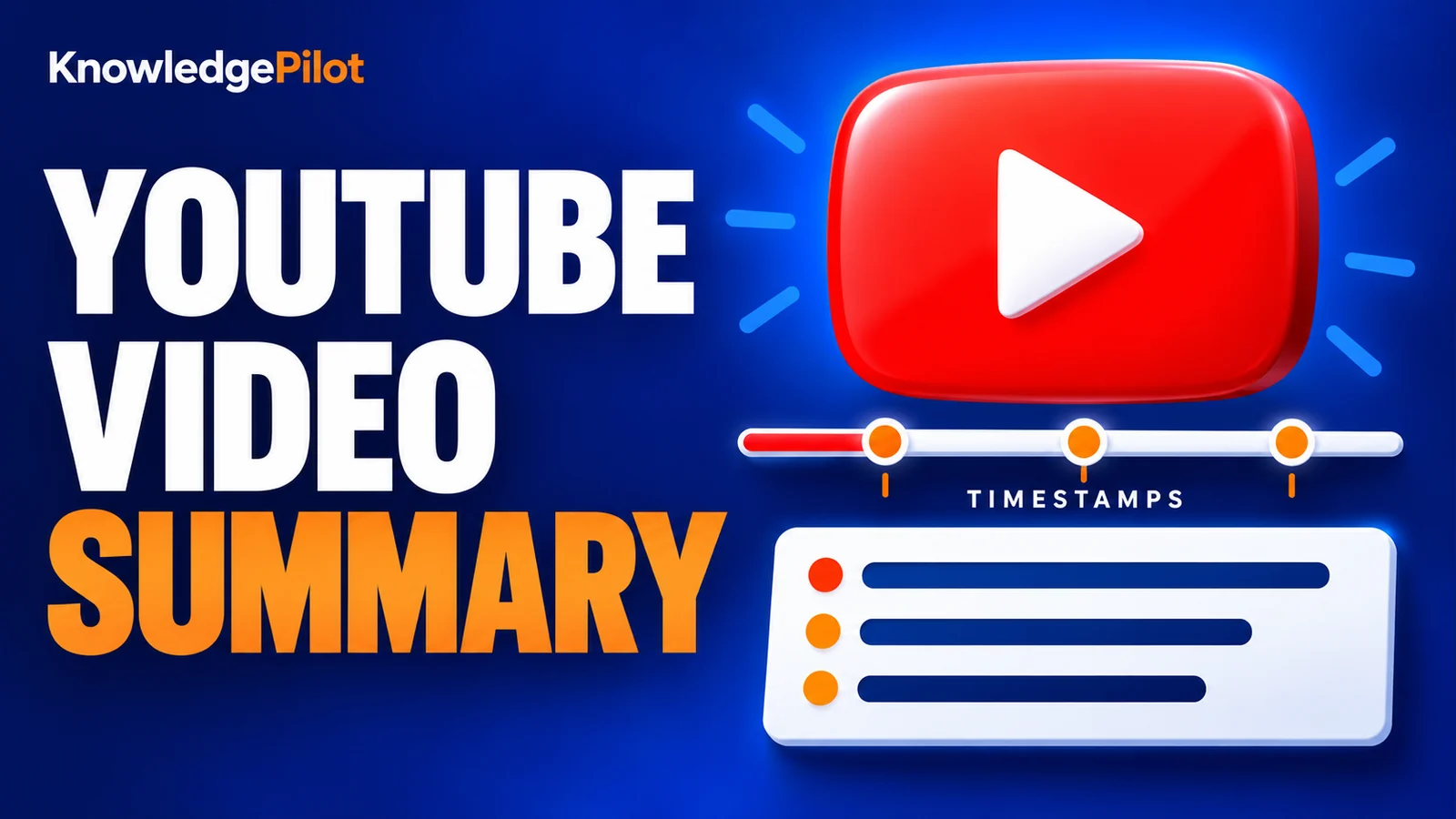
Try an AI video summarizer that gives you a YouTube summary with clickable YouTube timestamps, so you can check every point against the original video.
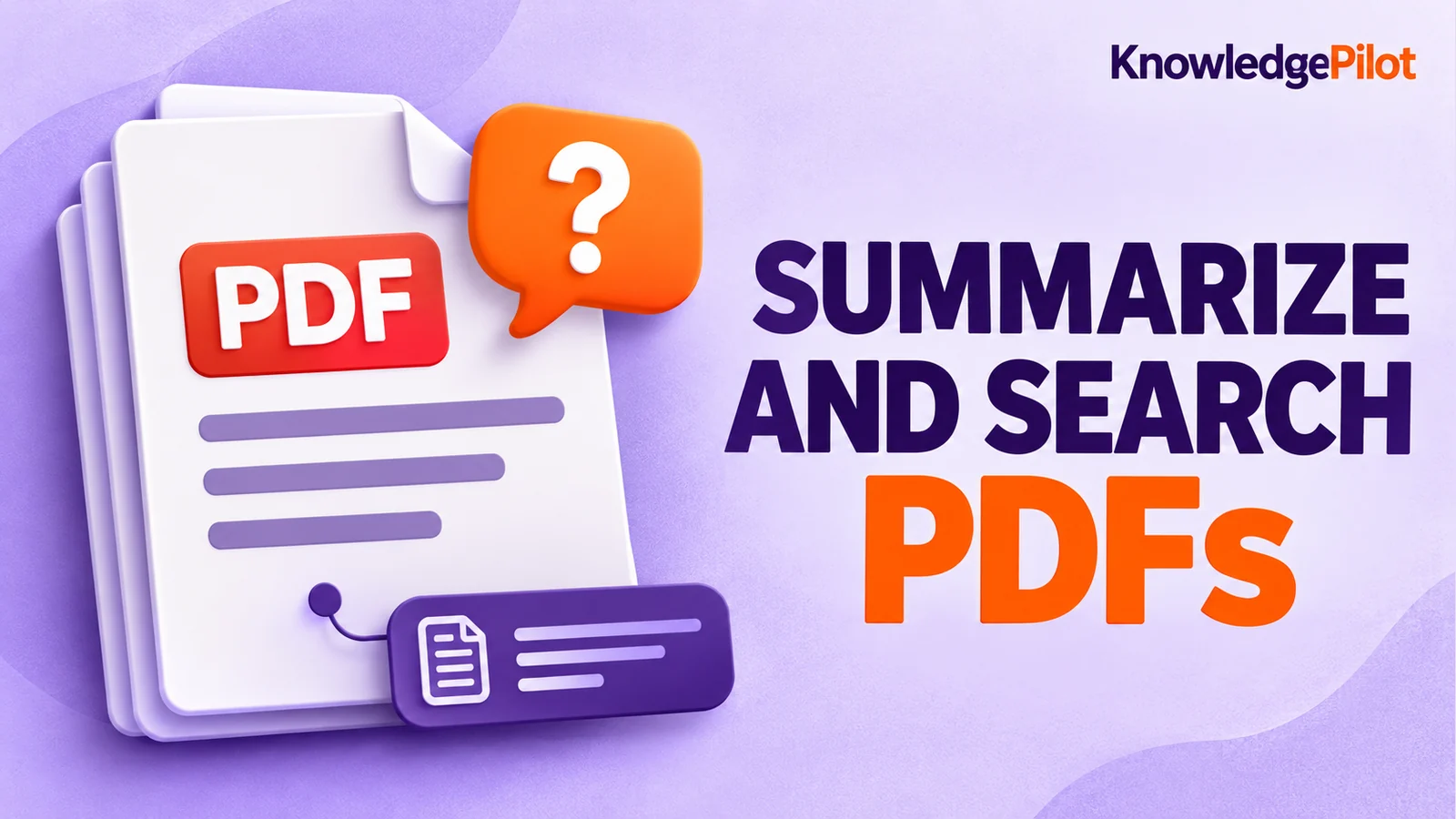
Use an AI document summarizer to summarize PDFs, search documents, ask questions and find key information without reading every page.
Turn long reports, papers and technical documents into clear key takeaways without reading every page.
Summarize a PDF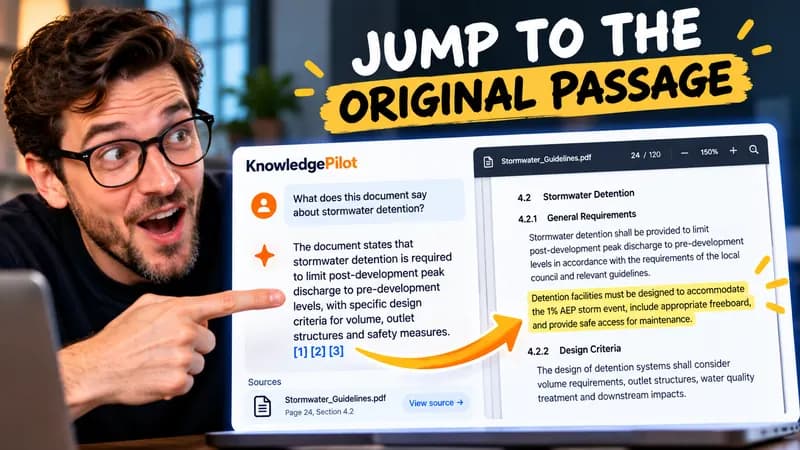
Follow citations back to the relevant section and see the supporting text in context.
Explore document analysis40 free credits · No credit card required