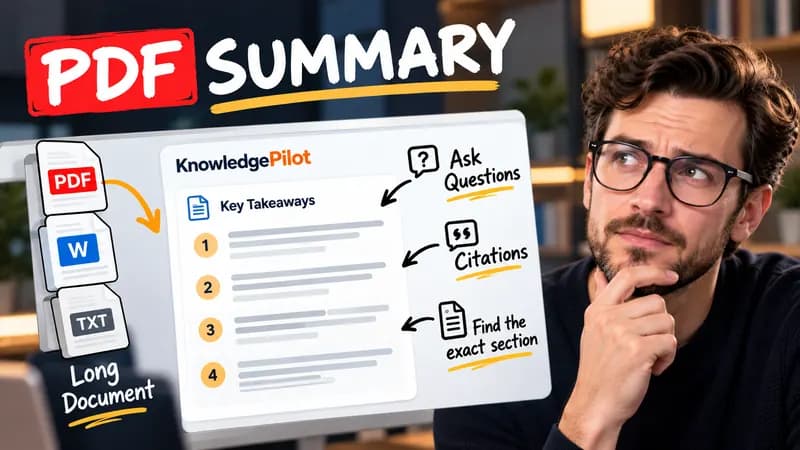
Summary
Summarize Long PDFs
Turn long reports, papers and technical documents into clear key takeaways without reading every page.
Summarize a PDFFree browser tool
Remove transcript timestamps and optional sound cues, join broken lines and download clean text. Your transcript stays in your browser.
Quick answer
Subtitle files prioritize timing and screen-sized chunks. Reading notes often need ordinary prose instead. This cleaner removes common SRT and VTT timing rows, subtitle sequence numbers and leading timestamps. You can keep line breaks when speaker turns or intentional paragraphs matter. The result remains your original transcript: it does not summarize, correct facts or generate missing speech.

Input: 00:00:01,000 --> 00:00:03,000 followed by Check the source. Output: Check the source. A standalone number in the spoken text is retained unless it is a subtitle index immediately before a timing row.
Cleaning is a mechanical edit. Review speaker changes, quotations, numbers and specialist terms after processing. Sound cues may carry meaning, so keep them when the context matters. The tool deliberately does not remove filler words or invent capitalization, since those changes can alter a quotation. Unusual subtitle formats or overlapping captions may need manual cleanup. Keep a copy of the original timing file if you will need to locate the passage later.
Good to know
It is free without an account. It uses fixed parsing rules, formatting or arithmetic in your browser, without AI or paid API calls. KnowledgePilot’s AI summarizers are separate products.
Inputs and document files are processed locally. This tool does not upload your text or files to KnowledgePilot. Optional saved drafts stay in your browser, so download a copy before clearing its data.
Review the worked example and limits above. The output follows the information you enter; it does not verify the source or supply missing facts. Check important details against the original material.
KnowledgePilot
Finding information is only the first step. KnowledgePilot helps you understand documents, ask questions, and verify every answer against the original source.
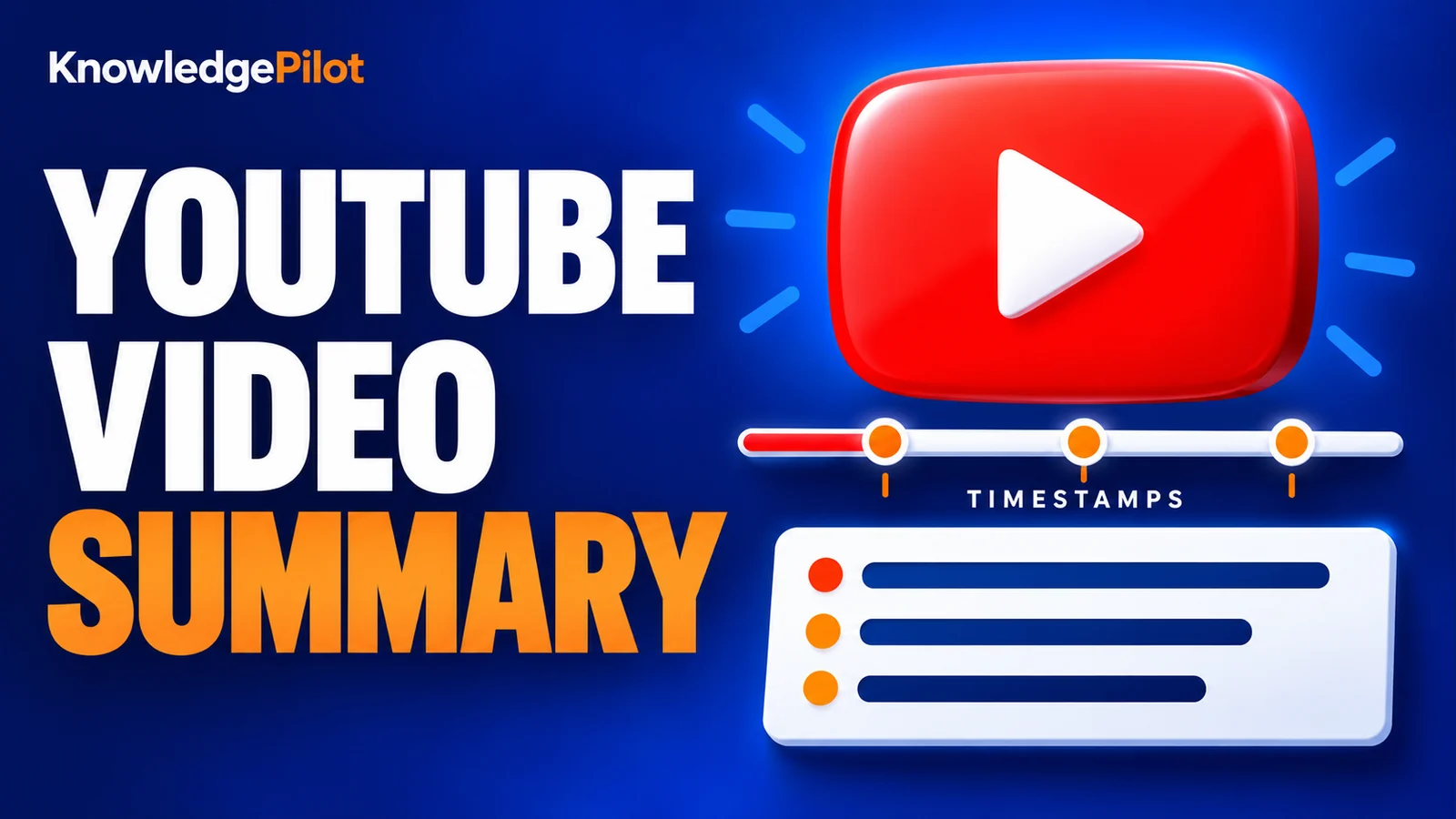
Try an AI video summarizer that gives you a YouTube summary with clickable YouTube timestamps, so you can check every point against the original video.
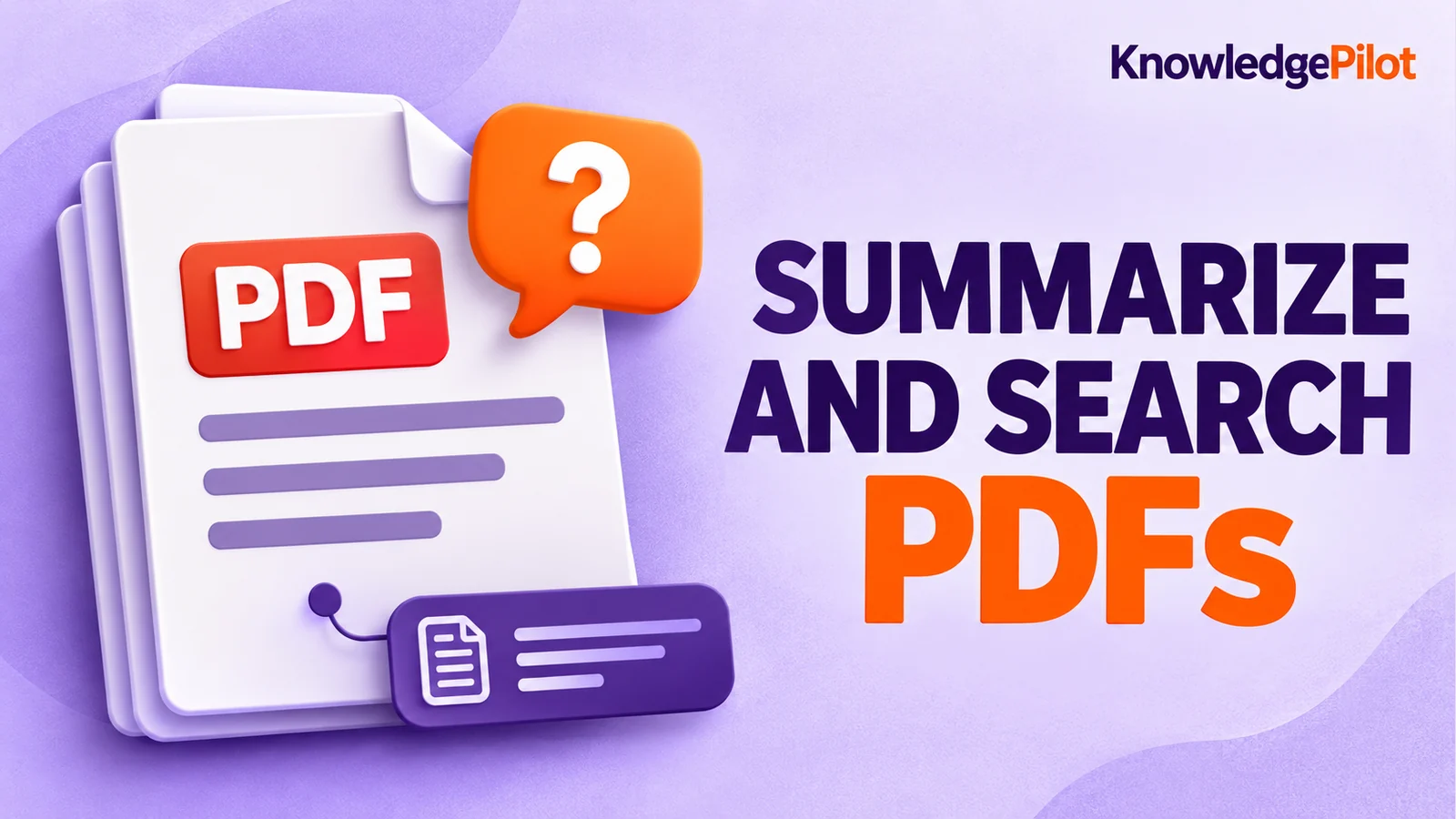
Use an AI document summarizer to summarize PDFs, search documents, ask questions and find key information without reading every page.
Turn long reports, papers and technical documents into clear key takeaways without reading every page.
Summarize a PDF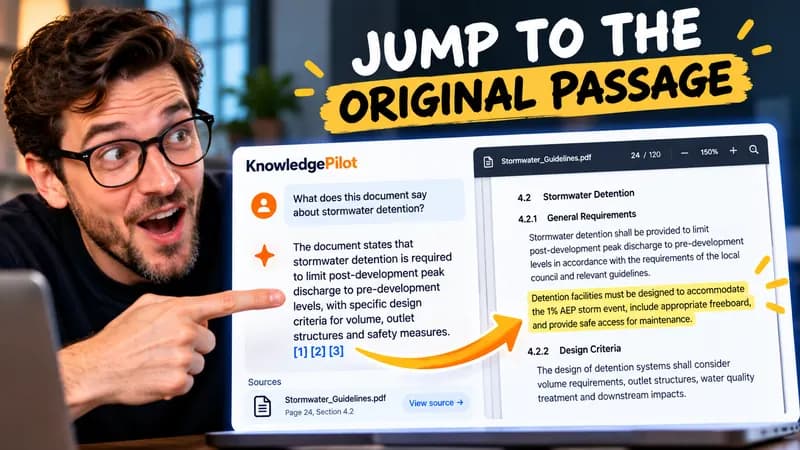
Follow citations back to the relevant section and see the supporting text in context.
Explore document analysis40 free credits · No credit card required