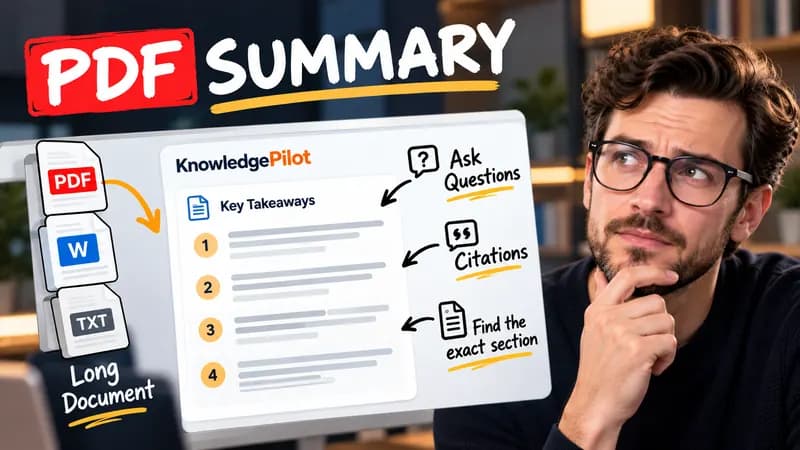
Summary
Summarize Long PDFs
Turn long reports, papers and technical documents into clear key takeaways without reading every page.
Summarize a PDFFree browser tool
Turn your own question-and-answer pairs into Anki CSV or Quizlet-ready TSV, preview cards and download locally. Free, no signup and no AI.
Quick answer
A flashcard works best when it asks one answerable question. This builder turns your existing pairs into a structured import file; it does not decide what you should learn. Split broad questions before importing, and check that each answer preserves the important condition or exception. You can use multiple lines in a Q:/A: answer, while TSV exports flatten line breaks so each card stays on one row.

Input: Q: What is a primary source? A: Original evidence or a direct record. Output: one card with that question on the front and the supplied answer on the back. No header row is added to the import file.
CSV fields are quoted, including embedded quotation marks and commas. Spreadsheet-like formula prefixes receive an apostrophe to reduce accidental formula execution. That apostrophe can also appear when imported as plain card text; remove it deliberately if it is part of your intended mathematical content. The tool does not create .apkg packages or synchronize with Anki or Quizlet. Match the two columns to front and back during import.
Good to know
It is free without an account. It uses fixed parsing rules, formatting or arithmetic in your browser, without AI or paid API calls. KnowledgePilot’s AI summarizers are separate products.
Inputs and document files are processed locally. This tool does not upload your text or files to KnowledgePilot. Optional saved drafts stay in your browser, so download a copy before clearing its data.
Review the worked example and limits above. The output follows the information you enter; it does not verify the source or supply missing facts. Check important details against the original material.
KnowledgePilot
Finding information is only the first step. KnowledgePilot helps you understand documents, ask questions, and verify every answer against the original source.
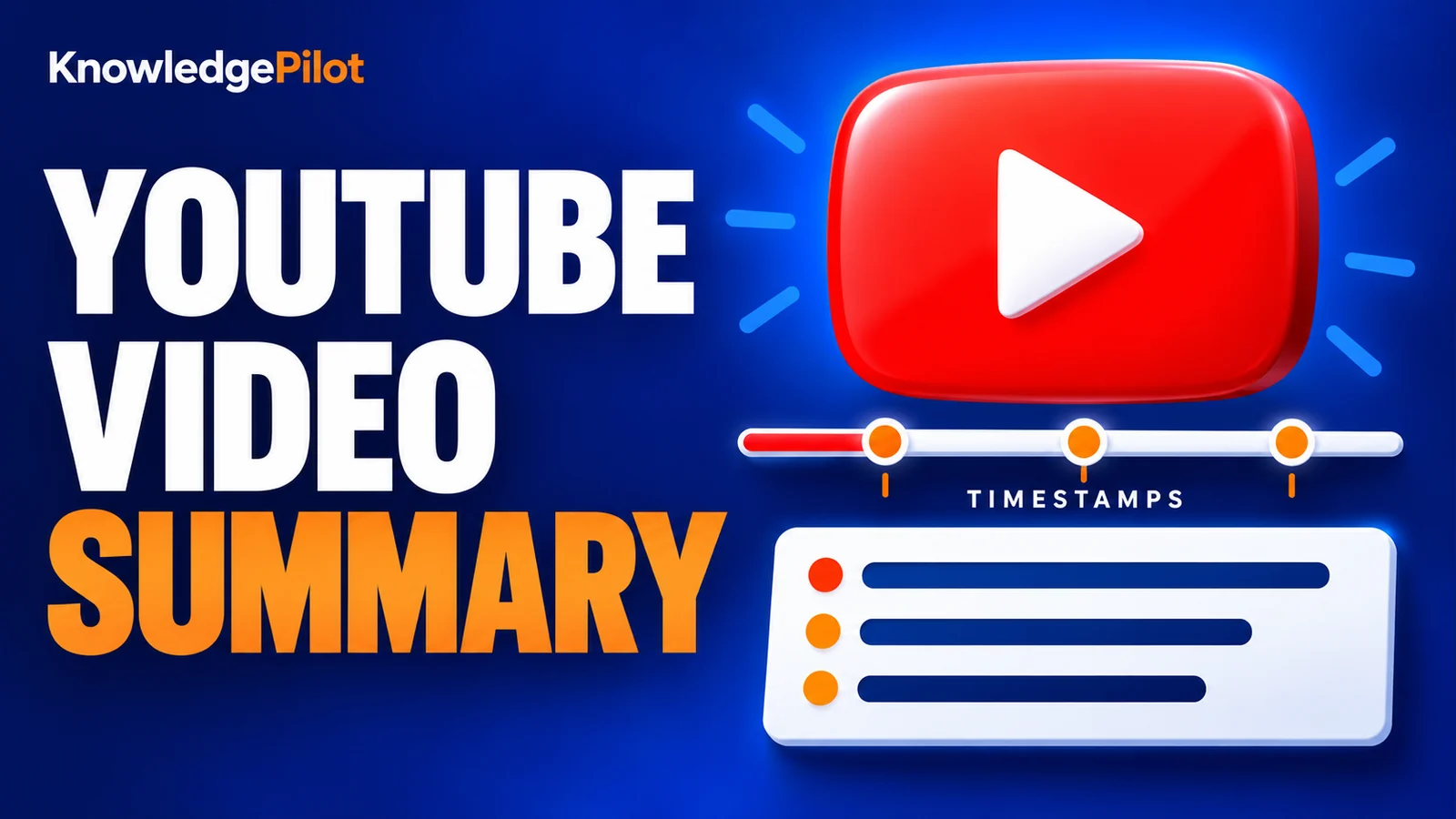
Try an AI video summarizer that gives you a YouTube summary with clickable YouTube timestamps, so you can check every point against the original video.
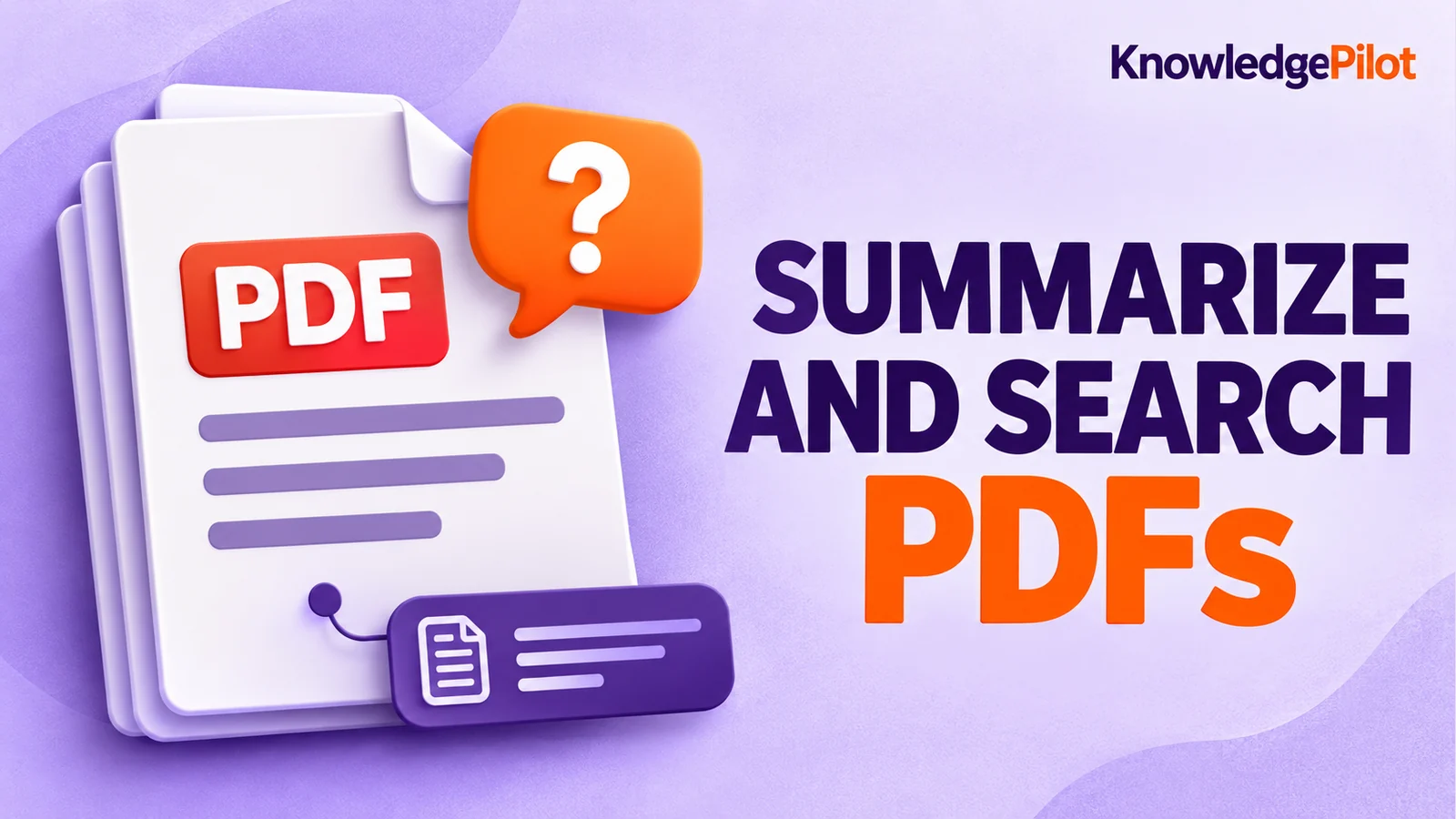
Use an AI document summarizer to summarize PDFs, search documents, ask questions and find key information without reading every page.
Turn long reports, papers and technical documents into clear key takeaways without reading every page.
Summarize a PDF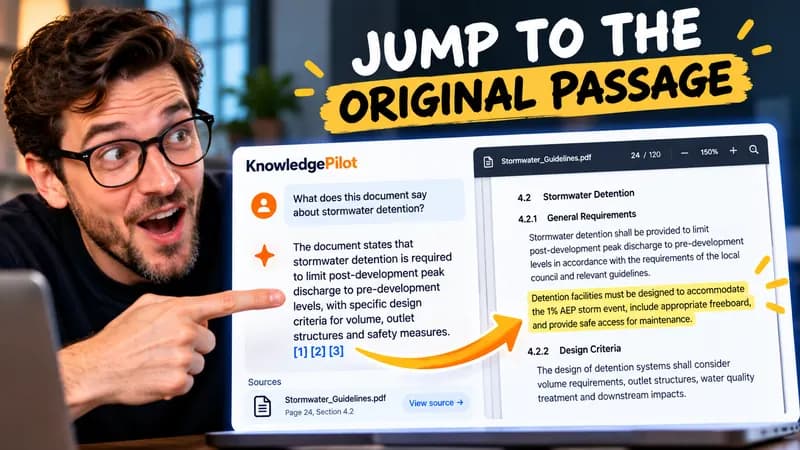
Follow citations back to the relevant section and see the supporting text in context.
Explore document analysis40 free credits · No credit card required