Summary
Summarize Long PDFs
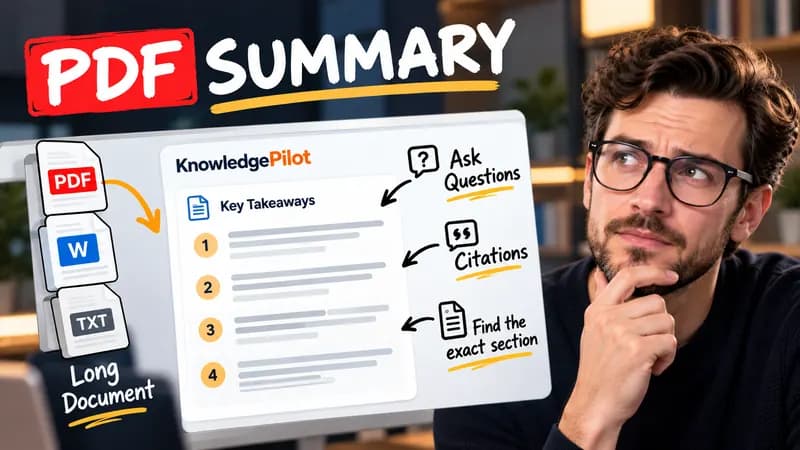
Turn long reports, papers and technical documents into clear key takeaways without reading every page.
Summarize a PDFFree browser tool
Divide pages across chosen reading days and download an all-day calendar plan. Free, no signup or AI; planning stays in your browser.
Quick answer
A reading plan turns a remaining page count into small, explicit sessions. This planner uses inclusive start and end dates and distributes whole pages as evenly as possible across the available days. When the count does not divide evenly, earlier sessions get one extra page. If there are more reading days than pages, the plan stops once every page has a session.

For 100 pages across three available days, the plan assigns pages 1–34, 35–67 and 68–100. Each page appears once. The calendar download includes the same dates and ranges shown in the result table.
Page numbers in the plan start at one for the remaining portion you enter. If you are already on page 81, interpret planned page 1 as the first page of that remaining portion. The tool does not estimate chapter difficulty or add revision time. Calendar events are all-day tasks, without a timezone-specific hour or reminder. Review an imported calendar before relying on notifications.
Good to know
It is free without an account. It uses fixed parsing rules, formatting or arithmetic in your browser, without AI or paid API calls. KnowledgePilot’s AI summarizers are separate products.
Inputs and document files are processed locally. This tool does not upload your text or files to KnowledgePilot. Optional saved drafts stay in your browser, so download a copy before clearing its data.
Review the worked example and limits above. The output follows the information you enter; it does not verify the source or supply missing facts. Check important details against the original material.
KnowledgePilot
Finding information is only the first step. KnowledgePilot helps you understand documents, ask questions, and verify every answer against the original source.
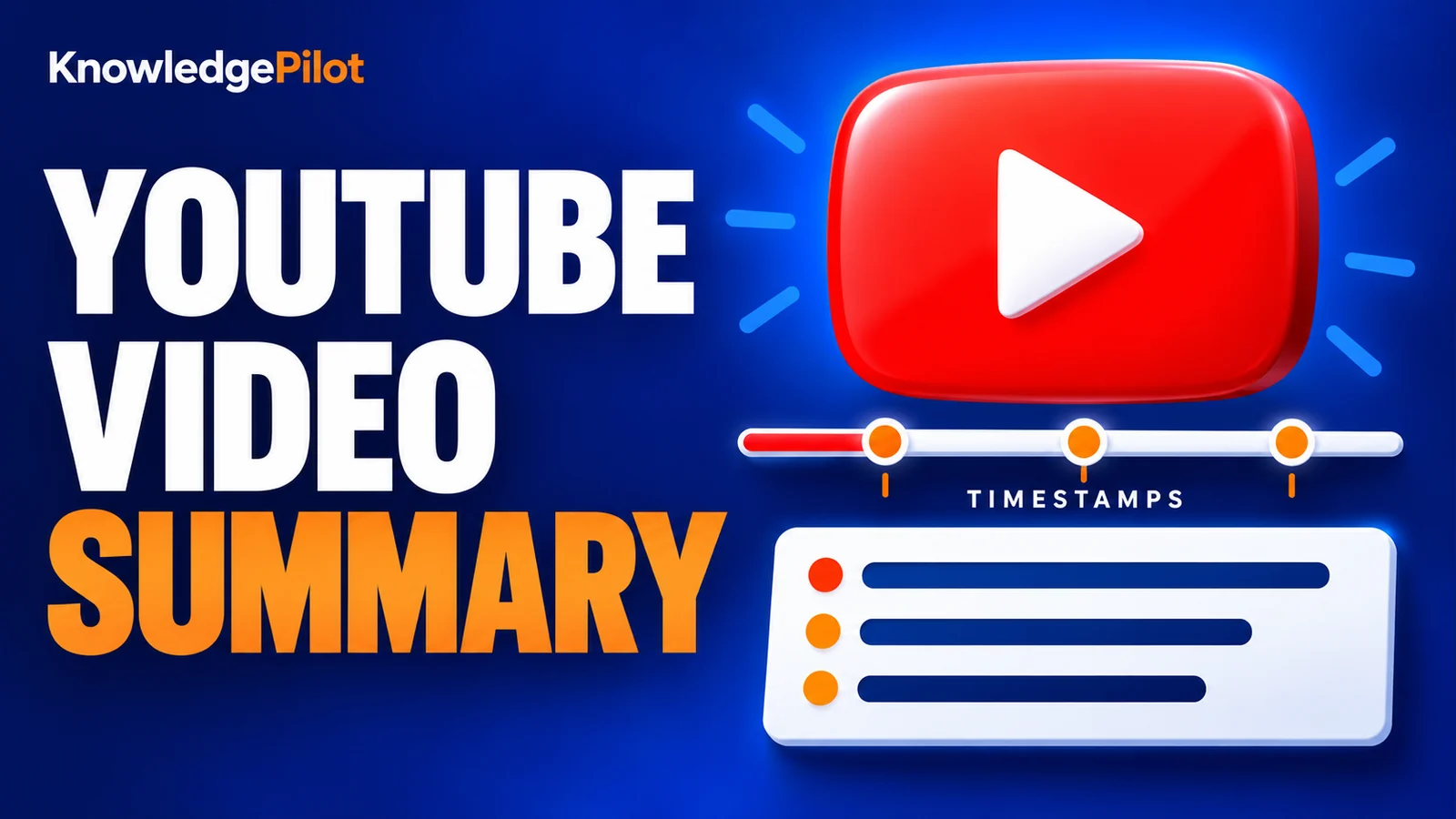
Try an AI video summarizer that gives you a YouTube summary with clickable YouTube timestamps, so you can check every point against the original video.
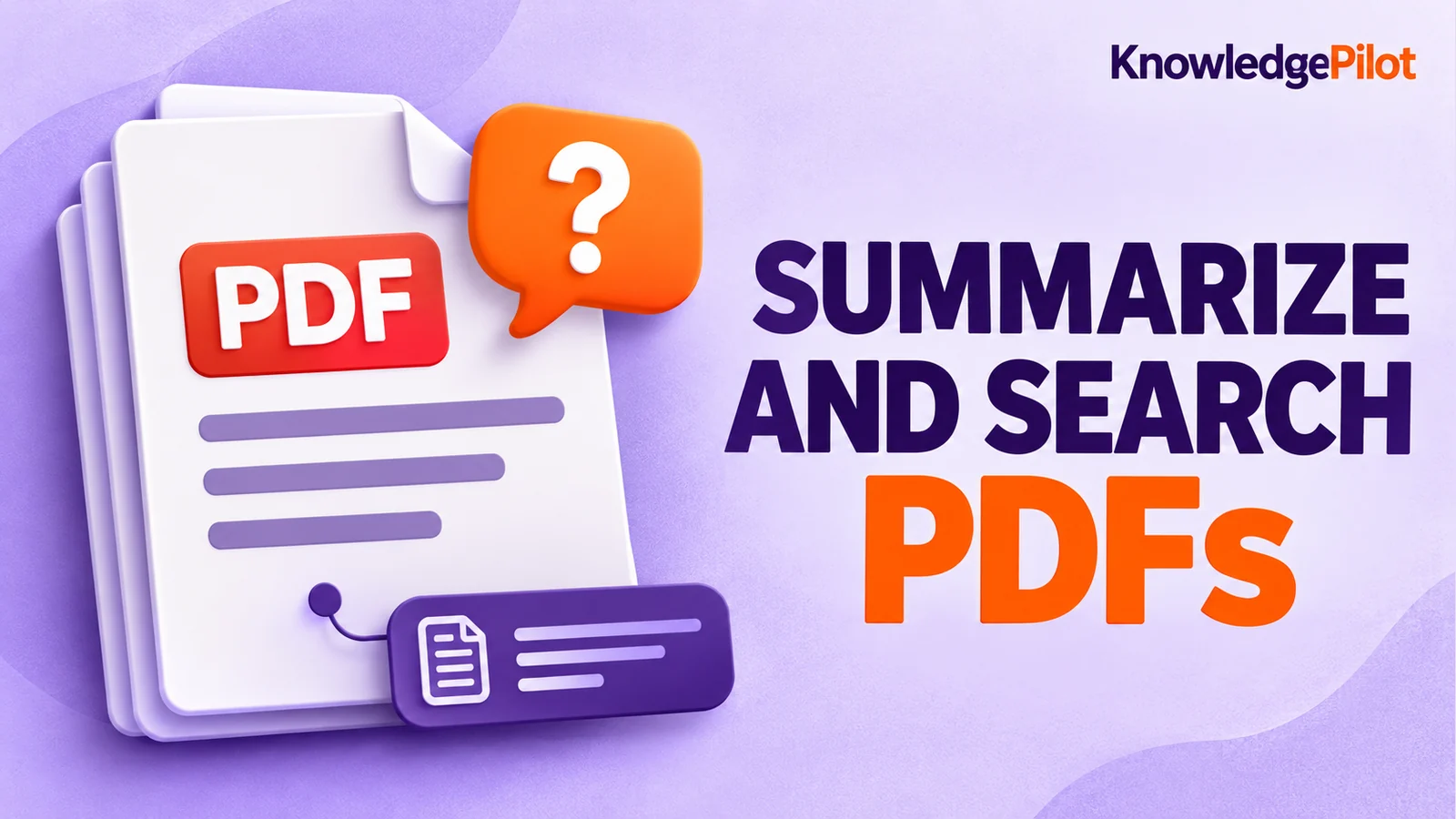
Use an AI document summarizer to summarize PDFs, search documents, ask questions and find key information without reading every page.
Turn long reports, papers and technical documents into clear key takeaways without reading every page.
Summarize a PDF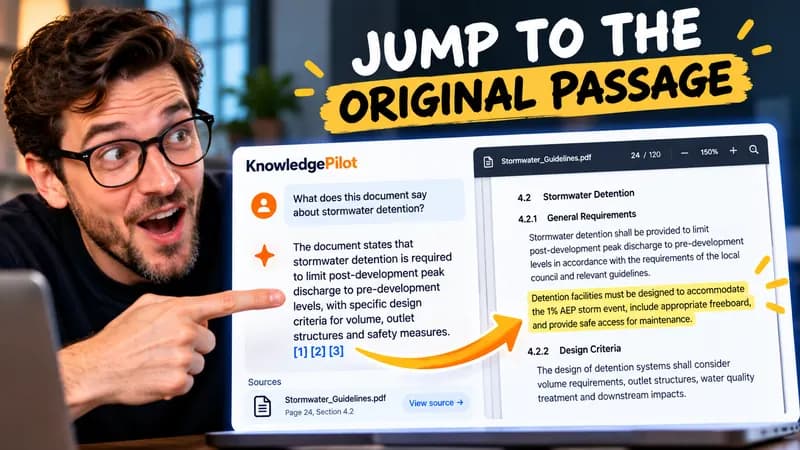
Follow citations back to the relevant section and see the supporting text in context.
Explore document analysis40 free credits · No credit card required