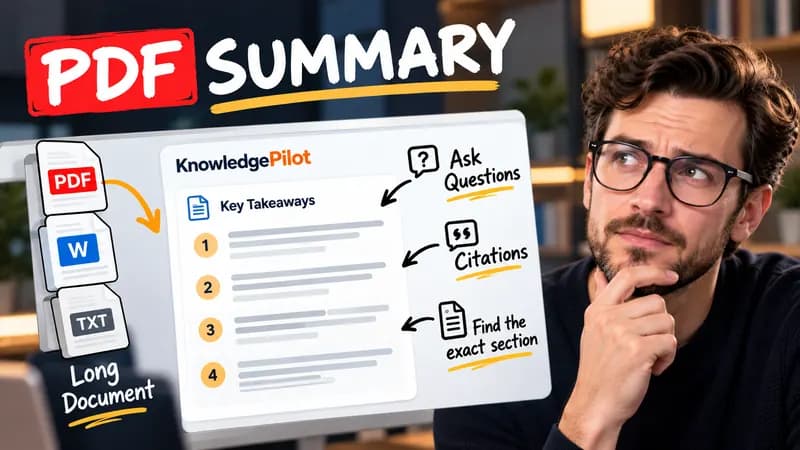
Summary
Summarize Long PDFs
Turn long reports, papers and technical documents into clear key takeaways without reading every page.
Summarize a PDFFree browser tool
Estimate Flesch Reading Ease, Flesch–Kincaid grade and Gunning Fog for English text, with long sentences to review. Local, free and no AI.
Quick answer
Readability formulas summarize surface features such as sentence length and estimated syllables per word. They can help identify dense prose, but they cannot tell whether an explanation is correct or understandable to a particular reader. This tool calculates Flesch Reading Ease, Flesch–Kincaid grade and a Gunning Fog estimate. Syllables are counted with an English spelling heuristic rather than a pronunciation dictionary.

“Check the source. Read the surrounding passage.” uses short sentences and familiar words. A single sentence with several clauses can increase estimated grade level even when the explanation remains useful. Compare revisions of the same passage rather than ranking unrelated documents.
Names, abbreviations, headings and technical vocabulary can skew the scores. A short passage gives an unstable estimate; use at least ten words and preferably several complete paragraphs. Sentence boundaries are approximate, so abbreviations can be miscounted. The longest-sentence list is a prompt for review, not a command to split every long sentence. Keep precise terms and useful qualifications when editing.
Good to know
It is free without an account. It uses fixed parsing rules, formatting or arithmetic in your browser, without AI or paid API calls. KnowledgePilot’s AI summarizers are separate products.
Inputs and document files are processed locally. This tool does not upload your text or files to KnowledgePilot. Optional saved drafts stay in your browser, so download a copy before clearing its data.
Review the worked example and limits above. The output follows the information you enter; it does not verify the source or supply missing facts. Check important details against the original material.
KnowledgePilot
Finding information is only the first step. KnowledgePilot helps you understand documents, ask questions, and verify every answer against the original source.
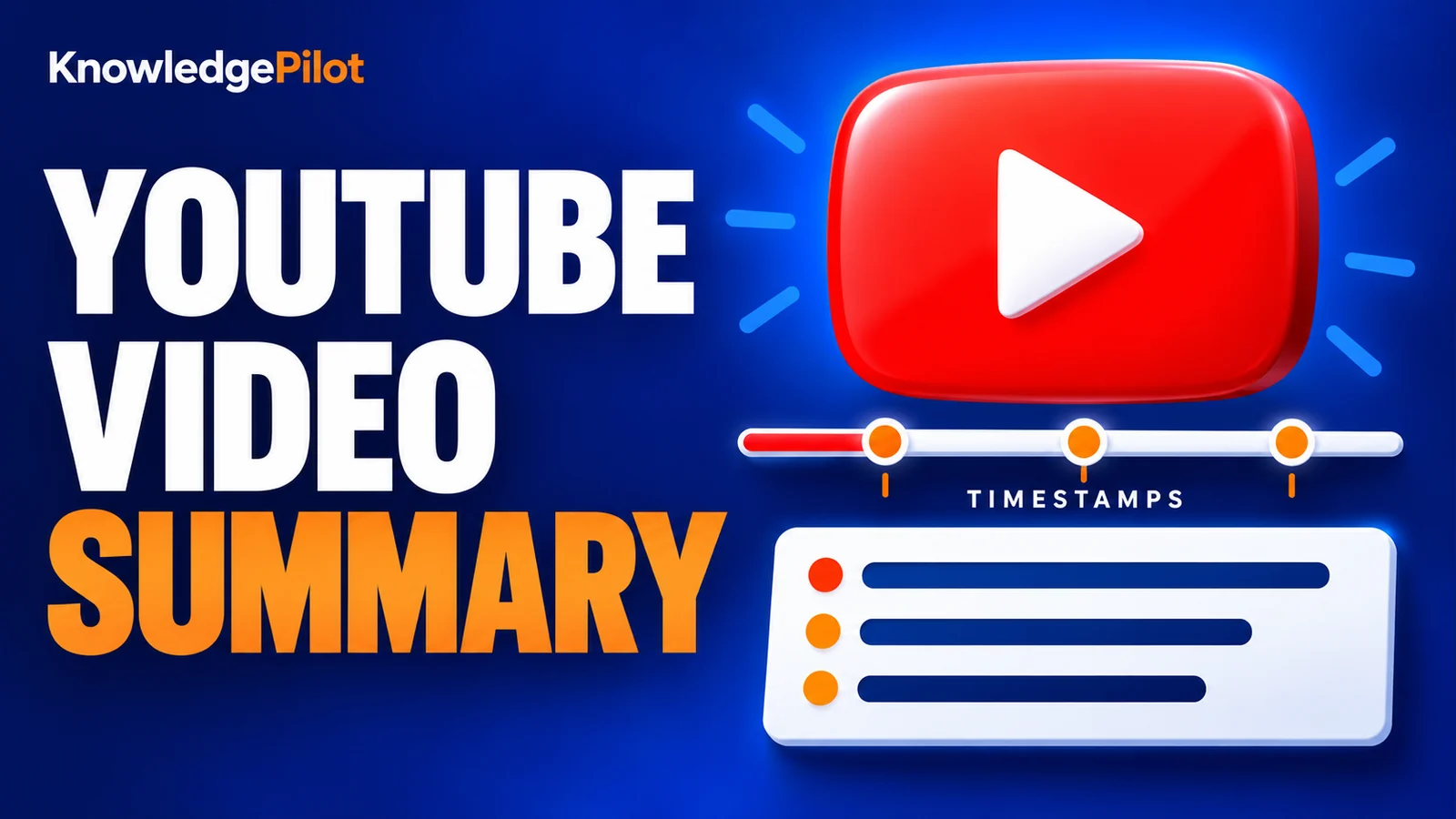
Try an AI video summarizer that gives you a YouTube summary with clickable YouTube timestamps, so you can check every point against the original video.
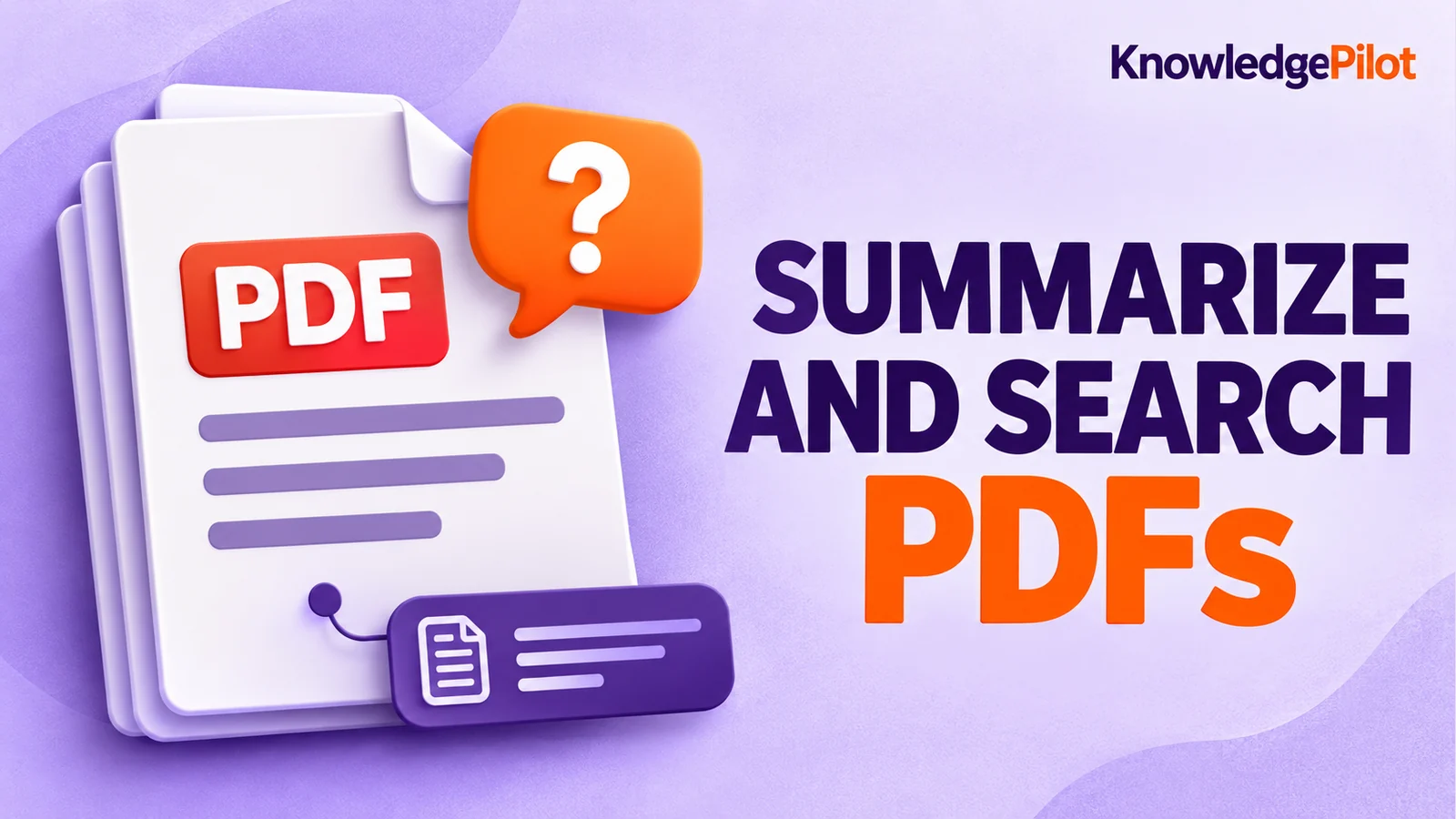
Use an AI document summarizer to summarize PDFs, search documents, ask questions and find key information without reading every page.
Turn long reports, papers and technical documents into clear key takeaways without reading every page.
Summarize a PDF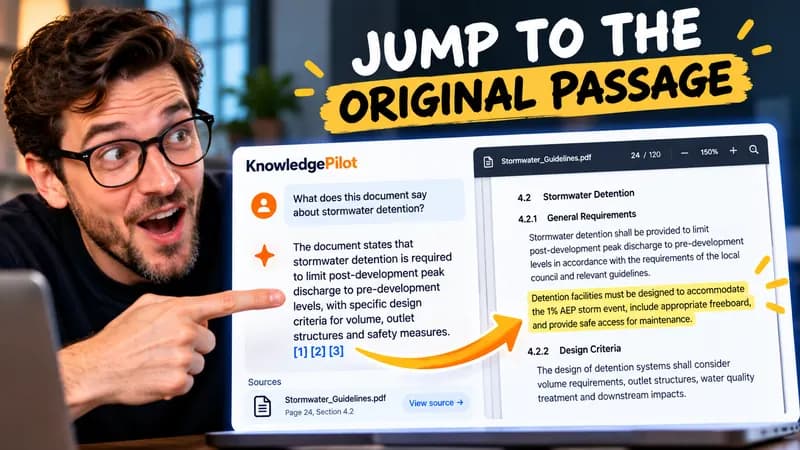
Follow citations back to the relevant section and see the supporting text in context.
Explore document analysis40 free credits · No credit card required