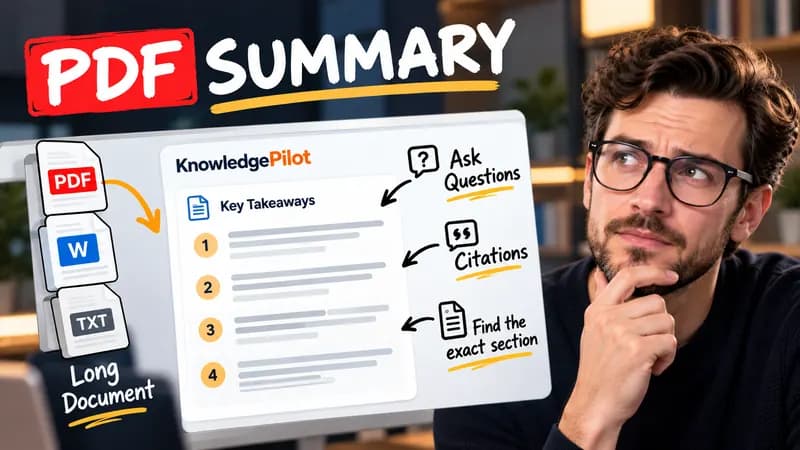
Summary
Summarize Long PDFs
Turn long reports, papers and technical documents into clear key takeaways without reading every page.
Summarize a PDFFree browser tool
Compare regular mortgage payments with extra repayments and a lump sum. See interest saved, time saved and remaining balances. Free, local and no signup.
Quick answer
Extra repayments reduce the amount of principal on which later interest is calculated. This calculator first computes the repayment needed to amortize the entered balance across the remaining term. It then runs a second schedule with the same regular payment, adding your recurring extra and optional lump sum. It caps the final repayment so you do not pay more than the balance and accrued period interest. The baseline uses the same rate and payment frequency.

For a zero-interest balance of 1,200 over one year with monthly repayments, the regular payment is 100. Paying an extra 100 each month clears the loan in six payments rather than twelve. At positive interest, reducing principal earlier can also reduce total interest.
This is an equal-period approximation, not a lender quote. Monthly, fortnightly and weekly schedules use 12, 26 and 52 periods per year, with the annual rate divided by that count. Some lenders accrue interest daily and use different conventions. Fixed-rate fees, early repayment limits, offset balances, redraw, taxes and future rate changes are excluded. Check whether your lender applies extra payments directly to principal. A lump sum scheduled after payoff is unused. Not financial advice.
Good to know
It is free without an account. It uses fixed parsing rules, formatting or arithmetic in your browser, without AI or paid API calls. KnowledgePilot’s AI summarizers are separate products.
Inputs and document files are processed locally. This tool does not upload your text or files to KnowledgePilot. Optional saved drafts stay in your browser, so download a copy before clearing its data.
Review the worked example and limits above. The output follows the information you enter; it does not verify the source or supply missing facts. Check important details against the original material.
KnowledgePilot
Finding information is only the first step. KnowledgePilot helps you understand documents, ask questions, and verify every answer against the original source.

Try an AI video summarizer that gives you a YouTube summary with clickable YouTube timestamps, so you can check every point against the original video.
Use an AI document summarizer to summarize PDFs, search documents, ask questions and find key information without reading every page.
Turn long reports, papers and technical documents into clear key takeaways without reading every page.
Summarize a PDF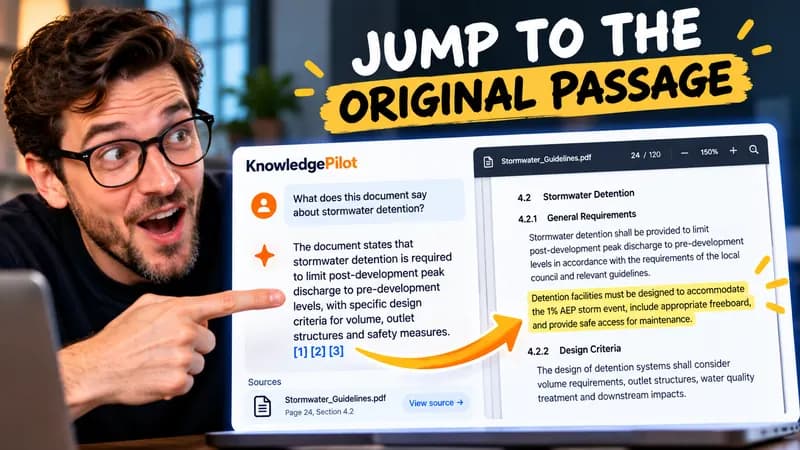
Follow citations back to the relevant section and see the supporting text in context.
Explore document analysis40 free credits · No credit card required