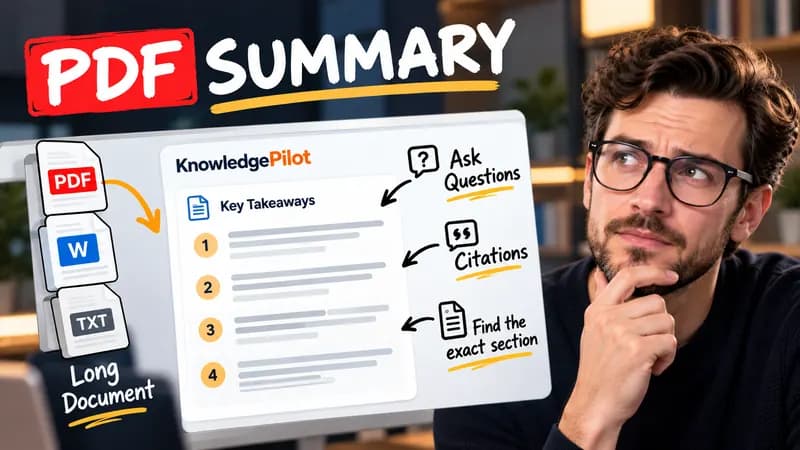
Summary
Summarize Long PDFs
Turn long reports, papers and technical documents into clear key takeaways without reading every page.
Summarize a PDFFree browser tool
Calculate Bitcoin DCA from your own dated price CSV and compare a same-budget lump sum. No price API, AI or account; all math stays local.
Quick answer
Dollar-cost averaging spreads contributions across repeated purchases. This calculator uses only the prices you provide, in the currency those prices quote. It makes a purchase on the first available date on or after the next interval, then measures the following interval from that execution date. It does not invent missing daily values. A seven-day interval means seven days, while a thirty-day interval is not a calendar month.

With fictional prices of 100 on January 1 and 200 on January 8, two weekly purchases of 100 accumulate 1.5 BTC. At the second price the holding is worth 300, from 200 contributed. These numbers demonstrate arithmetic, not Bitcoin history.
The ending value uses the last available CSV price within the chosen period. The lump-sum comparison uses the same total contributions at the first available price, so it assumes that full budget was available at the start. Fees, taxes, spreads, custody risks and exchange execution are excluded. Check your CSV’s provenance and whether it uses closing or intraday prices. Historical outcomes are not forecasts. Not financial advice.
Good to know
It is free without an account. It uses fixed parsing rules, formatting or arithmetic in your browser, without AI or paid API calls. KnowledgePilot’s AI summarizers are separate products.
Inputs and document files are processed locally. This tool does not upload your text or files to KnowledgePilot. Optional saved drafts stay in your browser, so download a copy before clearing its data.
Review the worked example and limits above. The output follows the information you enter; it does not verify the source or supply missing facts. Check important details against the original material.
KnowledgePilot
Finding information is only the first step. KnowledgePilot helps you understand documents, ask questions, and verify every answer against the original source.

Try an AI video summarizer that gives you a YouTube summary with clickable YouTube timestamps, so you can check every point against the original video.
Use an AI document summarizer to summarize PDFs, search documents, ask questions and find key information without reading every page.
Turn long reports, papers and technical documents into clear key takeaways without reading every page.
Summarize a PDF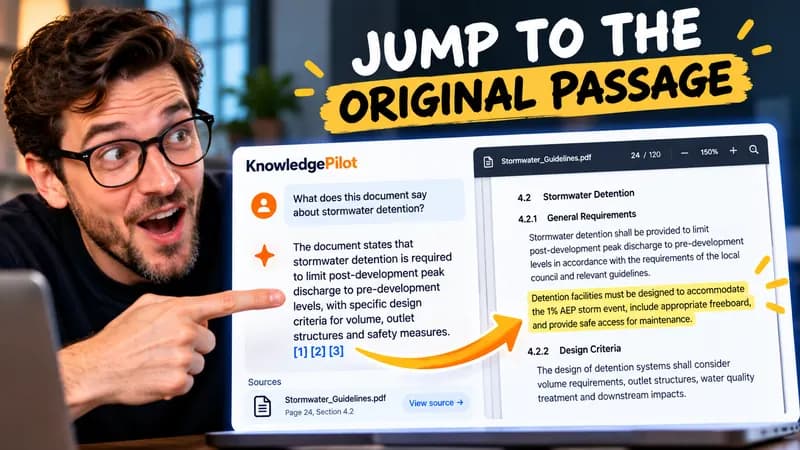
Follow citations back to the relevant section and see the supporting text in context.
Explore document analysis40 free credits · No credit card required