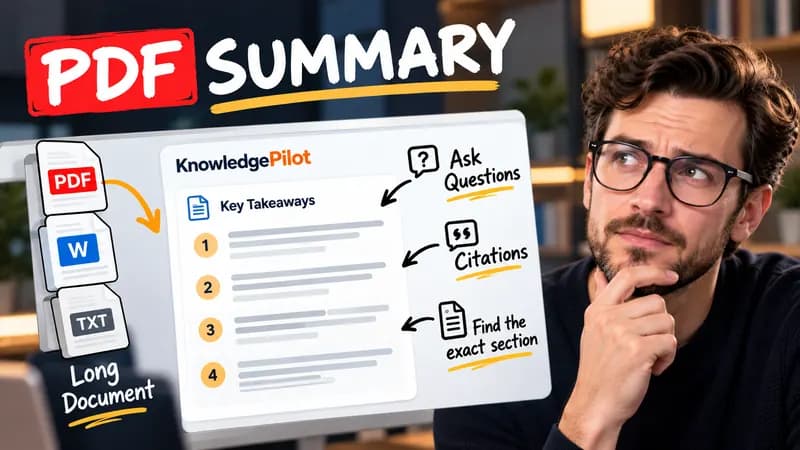
Summary
Summarize Long PDFs
Turn long reports, papers and technical documents into clear key takeaways without reading every page.
Summarize a PDFFree browser tool
Count terms in an earnings-call transcript, compare another quarter and inspect matching context. Free browser analysis without AI or uploads.
Quick answer
Repeated words can help locate a discussion, but they are not a measure of business performance. This tool counts literal case-insensitive terms at word boundaries and shows several nearby excerpts. Use the comparison column to see whether a term appears more often in the pasted material. Keep the source period and transcript coverage in view: a longer question-and-answer session can produce more mentions without a change in strategy.

For “AI demand improved. AI investment increased. Guidance is unchanged.”, AI has two matches, demand one and guidance one. A phrase such as capital expenditure is counted as a literal phrase, rather than as two independent words.
The counter does not infer sentiment, verify management statements or identify an investment opportunity. Negation and speaker roles matter: “no change to guidance” still includes the word guidance. Singular and plural forms are separate unless you add both. Use the full call or the same section in both quarters for a fairer comparison. Not financial advice.
Good to know
It is free without an account. It uses fixed parsing rules, formatting or arithmetic in your browser, without AI or paid API calls. KnowledgePilot’s AI summarizers are separate products.
Inputs and document files are processed locally. This tool does not upload your text or files to KnowledgePilot. Optional saved drafts stay in your browser, so download a copy before clearing its data.
Review the worked example and limits above. The output follows the information you enter; it does not verify the source or supply missing facts. Check important details against the original material.
KnowledgePilot
Finding information is only the first step. KnowledgePilot helps you understand documents, ask questions, and verify every answer against the original source.
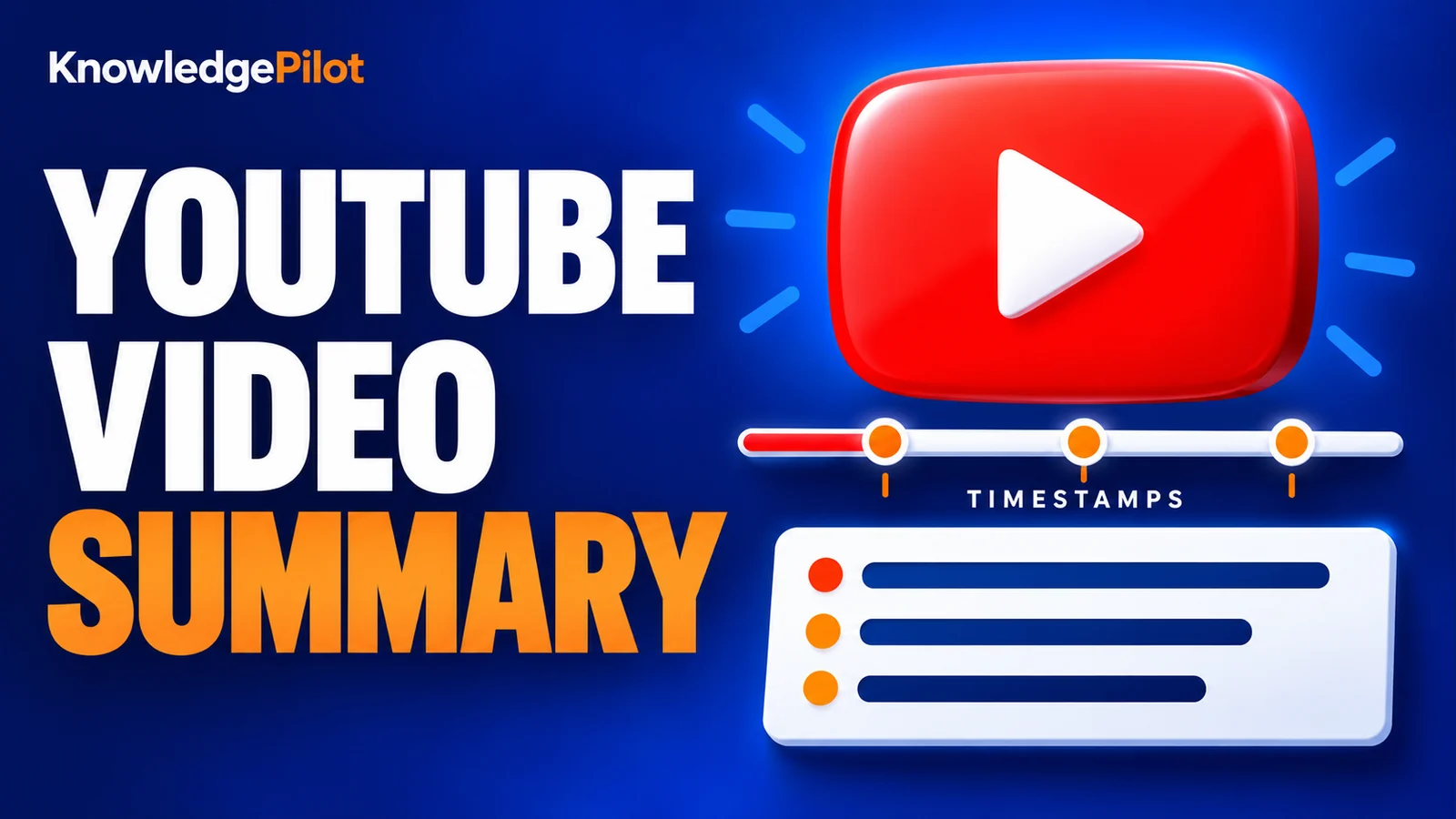
Try an AI video summarizer that gives you a YouTube summary with clickable YouTube timestamps, so you can check every point against the original video.
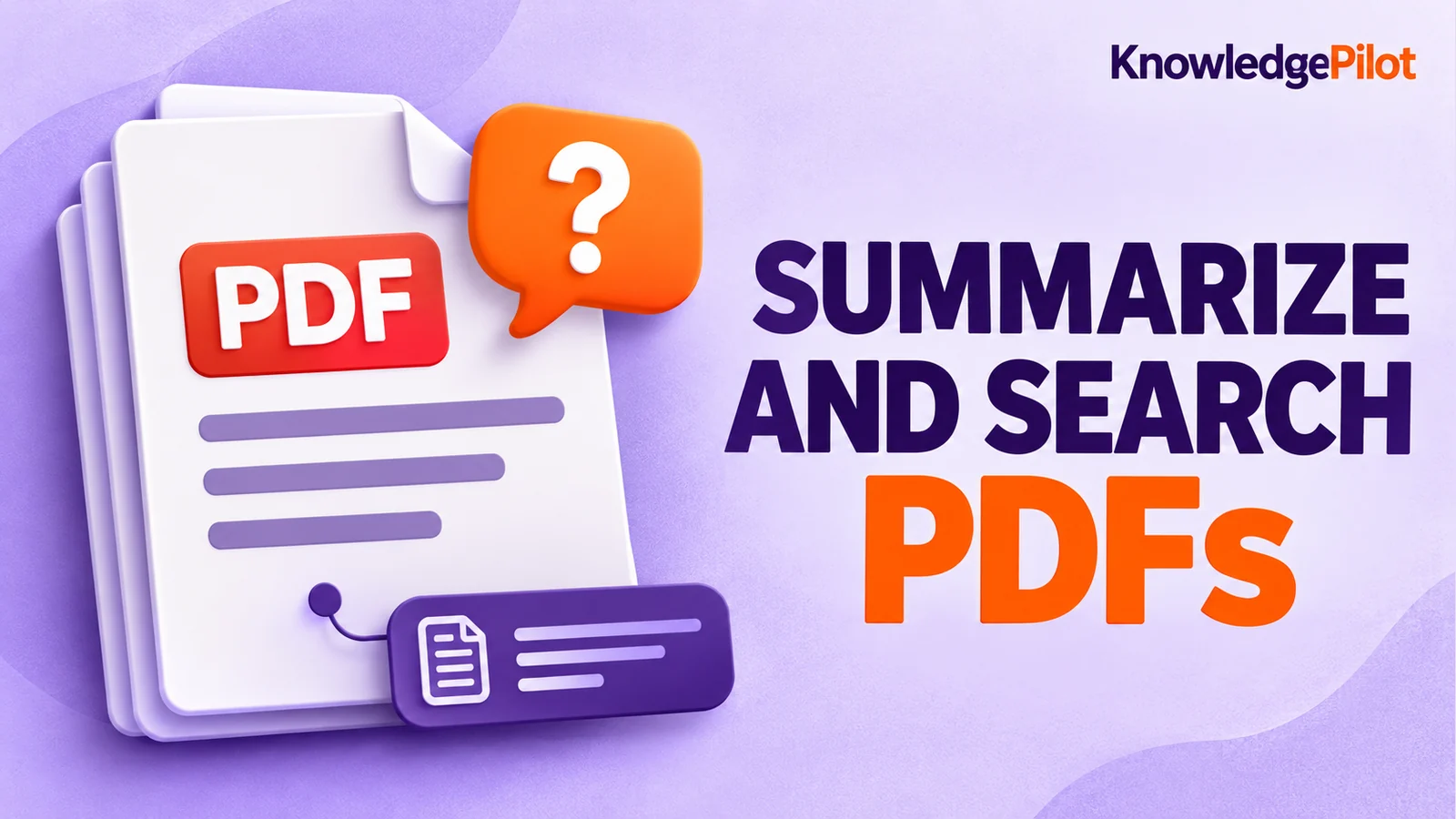
Use an AI document summarizer to summarize PDFs, search documents, ask questions and find key information without reading every page.
Turn long reports, papers and technical documents into clear key takeaways without reading every page.
Summarize a PDF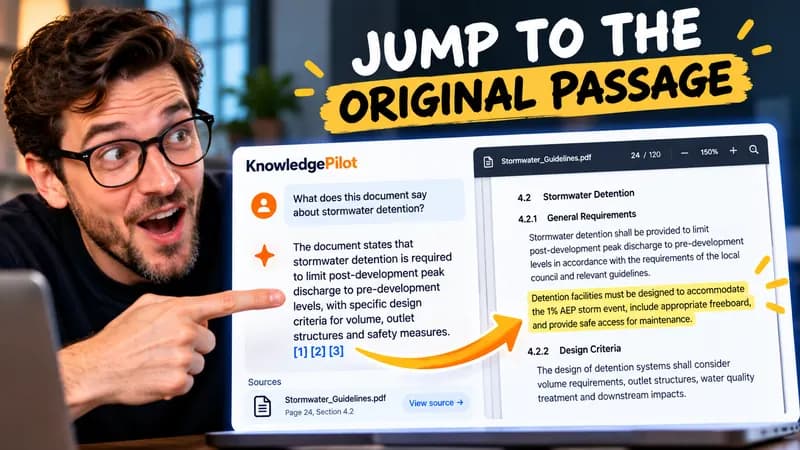
Follow citations back to the relevant section and see the supporting text in context.
Explore document analysis40 free credits · No credit card required