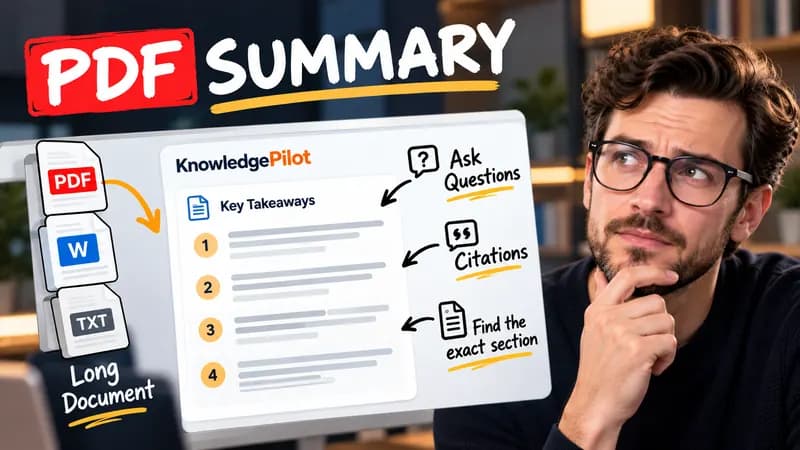
Summary
Summarize Long PDFs
Turn long reports, papers and technical documents into clear key takeaways without reading every page.
Summarize a PDFFree browser tool
Check YouTube chapter timestamps, order and minimum duration, then copy a clean chapter list. Free, no AI and no video upload.
Quick answer
YouTube’s manual chapter rules require the first timestamp at 00:00, at least three timestamps in ascending order and a minimum chapter length of ten seconds. This checker compares each start with the next one and uses your full duration to check the final chapter. It formats the titles you provide; it does not watch the video or generate chapter topics.

The example starts at 0:00, 0:30 and 1:15 in a two-minute video. The chapters last 30, 45 and 45 seconds, so the timing rules pass. Replacing the second start with 0:05 reports that the opening chapter is too short.
Passing timestamp checks does not guarantee that chapters will appear. YouTube can apply channel access, eligibility and content restrictions. The entered video duration must be correct, and each title should describe what actually happens in that section. Keep the list in chronological order: the tool reports short or reversed intervals instead of silently moving your labels to different moments.
Good to know
It is free without an account. It uses fixed parsing rules, formatting or arithmetic in your browser, without AI or paid API calls. KnowledgePilot’s AI summarizers are separate products.
Inputs and document files are processed locally. This tool does not upload your text or files to KnowledgePilot. Optional saved drafts stay in your browser, so download a copy before clearing its data.
Review the worked example and limits above. The output follows the information you enter; it does not verify the source or supply missing facts. Check important details against the original material.
KnowledgePilot
Finding information is only the first step. KnowledgePilot helps you understand documents, ask questions, and verify every answer against the original source.
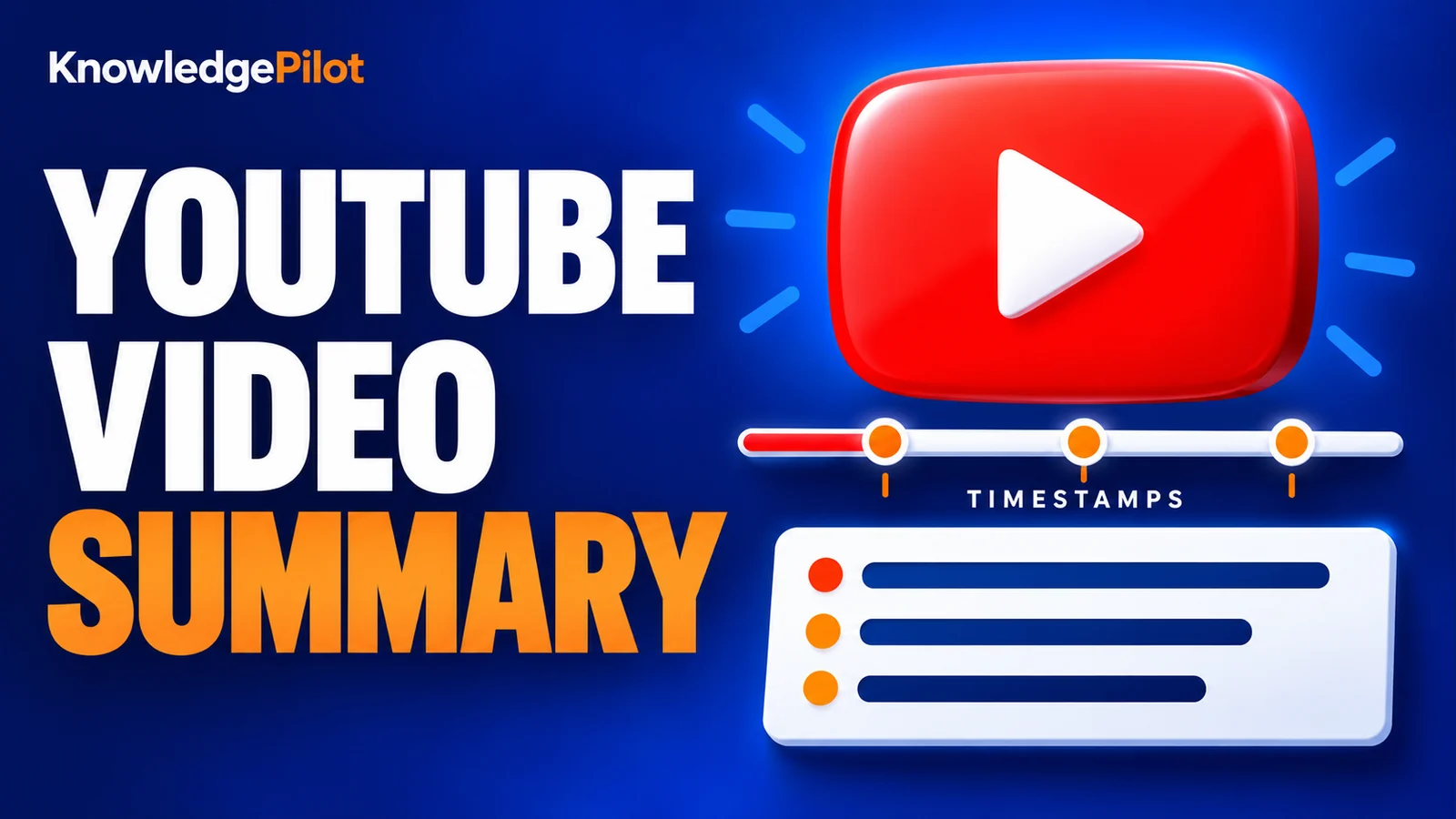
Try an AI video summarizer that gives you a YouTube summary with clickable YouTube timestamps, so you can check every point against the original video.
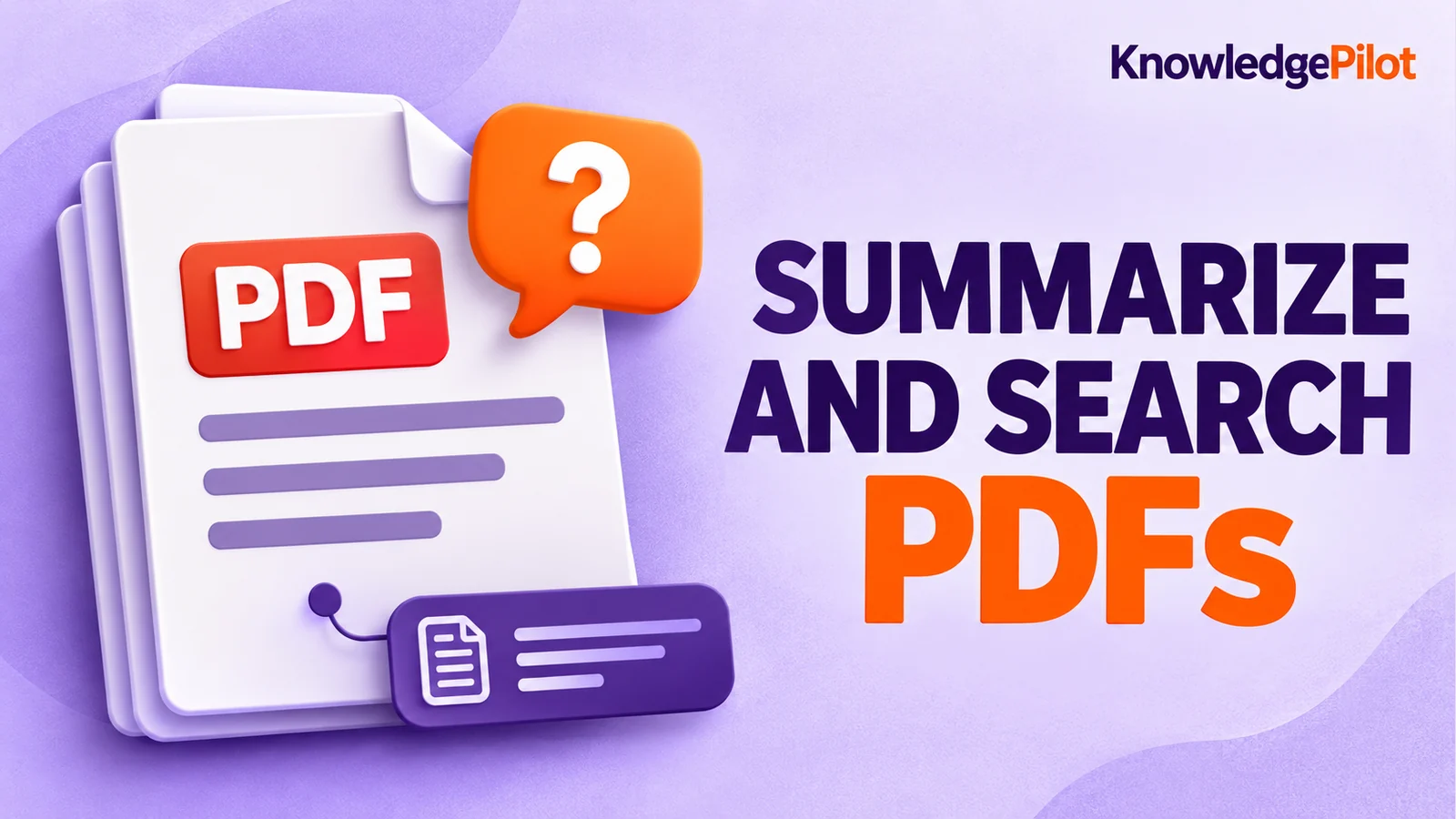
Use an AI document summarizer to summarize PDFs, search documents, ask questions and find key information without reading every page.
Turn long reports, papers and technical documents into clear key takeaways without reading every page.
Summarize a PDF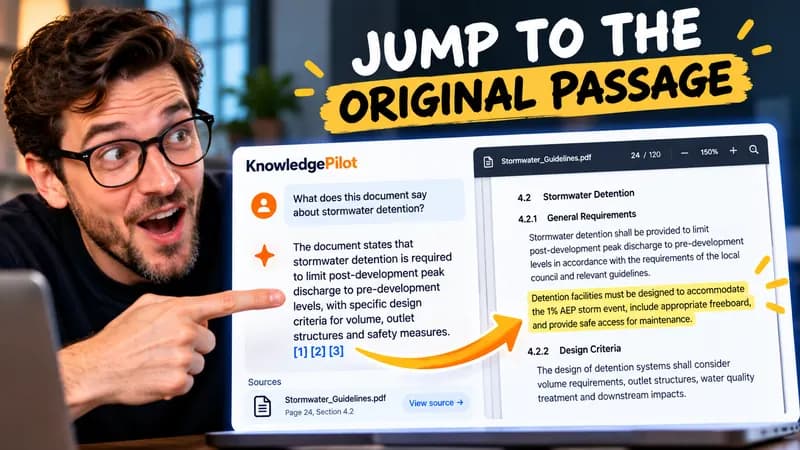
Follow citations back to the relevant section and see the supporting text in context.
Explore document analysis40 free credits · No credit card required