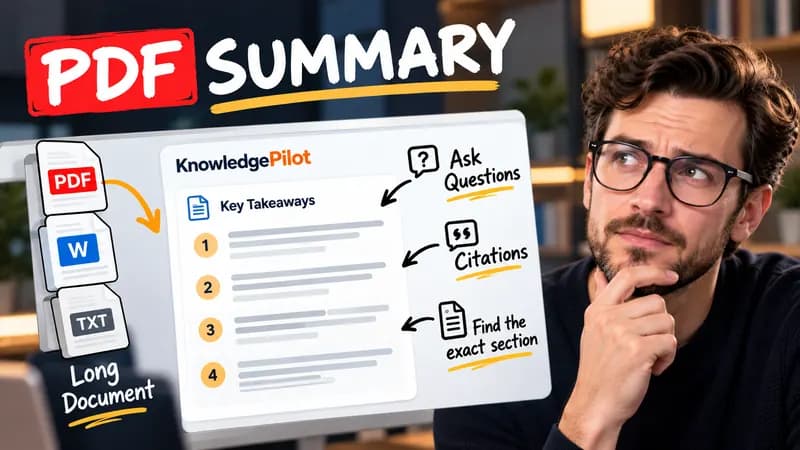
Summary
Summarize Long PDFs
Turn long reports, papers and technical documents into clear key takeaways without reading every page.
Summarize a PDFFree browser tool
Remove YouTube tracking parameters and build a privacy-enhanced embed with start and end times. Free browser tool, no AI or account.
Quick answer
Shared YouTube URLs can include tracking or interface parameters that are unnecessary for identifying the video. This builder extracts the video ID and creates a clean short link. The iframe output uses YouTube’s privacy-enhanced domain and includes only the requested playback boundaries and player settings. The tool shows code as text and never executes pasted markup.

A shared link ending in ?si=tracking becomes a short video URL with the same video ID. Choosing a start of 1:30 produces start=90 in the embed code. An end of 2:00 produces end=120, so the requested excerpt spans thirty seconds.
Privacy-enhanced embedding does not mean no third-party connection. Loading the generated player on another page still connects the visitor to YouTube and is subject to its rules. Your destination website’s content policy can block an embed. The builder does not verify video duration or permission to embed. The end time is measured from the beginning of the video, not from the chosen start.
Good to know
It is free without an account. It uses fixed parsing rules, formatting or arithmetic in your browser, without AI or paid API calls. KnowledgePilot’s AI summarizers are separate products.
Inputs and document files are processed locally. This tool does not upload your text or files to KnowledgePilot. Optional saved drafts stay in your browser, so download a copy before clearing its data.
Review the worked example and limits above. The output follows the information you enter; it does not verify the source or supply missing facts. Check important details against the original material.
KnowledgePilot
Finding information is only the first step. KnowledgePilot helps you understand documents, ask questions, and verify every answer against the original source.
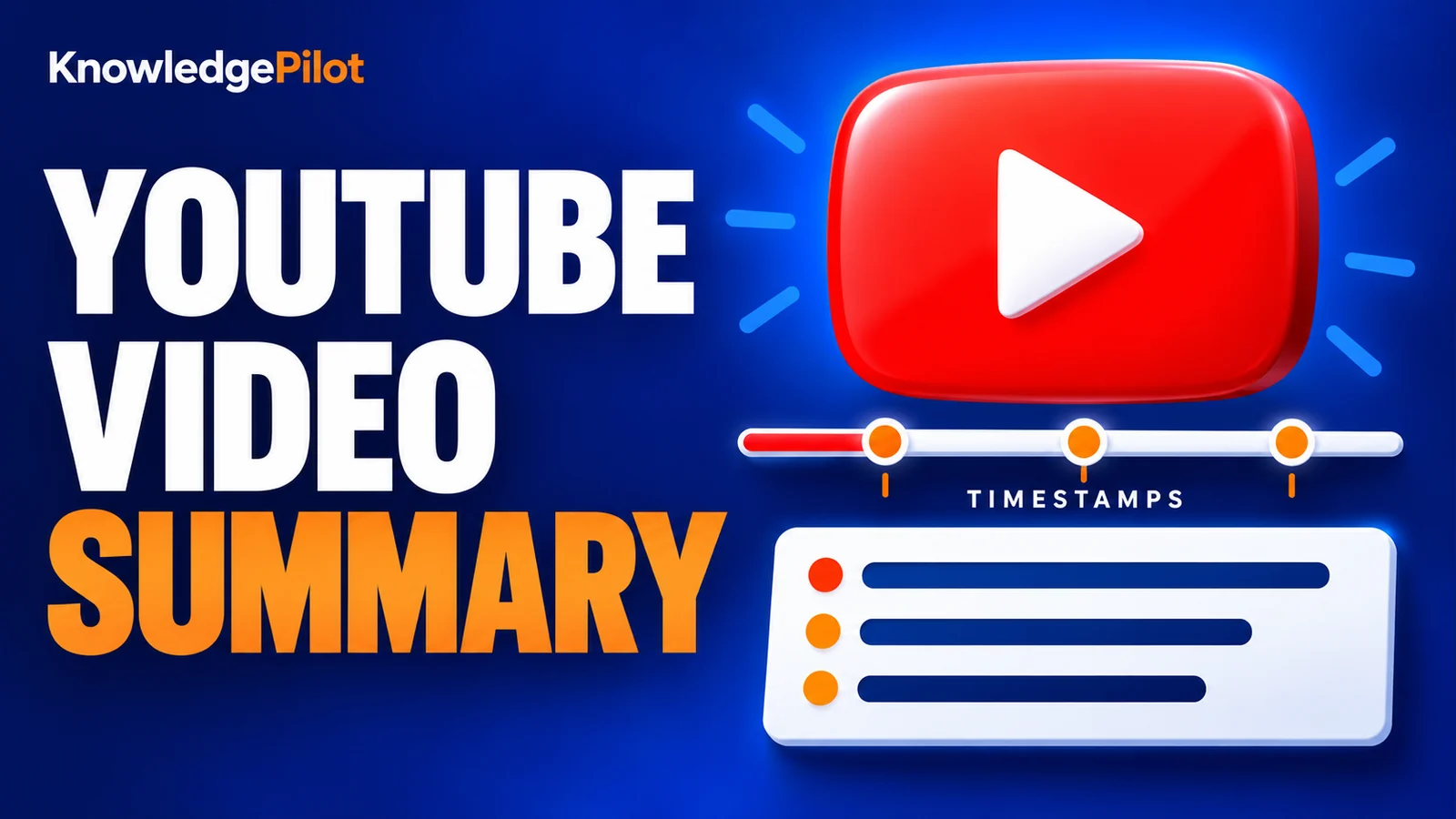
Try an AI video summarizer that gives you a YouTube summary with clickable YouTube timestamps, so you can check every point against the original video.
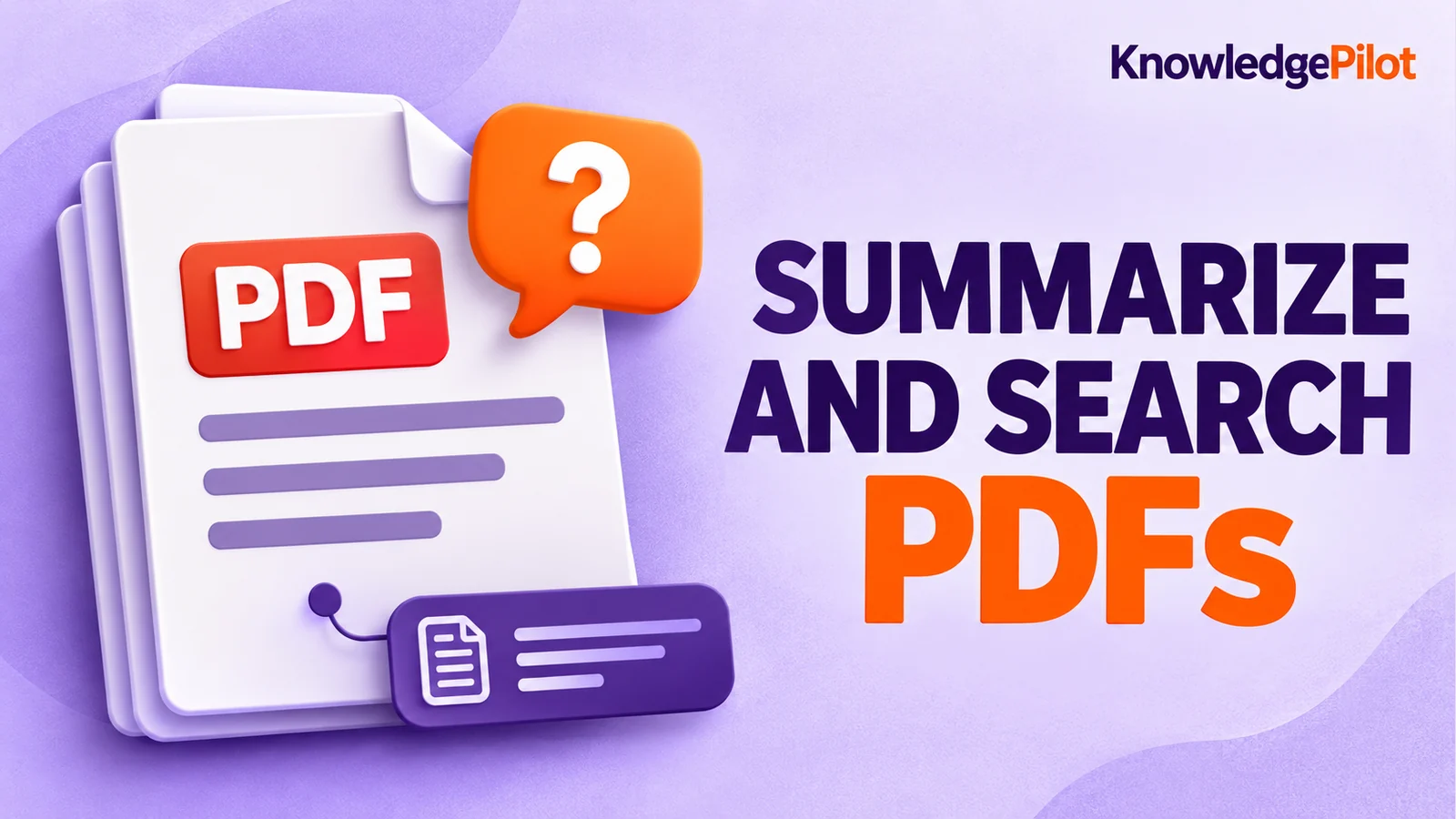
Use an AI document summarizer to summarize PDFs, search documents, ask questions and find key information without reading every page.
Turn long reports, papers and technical documents into clear key takeaways without reading every page.
Summarize a PDF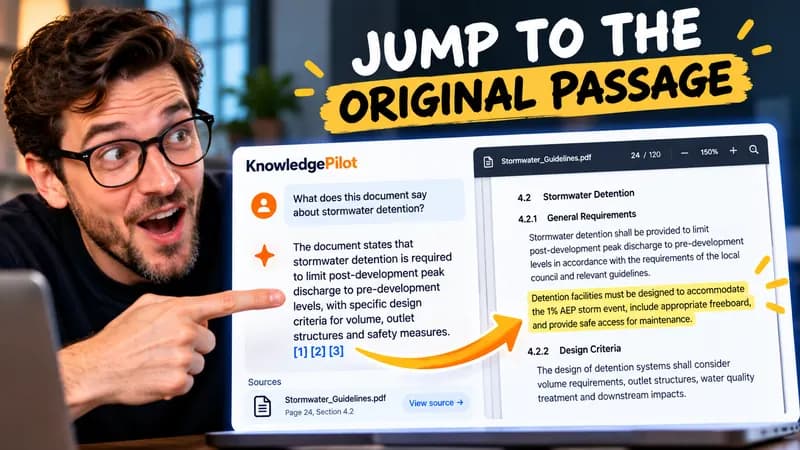
Follow citations back to the relevant section and see the supporting text in context.
Explore document analysis40 free credits · No credit card required